Page | 17
3 SETTING UP
This chapter explains how to properly connect power, external control
devices, monitors and audio visual sources to your NewTek 3Play® system.
It also reviews registration for warranty purposes and technical support.
After completing this short section, you’ll be all set to continue into the
Walkthrough chapter that follows it.
To begin, let’s review ‘what came in the box’:
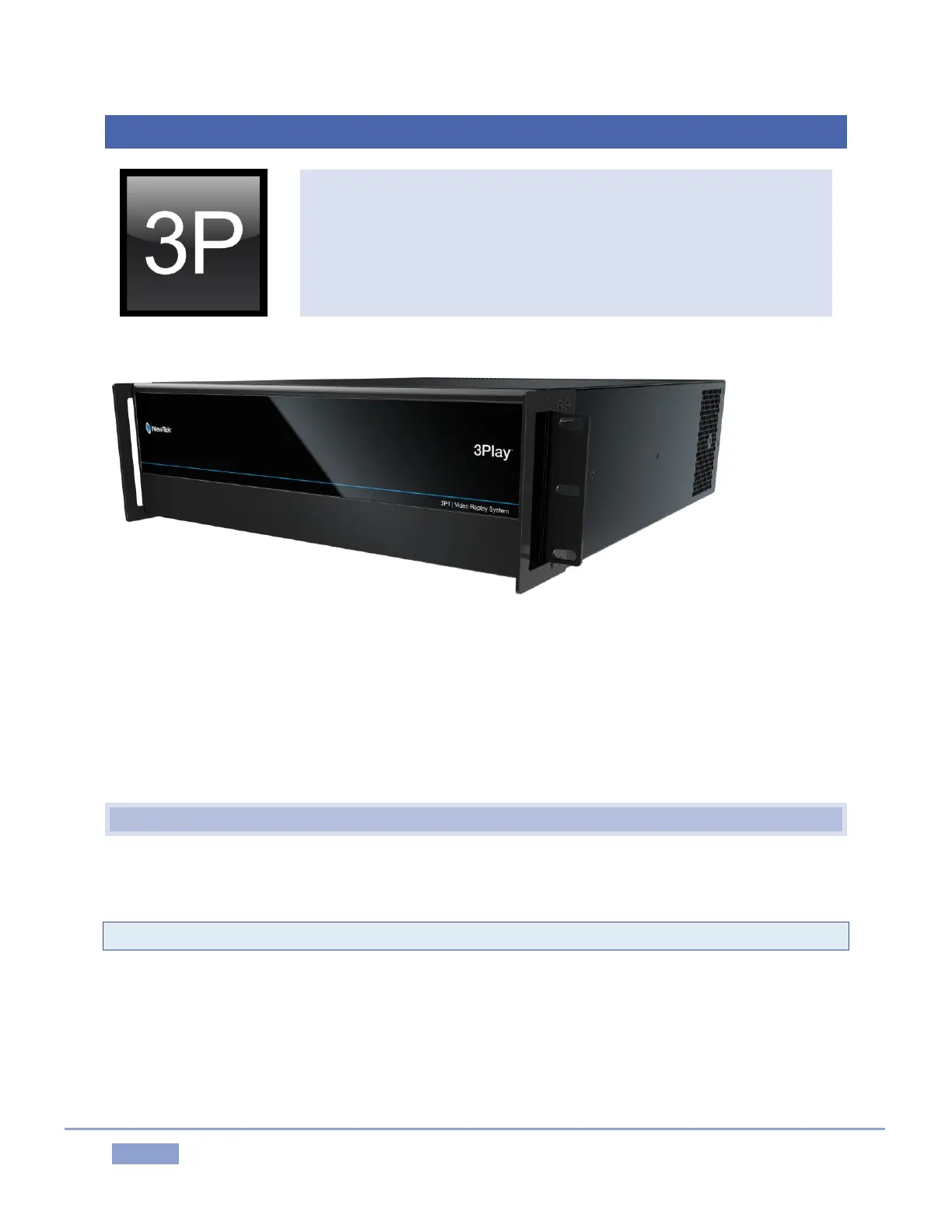
3Play 3P1™ and Control Surface
A/C power cable(s) and 6’ USB cable
NewTek mouse and keyboard
Registration reminder card
BNC removal tool
3.1 COMMAND AND CONTROL
1. Connect an external computer monitor to one of the monitor connection ports (HDMI, Display,
or DVI) on 3Play’s backplate (use an adapter if necessary).
Note: The user interface requires a minimum screen resolution of 1600 x 1050.
2. Connect the mouse and keyboard to USB ports on 3Play.
3. Connect the power cord(s) from the A/C connection(s) on 3Play’s backplate to an external power
receptacle (see Tip below).
4. Turn on the computer monitor.
5. Press the Power switch located behind 3Play’s hinged faceplate.



 To Next Page