Page | 14
Figure 13
The ‘angle’ columns beneath are actually Memo columns, and allow you to enter comments, tags, and
other metadata that, with the Search feature, can help you quickly locate specific views for playback,
inclusion in playlists, etc.
The CLIP LIST offers an unlimited number of tabbed pages to help you manage your recorded content. In
addition, the CLIP LIST supports the import of media clips as well as still images for various purposes (the
PLAY LIST also supports imported files).
2.6.9 THE PLAY LIST
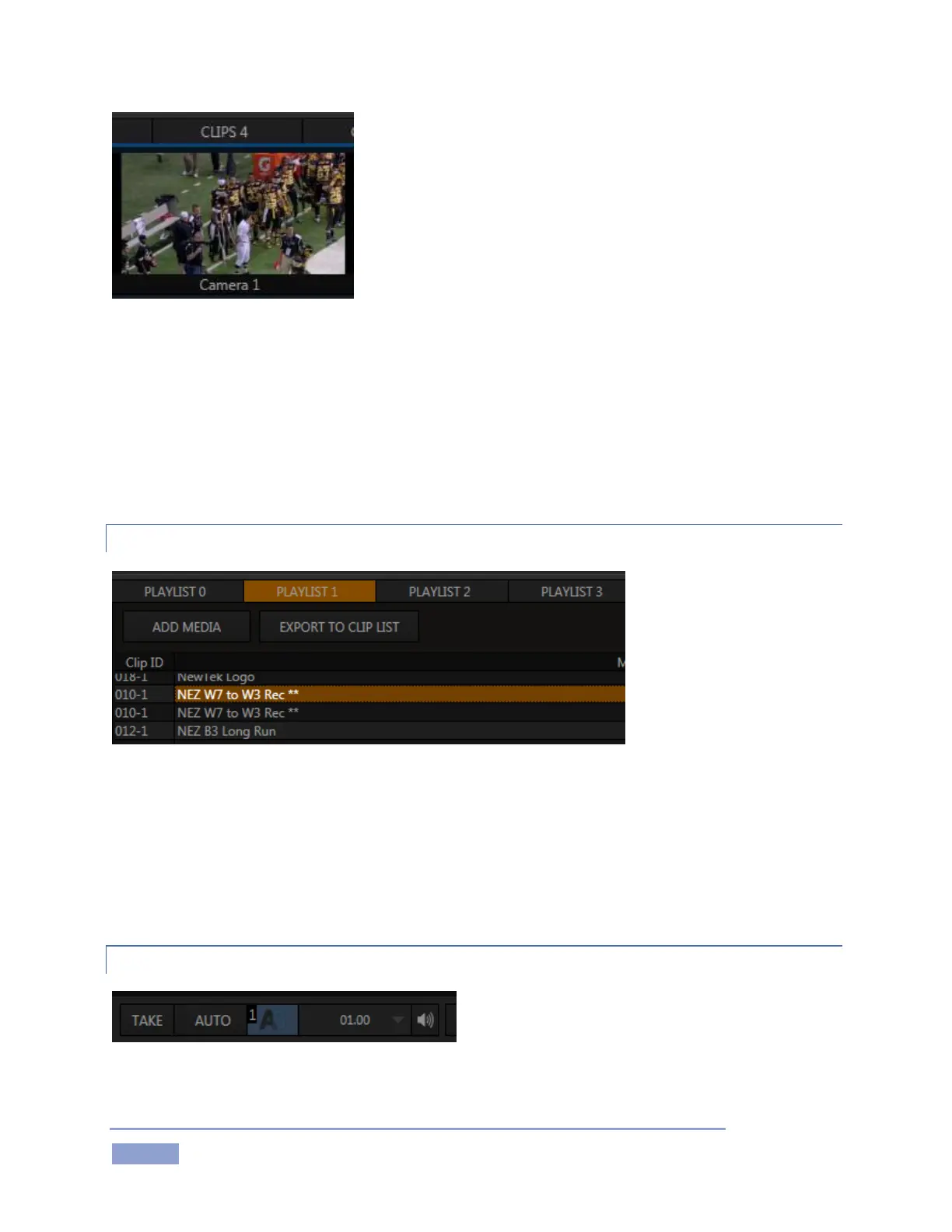
Figure 14
Individual clips from events appearing in the CLIP LIST can be added to the PLAY LIST pane below (as can
other items imported using the Add Media button).
The PLAY LIST plays all entries in sequence from top to bottom, with optional transitions between clips.
Like the CLIP LIST, the PLAY LIST pane offers multiple tabbed pages, supports clip re-ordering, comments,
trimming, and numerous other features.
2.6.10 PROGRAM TRANSITIONS
We mentioned Transitions earlier (under
Monitoring), but 3Play’s powerful transition system
merits a heading of its own.



 To Next Page