Page | 59
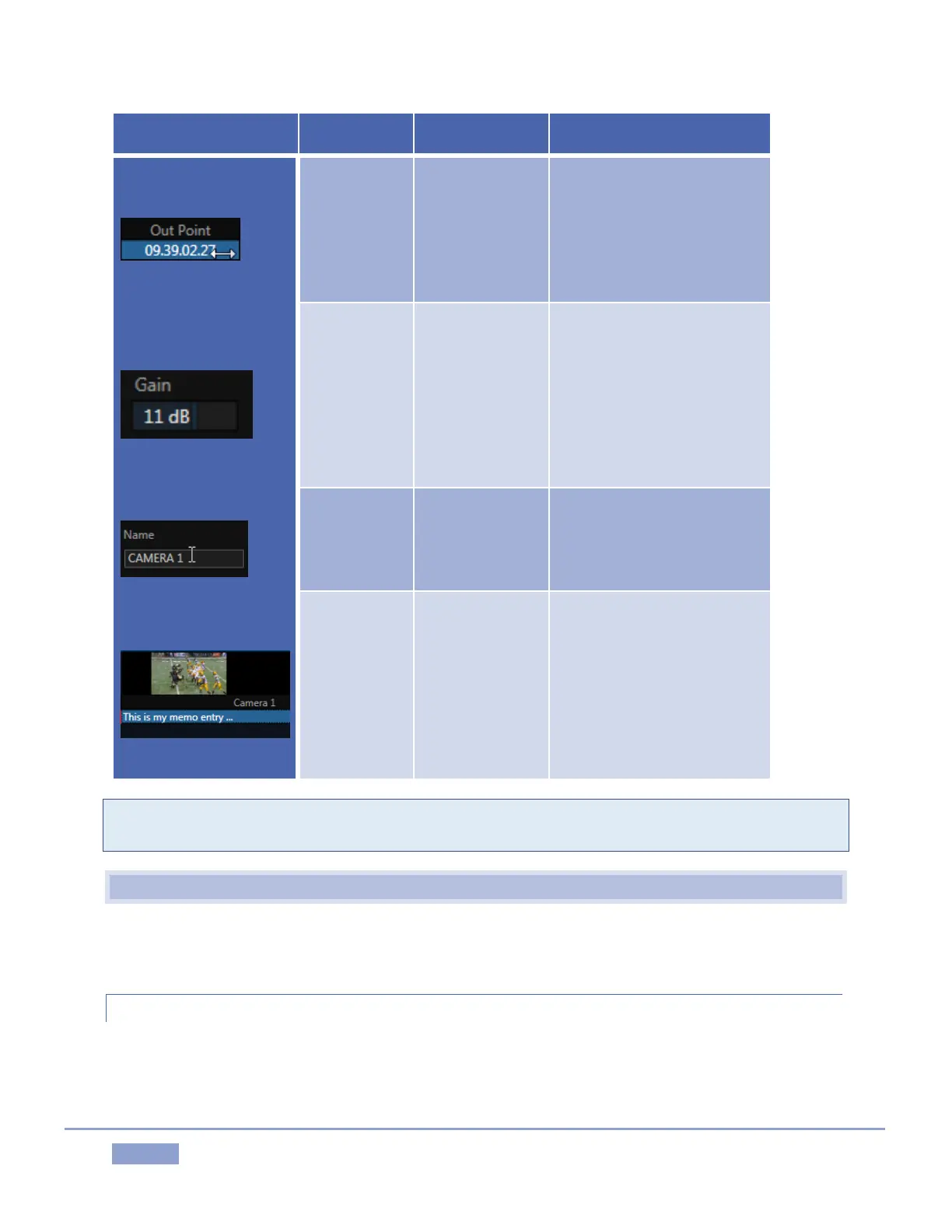
In Point, Out
Point, Duration,
Crossfade, etc.
Drag in line with the control
orientation to raise or lower
the current value. Or select
and type, and then press
Enter. (Esc to cancel
changes.)
Audio Gain, Proc
Amp controls,
etc.
Drag in line with the control’s
orientation to raise or lower
the current value.
Or select and type, and then
press Enter. (Esc to cancel
changes.)
Input and
Output
Configuration
panels
Click the field to activate it,
and then type.
Select field and type, and
then press Enter. (Esc to
cancel changes.)
Tip: To make very fine adjustments to slider values, hold down the Ctrl key on your keyboard while
dragging with the mouse (this increases accuracy by a factor of 10.)
6.3 CUSTOMIZING THE REPLAY DESKTOP
The Replay Desktop offers several convenient provisions for tweaking the user interface to suit your
particular needs.
6.3.1 RENAME
As charming as descriptive names like Camera 1, Camera 2 and so on are, we must admit that it’s possible
you might wish to change these default labels to something localized.



 To Next Page