Page | 8
2.5 REPLAY DESKTOP
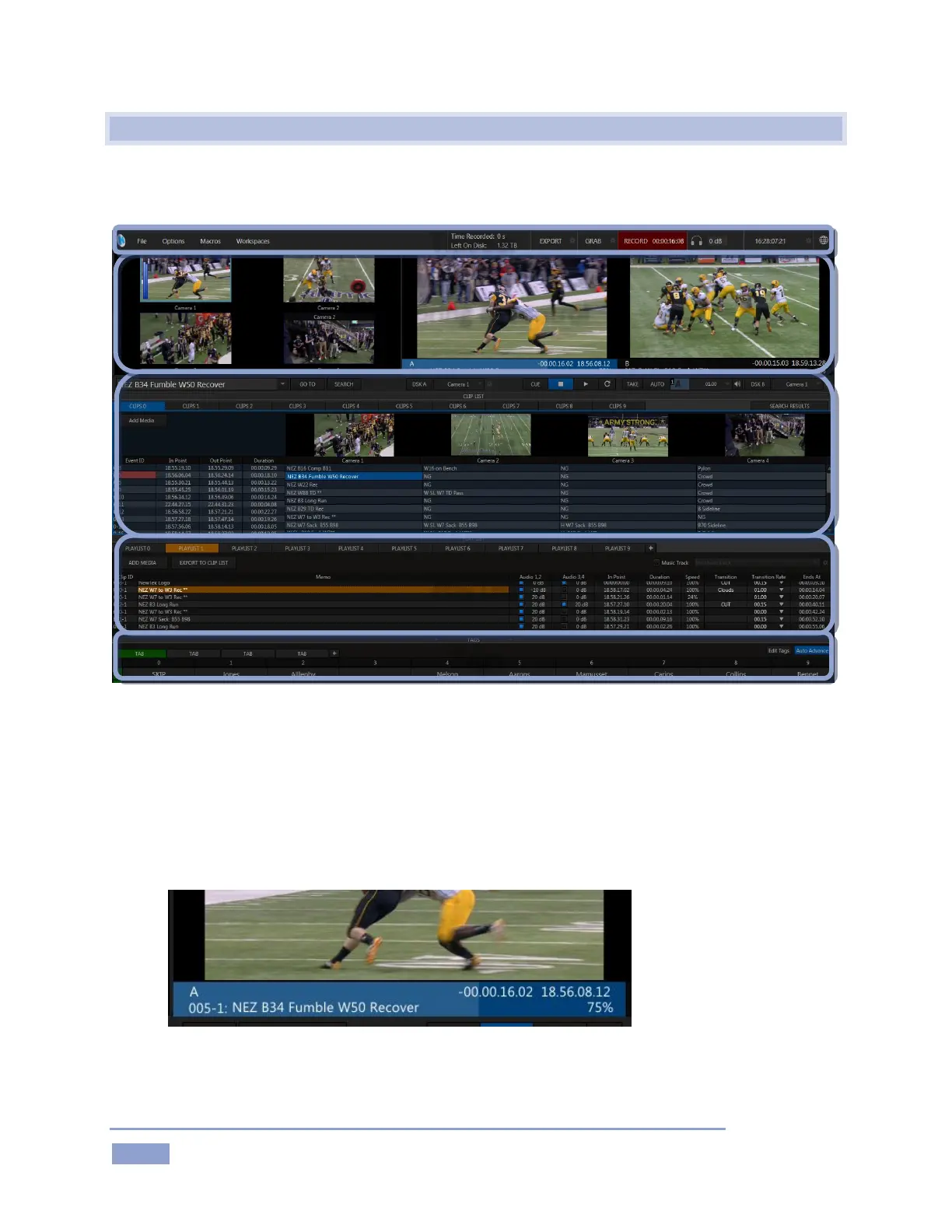
3Play’s live production features are all available from its unique Replay Desktop. The various features,
controls and modules on the Replay Desktop are essentially laid out in horizontal bands, as seen below.
Figure 3
The uppermost area is the Dashboard, which displays important session information, and
provides quick access to key features, including Record, Grab, and various menus.
Just below the titlebar are desktop monitors showing 3Play’s video input and output streams. This
region of the Replay Desktop also provides some very special features just below the primary
output monitors as follows:
Figure 4
o A Channel Info pane immediately beneath each output monitor lists important data about
the video source displayed on that channel (Figure 4).
List



 To Next Page