Page | 85
Tip: The
and
buttons are somewhat similar to the Previous and Next buttons (see Section 8.6), but
only affect selection. They never change what is output during playback. Also, they allow navigation into
numeric fields (Previous and Next do not).
The two TAB buttons allow you to move forward or back between the different tabbed panes in your CLIP
LIST or PLAY List.
Note: See also Section 8.11, ANGLE.
8.9 SHIFT
SHIFT is a ‘qualifier’ button, and works much like its keyboard equivalent. When held down while
performing another Control Surface operation, it modifies the outcome. Typically SHIFT is used to support
multi-selection, as when used with the andbuttons. (It also has a special function when used with
the ANGLE button – see Section 8.11.)
8.10 SET | IN/OUT
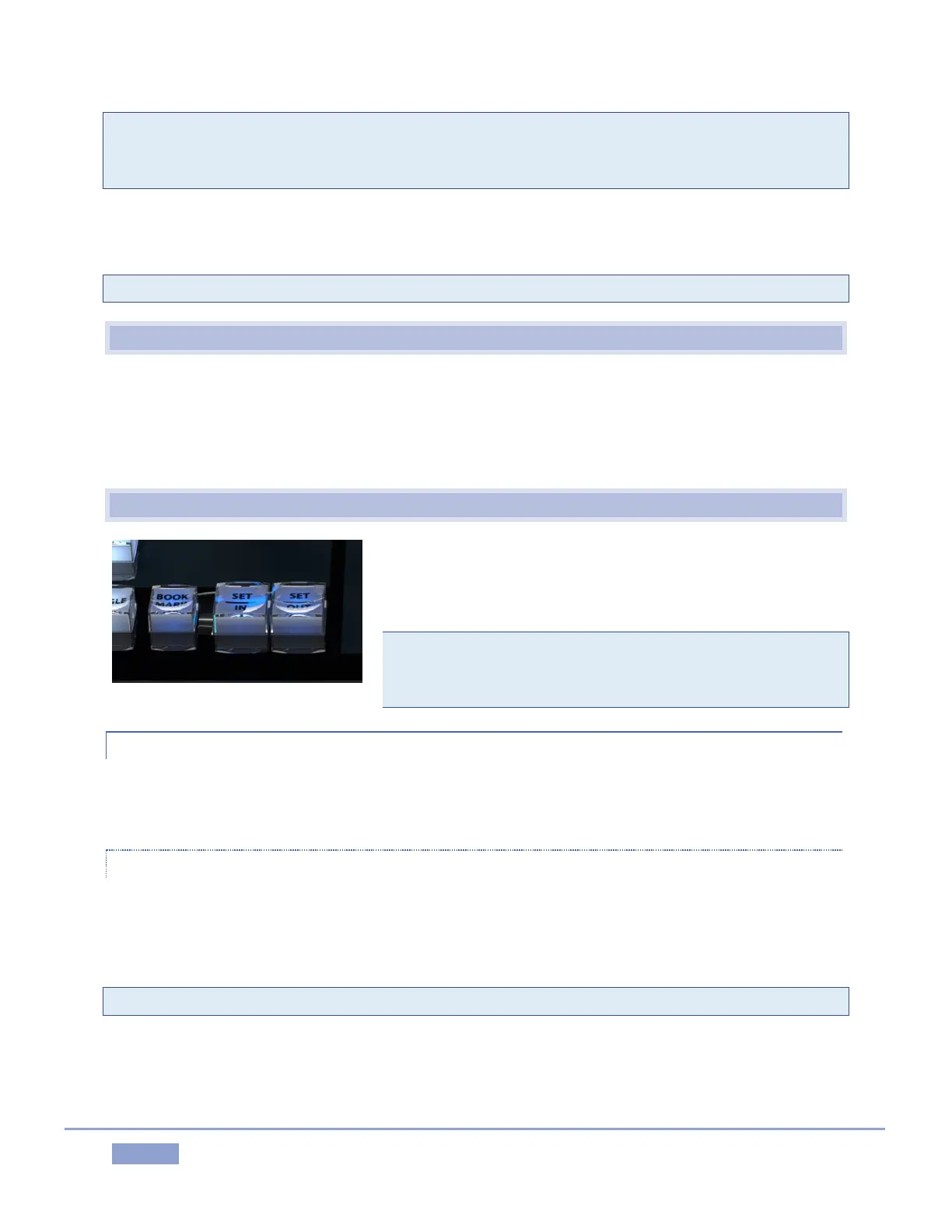
Marking events is, of course, the core business of NewTek 3Play.
These two simple buttons will see a lot of use. Their roles are not
complicated, but it would be good to review them anyway.
Note: Of course, marking events would be pointless without
recording, so pressing either IN or OUT automatically enables
Record when necessary.
8.10.1 SET | IN
Pressing the IN button adds a new event (row) to the CLIP LIST. The current timecode supplies the In Point
for the event.
SHIFT + IN
Holding down SHIFT while pressing IN performs the ‘shifted’ button operation, which is SET – as the button
label suggests. This updates the In Point for the selected event in the CLIP LIST, or, when the PLAY LIST is
displayed, the current clip.
Tip: Use SHIFT + Jog to move into areas before or after the current clip boundaries.



 To Next Page