Copyright © 2014 NEXCOM International Co., Ltd. All rights reserved
88
VMC 1100 User Manual
Appendix C: SMS and Dial Wake-up Setting
aPPendIx C: sms and dIal waKe-uP settIng
A. BIOS setting
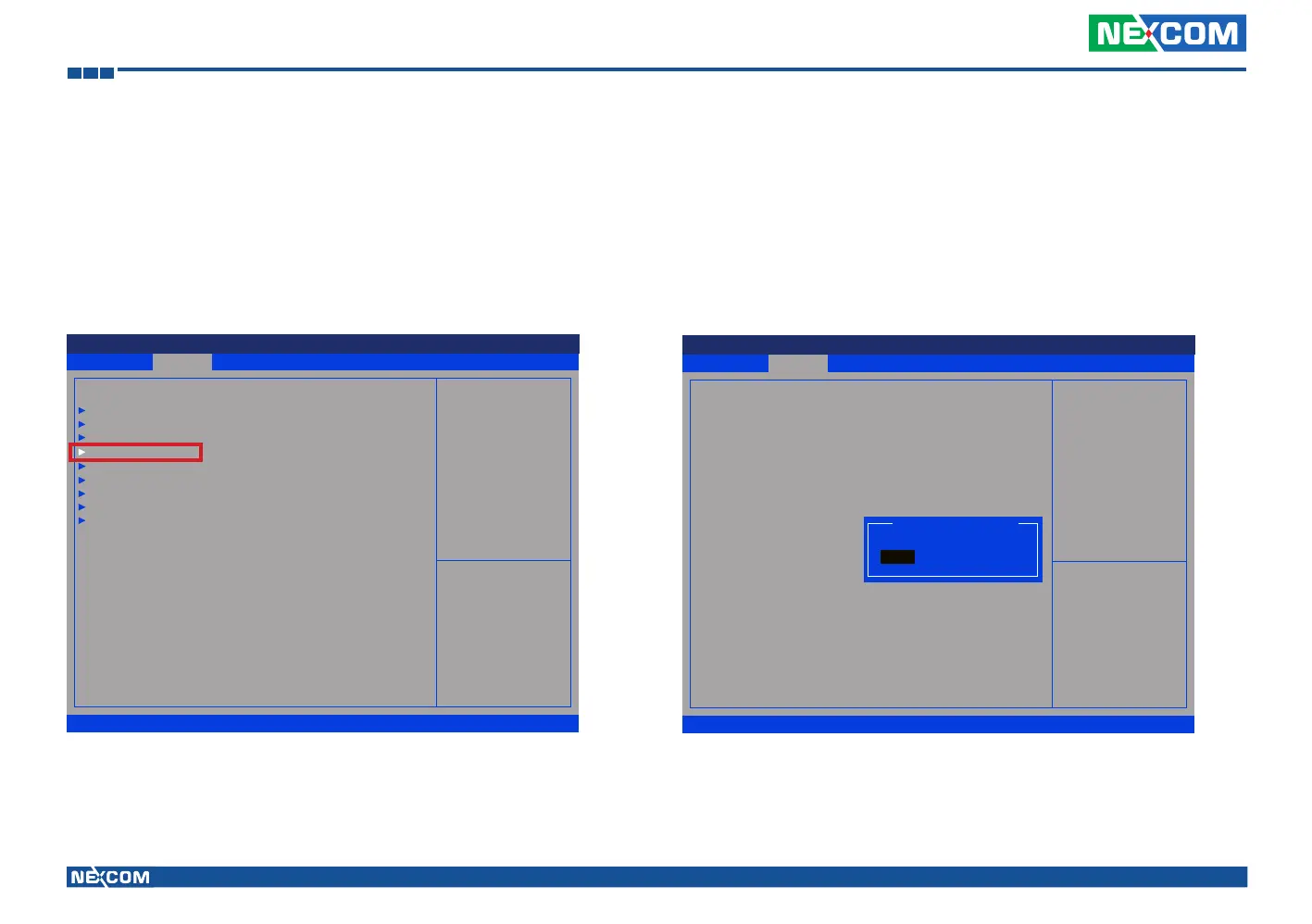
(1) Press <Enter> on “Advanced” of the main menu screen.
(2) Select “Module Management.”
Utilizing sleep mode on the Cinterion PHS8 3.5G module and allowing for remote wake up via SMS or dial.
(3) Change the value to “Enable” for “Wake On 3.5G Module.”
Advanced Boot Security Save & ExitMain
Version 2.14.1219. Copyright (C) 2011 American Megatrends, Inc.
Aptio Setup Utility - Copyright (C) 2011 America Megatrends, Inc.
→←: Select Screen
↑↓: Select Item
Enter: Select
+/-: Change Opt.
F1: General Help
F2: Previous Values
F3: Optimized Defaults
F4: Save & Exit
ESC: Exit
Onboard Module Support
ACPI Settings
CPU Conguration
Power Management Conguration
Module Management
Intel IGD Conguration
SATA Conguration
USB Conguration
W83792D H/W Monitor
Super IO Conguration
Advanced
Version 2.14.1219. Copyright (C) 2011 American Megatrends, Inc.
Aptio Setup Utility - Copyright (C) 2011 American Megatrends, Inc.
→←: Select Screen
↑↓: Select Item
Enter: Select
+/-: Change Opt.
F1: General Help
F2: Previous Values
F3: Optimized Defaults
F4: Save & Exit
ESC: Exit
Enable or Disable Boot Option
for Wake On 3.5G Module.
Module Management
WLAN Module
3.5G Module
Wake On 3.5G Module
RTC Alarm Time
User Setting Hour
User Setting Minute
[Enable]
[Enable]
[Disable]
[Enable]
17
58
Wake On 3.5G Module
Enable
Disable



 To Next Page