Copyright © 2014 NEXCOM International Co., Ltd. All rights reserved
24
VMC 1100 User Manual
Chapter 3: Jumpers and Connectors
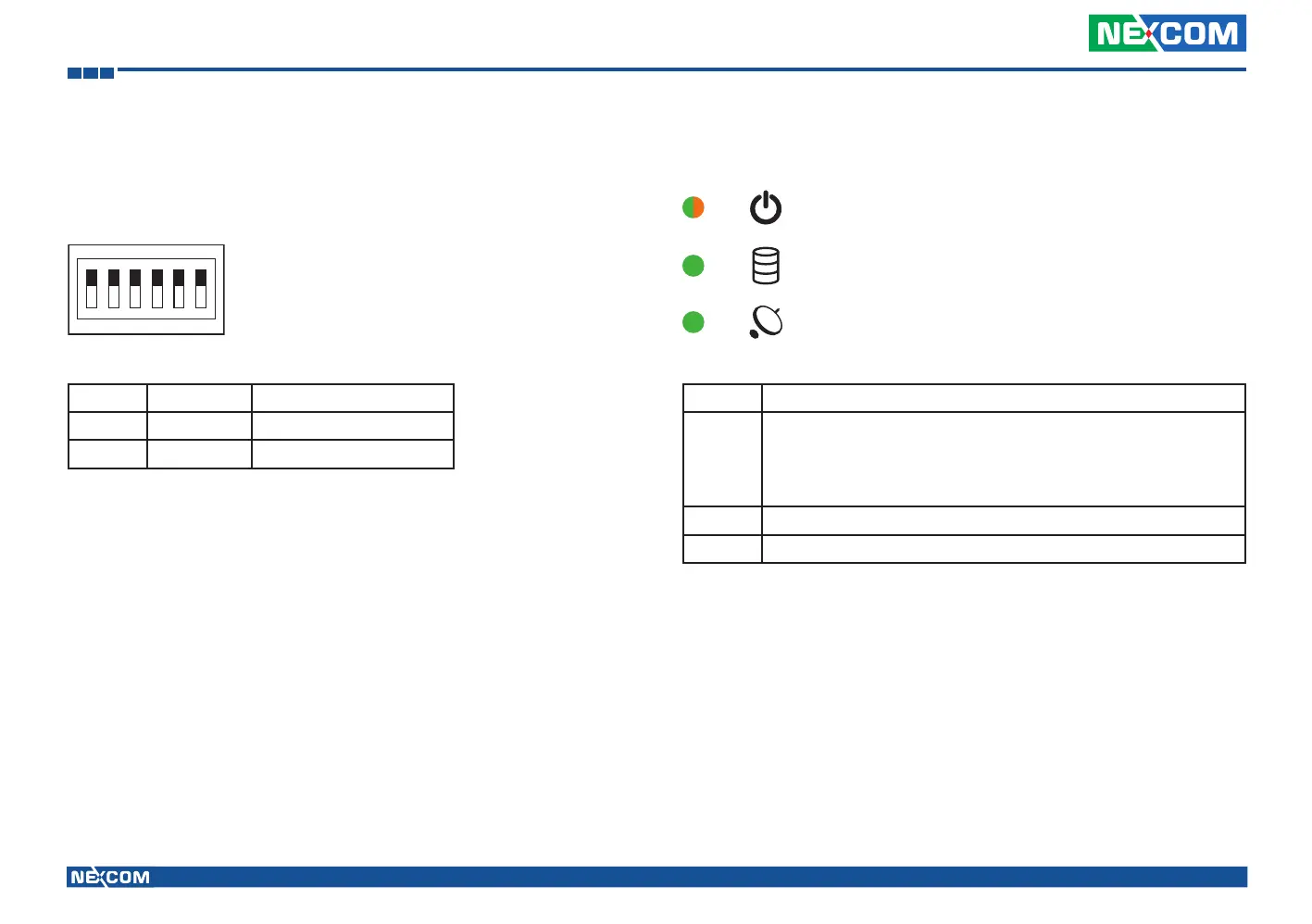
GPIO Pull High Switch
Connector size: 6-pin DIP switch
Connector location: SW7
Pin Status Function
1-6 ON GPIO Output Pull High
1-6 OFF GPIO Output NC
1
O
N
23456
LED Indicators
Power
HDD
WWAN
LED Description
Power Initial power-on: Green LED for 2~3 seconds
Boot loader or BIOS status: Blinking orange
System login in status: Blinking green
Power On: Solid green
HDD HDD activity: Green
WWAN WWAN activity: Green



 To Next Page