Copyright © 2014 NEXCOM International Co., Ltd. All rights reserved
58
VMC 1100 User Manual
Chapter 9: How to Install a SATA DOM Module
ChaPter 9: how to Install a sata dom module
1. Remove the heatsink.
2. When installing the Wi-Fi module, please install the module before
installing the SATA DOM.
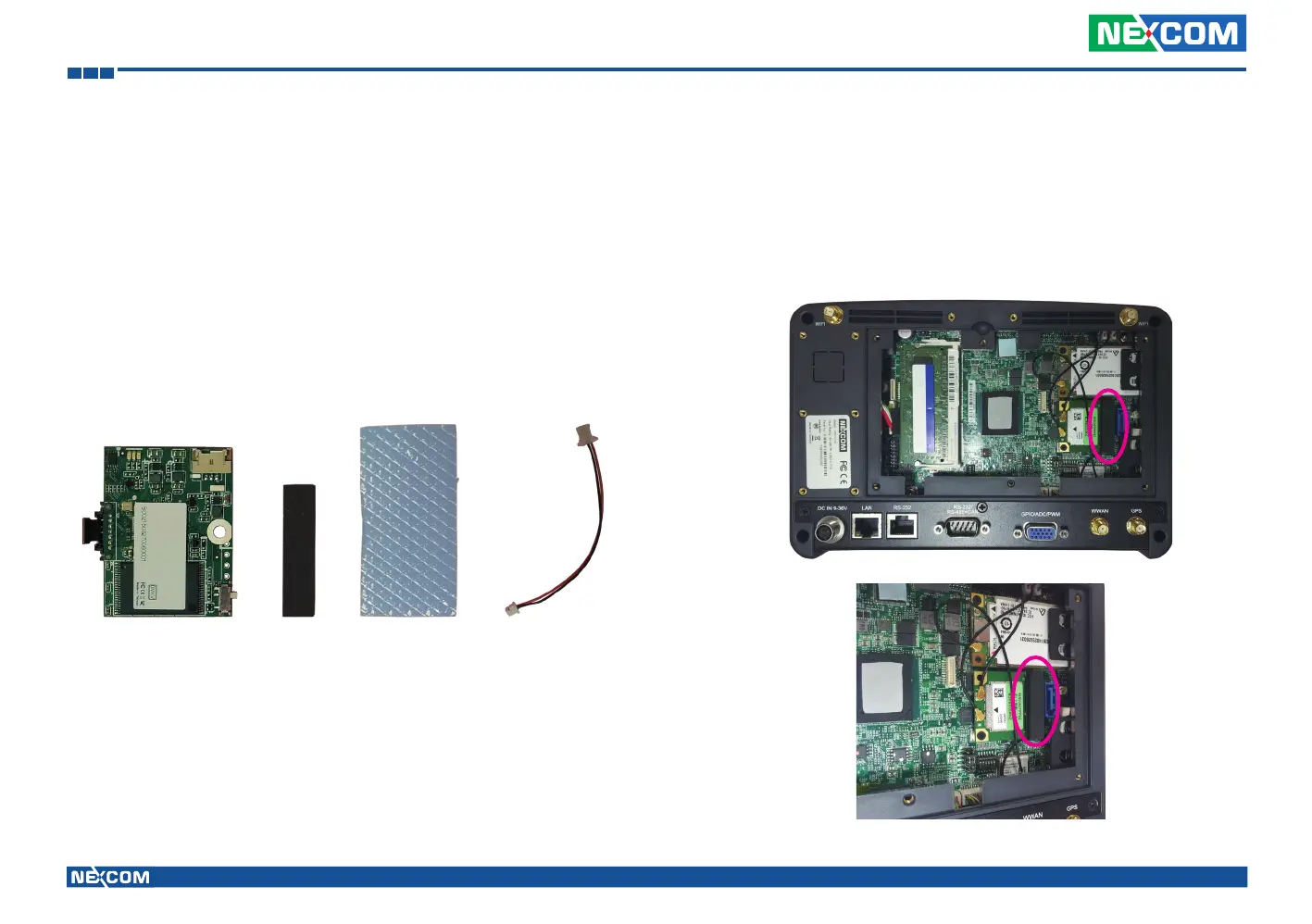
3. Before installing the SATA DOM, please make sure you have the following
parts.
SATA DOM Thermal PadSponge SATA Power
Cable
4. Paste the sponge on the Mini PCI express slot.



 To Next Page