Copyright © 2014 NEXCOM International Co., Ltd. All rights reserved
50
VMC 1100 User Manual
Chapter 5: Touchscreen Driver Installation
Cursor Offset
Cursor Offset function lets the user adjust the position of the touch point
to a desired location away from the real touch point.
Double Click Area and Speed
Double Click Area and Speed function lets the user adjust the double click
area and speed to their personal preference.
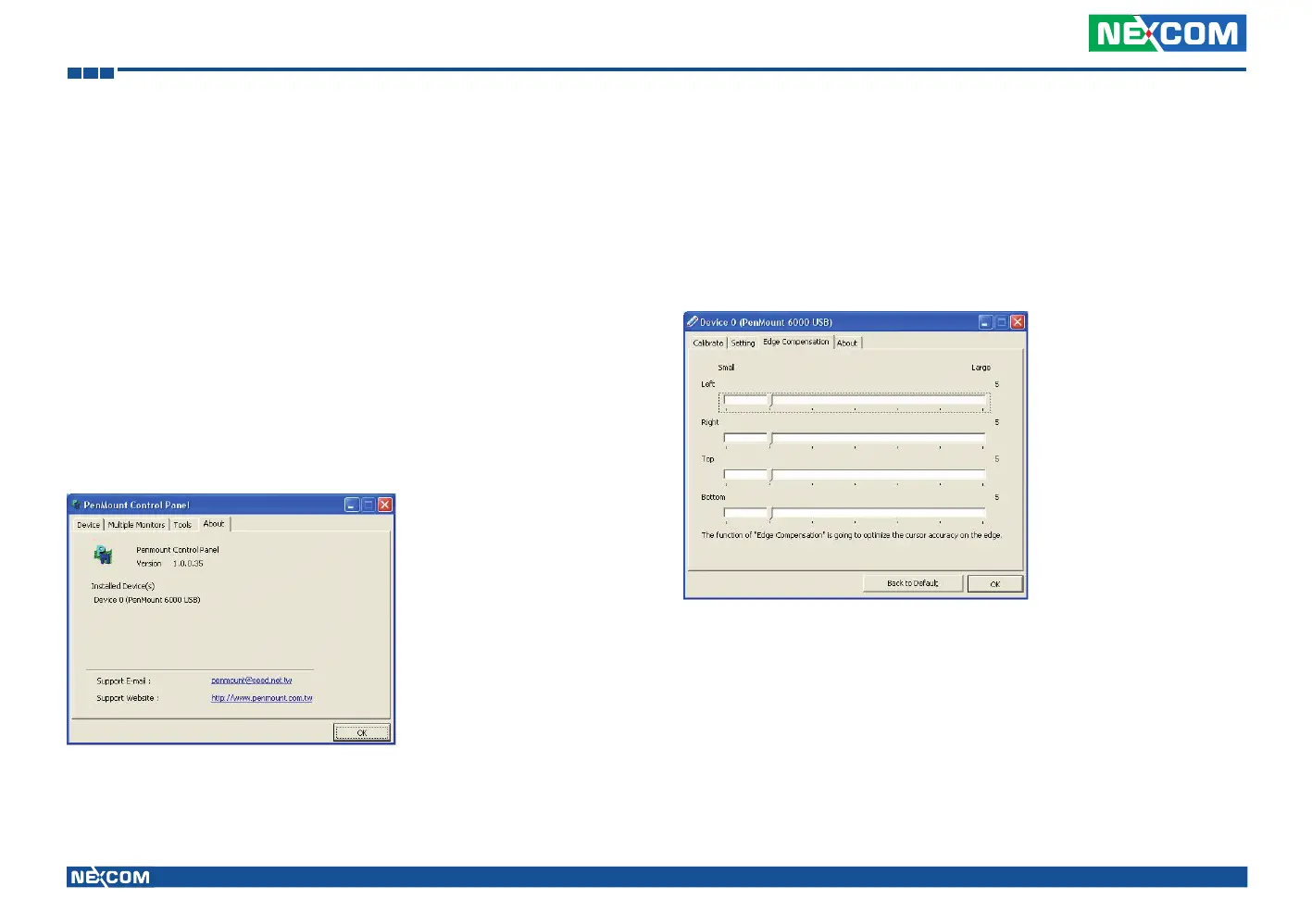
About
This option shows the exact version of the drivers and controller firmware.
Updated drivers are available for downloading on the PenMount website at
http://www.penmount.com/
Edge Compensation
In PenMount Control Panel, when any of the detected PenMount device
is selected and the Configure button is pressed, you will be able to see the
Edge Compensation tag, which is for Advanced Calibration. You can
adjust the settings from 0 to 30 for accommodating the difference of each
touch panel. (Note: Edge Compensation is only supported by PenMount
Windows Universal Driver (for Windows 2000/XP/2003/VISTA).)



 To Next Page