Copyright © 2014 NEXCOM International Co., Ltd. All rights reserved
51
VMC 1100 User Manual
Chapter 5: Touchscreen Driver Installation
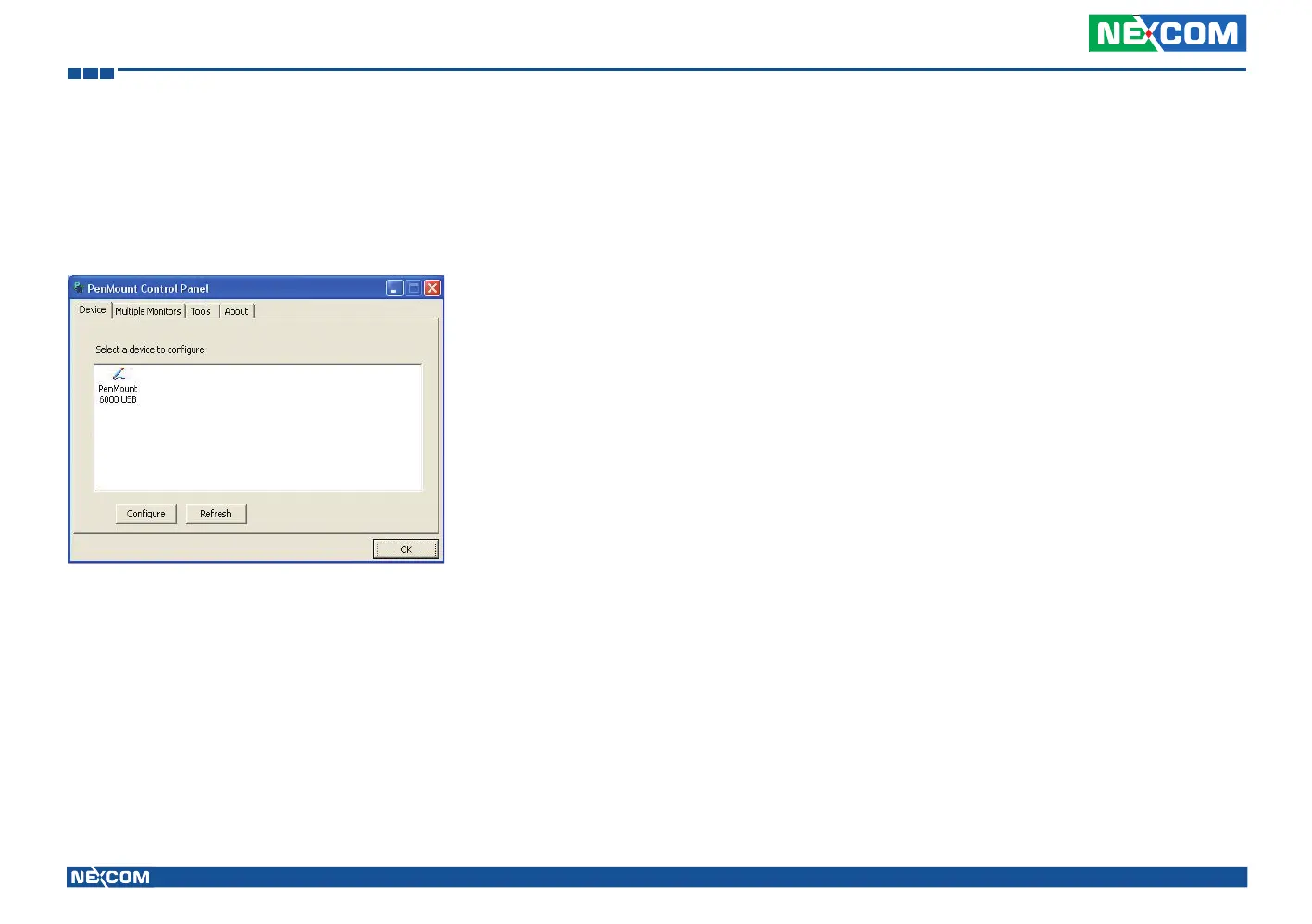
Refresh
If you installed PenMount driver package 2.1.0.187 and after, you can
click the Refresh button on PenMount Control Panel to detect the newly
attached PenMount devices. (Note: Refresh is only supported by PenMount
Windows Universal Driver (for Windows 2000/XP/2003/VISTA).)



 To Next Page