Copyright © 2014 NEXCOM International Co., Ltd. All rights reserved
13
VMC 1100 User Manual
Chapter 2: Using the GPS Feature
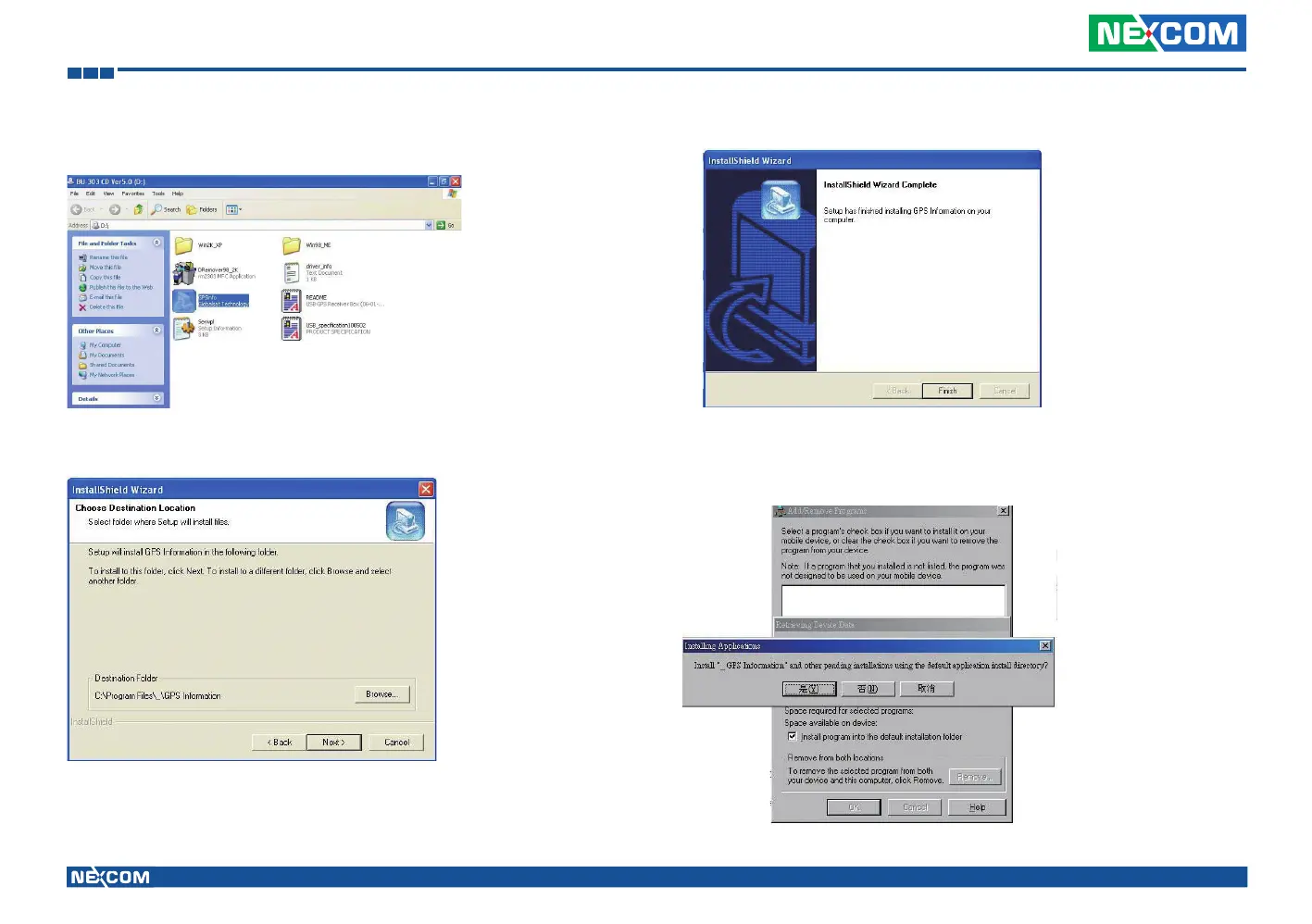
2. Insert the Installation Disc into CD-Rom drive and execute the “Gpsinfo.
exe” file (the file also saved in C:\Utility\GPS_Utility).
3. Follow the given instructions to complete the installation.
4. When the setup complete, press <Finish>.
5. Once the installation is completed, installation of GPS Information onto
PDA device will be launched automatically. Select <Yes> to continue.



 To Next Page