Copyright © 2014 NEXCOM International Co., Ltd. All rights reserved
46
VMC 1100 User Manual
Chapter 5: Touchscreen Driver Installation
The following content in this section deals mainly with PenMount
Windows Universal Driver (for 2000/XP/2003/VISTA/7/8). For this
driver, the function of Tools should be made known to you first. When you
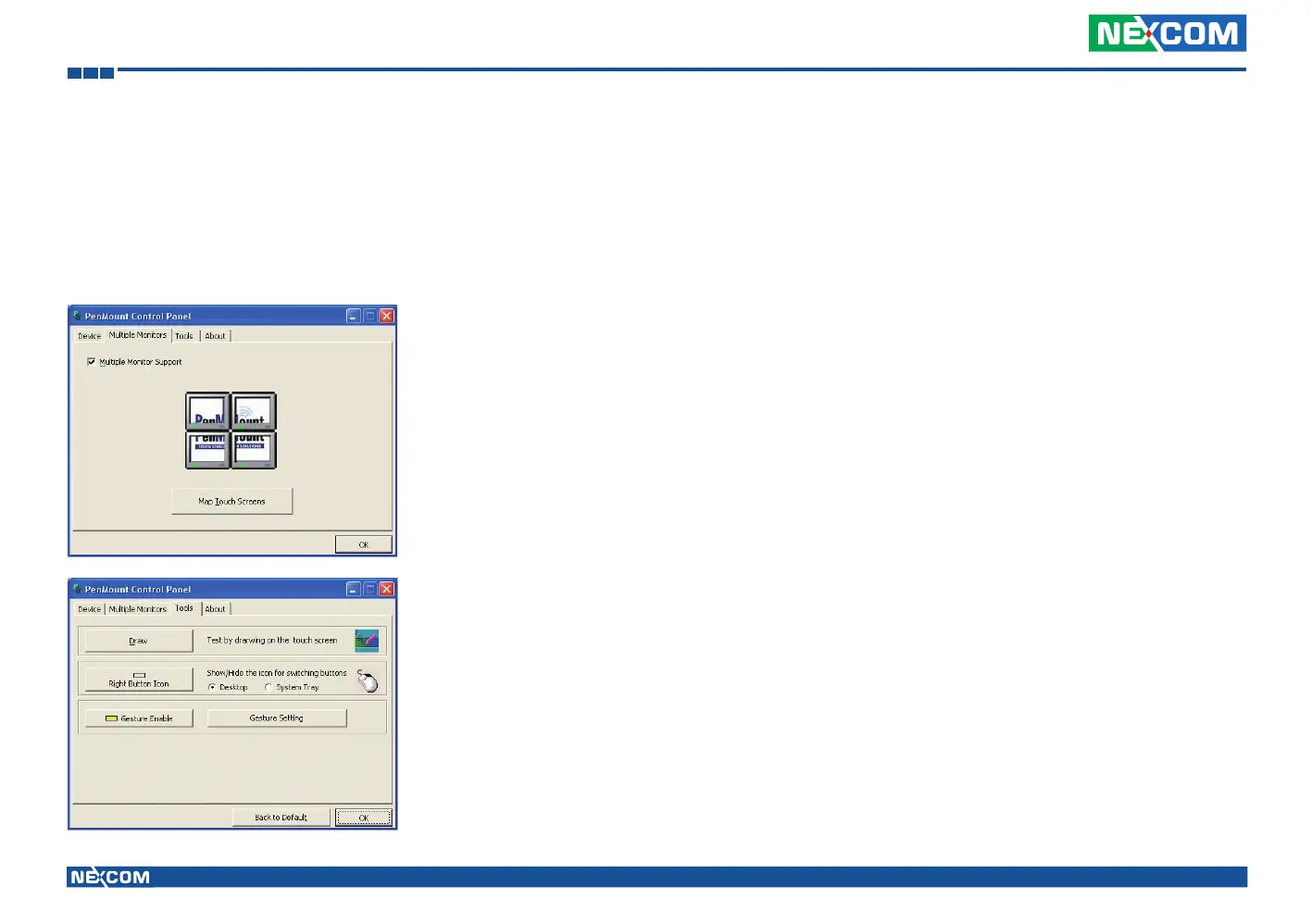
click the PenMount icon in the notification area and select “Control Panel”
from the menu, “PenMount Control Panel” with the four tags “Device”,
“Multiple-Monitors”, “Tools”, “About” will appear as the screenshot
below:
The buttons on such “PenMount Control Panel” have the following
functions:
Draw Tests or demonstrates the PenMount
touchscreen operation.
Right Button Icon Enable right button function. The icon can
show on Desktop or in the notification
area.
Gesture Enable Enable/configure Gesture AP to support
PenMount gestures recognition.
Screen Rotation Monitor The function supports nVidia, Intel, SMI
or ATI and software such as Portrait Pivot
Pro rotation automatic detection.



 To Next Page