Copyright © 2014 NEXCOM International Co., Ltd. All rights reserved
48
VMC 1100 User Manual
Chapter 5: Touchscreen Driver Installation
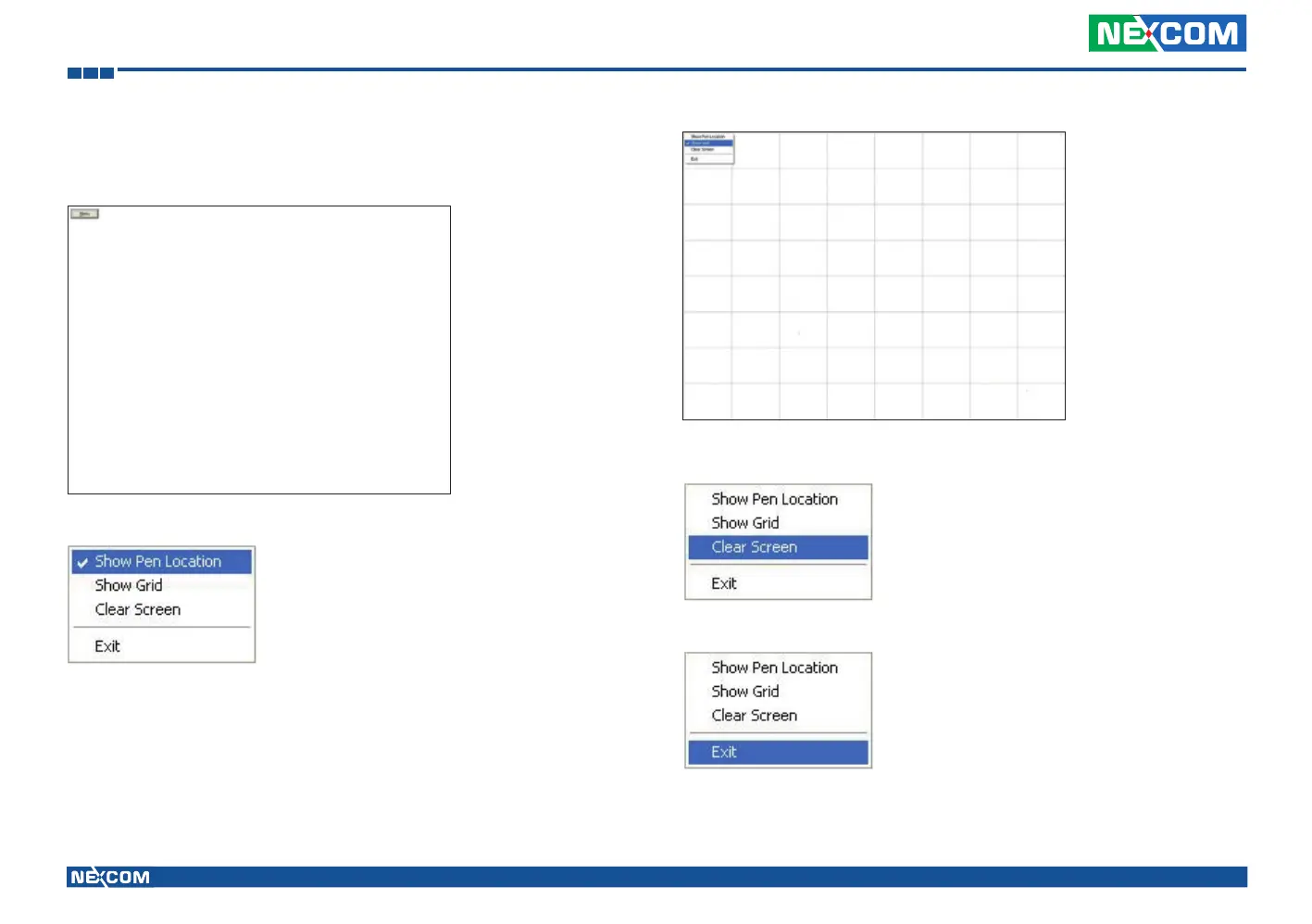
Touch the screen with your finger or a stylus and the drawing screen
registers touch activity such left, right, up, down, pen up, and pen
down.
Click Menu button for more functions.
Show Pen Location is to show the locations where pen comes down and
lifted up on the monitor.
Show Grid is to show grid on the entire monitor. This is for linearity test.
Select Clear Screen to clear drawing.
Select Exit to quit draw function.



 To Next Page