Menu 3 - INFO
Overview
3.1 - service info3 - INFO
3.2 - compressor info
3.3 - add. heat info
3.4 - alarm log
3.5 - indoor temp. log
Sub-menus
For the menu INFO there are several sub-menus. No
settings can be made in these menus, they just display
information. Status information for the relevant menu
can be found on the display to the right of the menus.
service info shows temperature levels and settings in
the installation.
compressor info shows operating times, number of
starts etc for the compressor in the heat pump.
add. heat info displays information about the addi-
tion’s operating times etc.
alarm log shows the latest alarms.
indoor temp. log the average temperature indoors
week by week during the past year.
Menu 3.1 - service info
Information about the heat pump’s current operating
status (e.g. current temperatures, information from the
flow meter etc.) can be obtained here. No changes can
be made.
The information is on several pages. Turn the control
knob to scroll between the pages.
A QR code appears on one side. This QR code indicates
serial number, product name and limited operating
data.
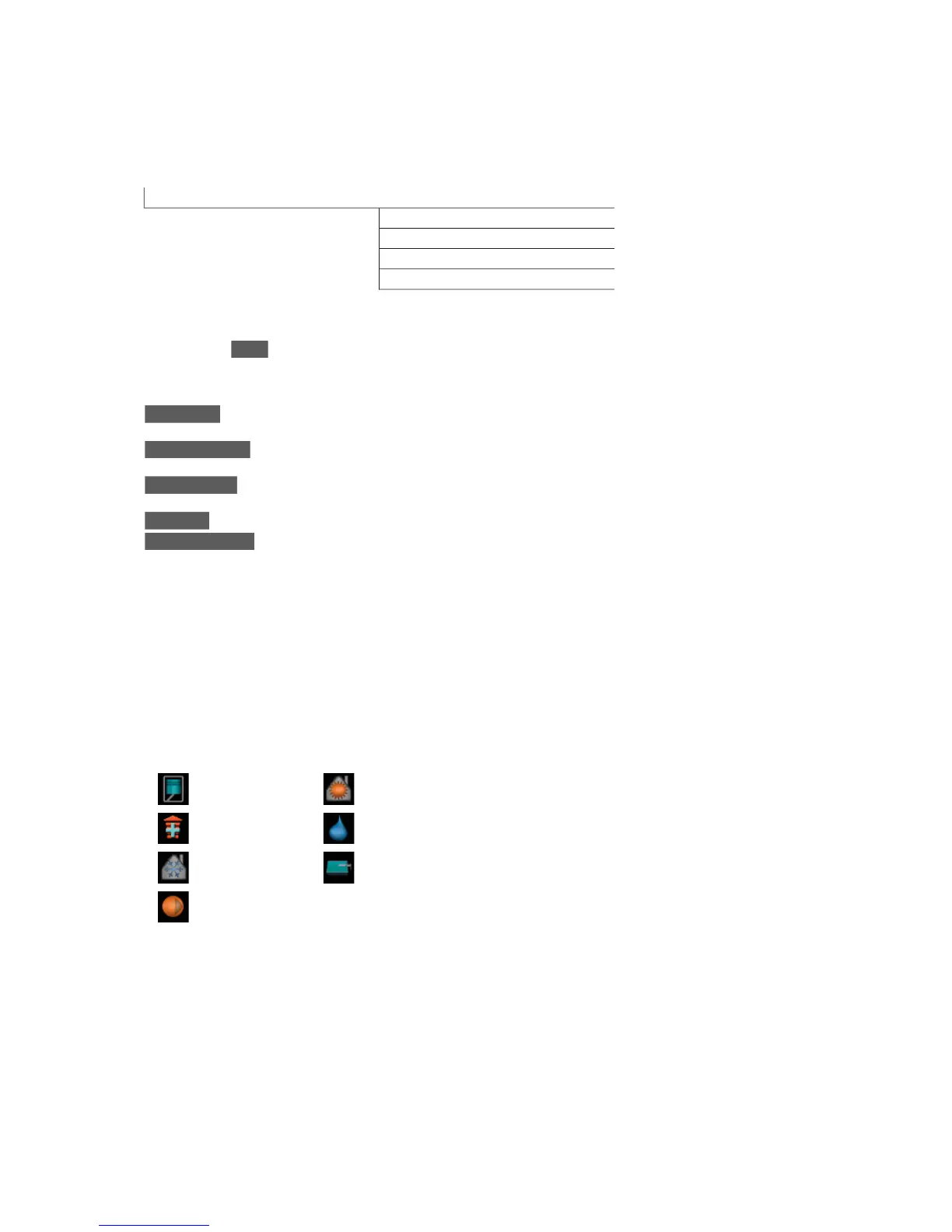
Symbols in this menu:
HeatingCompressor
Hot waterAddition
PoolCooling
Heating medium
pump (orange)
Menu 3.2 - compressor info
Information about the compressor’s operating status
and statistics can be obtained here. No changes can
be made.
The information is on several pages. Turn the control
knob to scroll between the pages.
Menu 3.3 - add. heat info
Information about the additional heat settings, operat-
ing status and statistics can be obtained here. No
changes can be made.
The information is on several pages. Turn the control
knob to scroll between the pages.
Menu 3.4 - alarm log
To facilitate fault-finding the installation's operating
status at alarm alerts is stored here. You can see inform-
ation for the 10 most recent alarms.
To view the run status in the event of an alarm, mark
the alarm and press the OK button.
Menu 3.5 - indoor temp. log
Here you can see the average temperature indoors
week by week during the past year. The dotted line
indicates the annual average temperature.
The average outdoor temperature is only shown if a
room temperature sensor/room unit is installed.
To read off an average temperature
1.
Turn the control knob so that the ring on the shaft
with the week number is marked.
2.
Press the OK button.
3.
Follow the grey line up to the graph and out to the
left to read off the average indoor temperature at
the selected week.
4.
You can now select to take read outs for different
weeks by turning the control knob to the right or
left and read off the average temperature.
5.
Press the OK or Back button to exit read off mode.
NIBE™ VVM 310Chapter 8 | Control - Menus44



 To Next Page