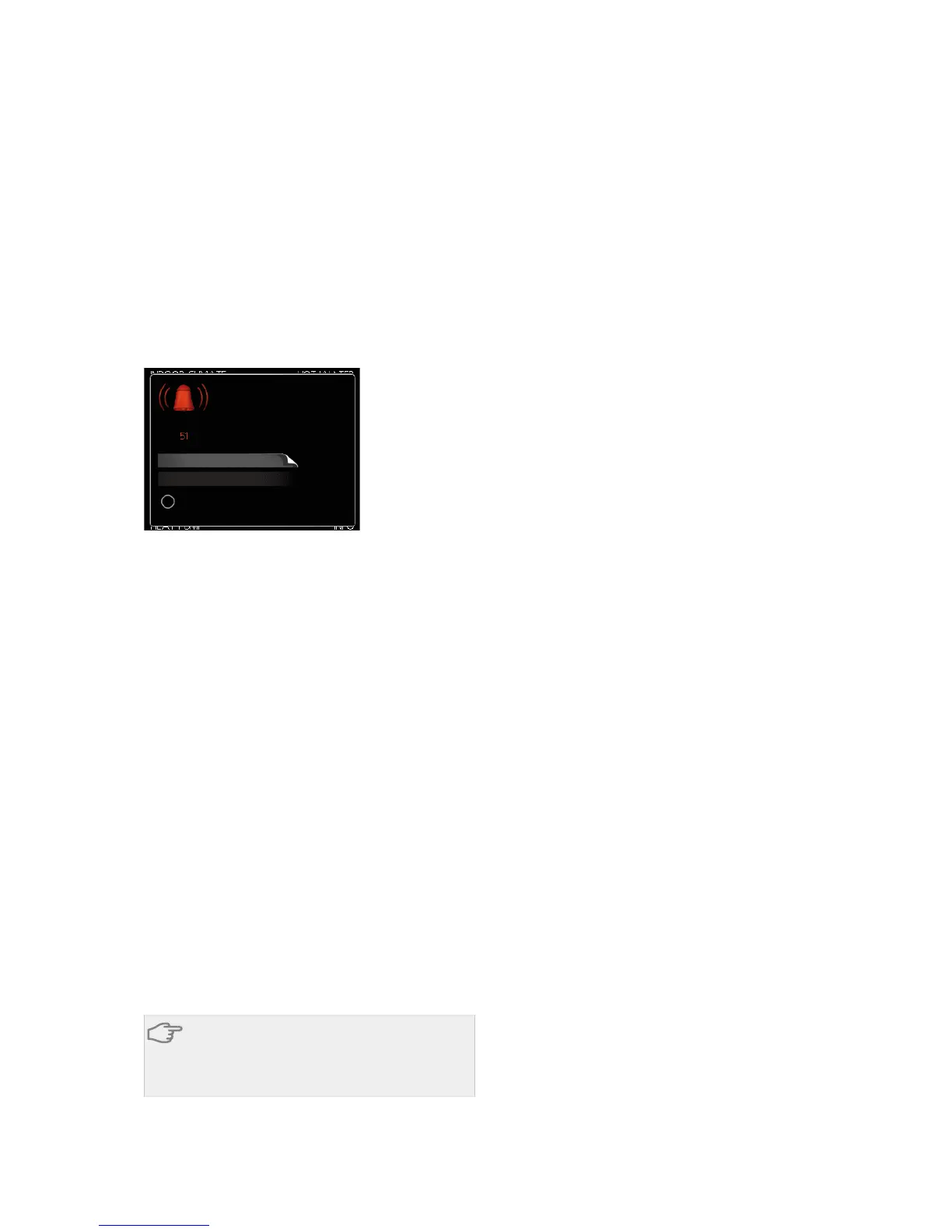
In most cases, the indoor module notes operational
interference (operational interference can lead to dis-
turbance in comfort) and indicates this with alarms and
shows action instructions in the display.
Info-menu
All the indoor module measurement values are
gathered under menu 3.1 in the indoor module menu
system. Looking through the values in this menu can
often simplify finding the fault source.
Manage alarm
LQIR DFWLRQ
UHVHW DODUP
DLG PRGH
/RZ SUHVVXUH DODUP
DODUP
In the event of an alarm, some kind of malfunction has
occurred, which is indicated by the status lamp chan-
ging from green continuously to red continuously. In
addition, an alarm bell appears in the information
window.
Alarm
In the event of an alarm with a red status lamp a mal-
function has occurred that the indoor module cannot
remedy itself. In the display, by turning the control knob
and pressing the OK button, you can see the type of
alarm it is and reset it. You can also choose to set the
indoor module to aid mode.
info / action Here you can read what the alarm means
and receive tips on what you can do to correct the
problem that caused the alarm.
reset alarm In most cases it is enough to select "reset
alarm" to correct the problem that caused the alarm.
If a green light illuminates after selecting "reset alarm"
the alarm has been remedied. If a red light is still visible
and a menu called ”alarm” is visible in the display, the
problem that caused the alarm remains. If the alarm
disappears and then returns, see the troubleshooting
section (page 58).
aid mode ”aid mode” is a type of emergency mode.
This means that the indoor module produces heat
and/or hot water despite there being some kind of
problem. This can mean that the indoor module's
compressor is not running. In this case the immersion
heater produces heat and/or hot water.
Caution
Selecting "aid mode” is not the same as correct-
ing the problem that caused the alarm. The
status lamp will therefore continue to be red.
Troubleshooting
If the operational interference is not shown in the dis-
play the following tips can be used:
Basic actions
Start by checking the following possible fault sources:
႑
The switch's (SF1) position.
႑
Group and main fuses of the accommodation.
႑
The property's earth circuit breaker.
႑
The indoor module's miniature circuit breaker (FA1).
႑
The indoor module's temperature limiter (FD1).
႑
Correctly set load monitor (if installed).
Low hot water temperature or a lack of hot
water
႑
Too high domestic water flow.
႑
Reduce the domestic water flow, see diagram of
hot water capacity on page 62.
႑
Indoor module in incorrect operating mode.
႑
If mode "manual" is selected, select "addition".
႑
Large hot water consumption.
႑
Wait until the hot water has heated up. Temporar-
ily increased hot water capacity (temporary lux)
can be activated in menu 2.1.
႑
Too low hot water setting.
႑
Enter menu 2.2 and select a higher comfort mode.
Low room temperature
႑
Closed thermostats in several rooms.
႑
Indoor module in incorrect operating mode.
႑
Enter menu 4.2. If mode "auto" is selected, select
a higher value on "stop heating“ in menu 4.9.2.
႑
If mode "manual" is selected, select "heating". If
this is not enough, select "addition".
႑
Too low set value on the automatic heating control.
႑
Enter menu 1.1 "temperature" and adjust the offset
of the heating curve. If the room temperature is
only low in cold weather the curve slope in menu
1.9.1 "heating curve" needs adjusting up.
႑
"Holiday mode" activated in menu 4.7.
႑
Enter menu 4.7 and select “Off”.
႑
External switch for changing the room heating activ-
ated.
႑
Check any external switches.
႑
Air in the climate system.
႑
Vent the climate system (see page 58).
႑
Closed valves (QM20), (QM32)to the climate system.
႑
Open the valves.
High room temperature
႑
Too high set value on the automatic heating control.
႑
Enter menu 1.1 (temperature) and adjust the heat
curve offset downwards. If the room temperature
is only high in cold weather the curve slope in menu
1.9.1 (heating curve) needs to be adjusted down.
NIBE™ VVM 310Chapter 10 | Disturbances in comfort58
10 Disturbances in comfort



 To Next Page