141
Camera Setup
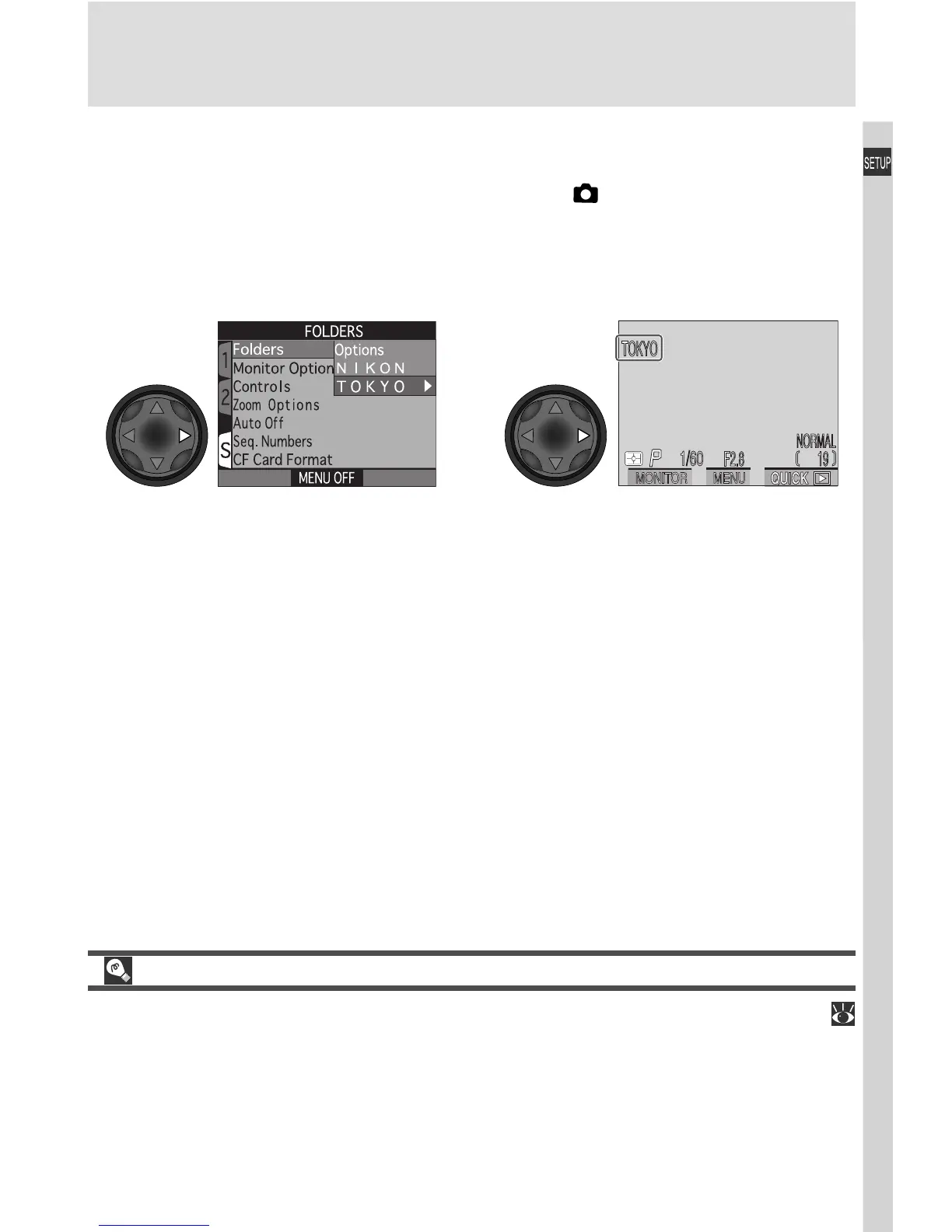
Choosing a Folder
Once additional folders have been created, you can select the folder that will
be used for playback or to store photographs in (shooting) mode. Until a
new folder is selected, all subsequent images will be stored in this folder, which
will also be used for playback.
Ultra HS
Each series of one hundred photographs taken at a setting of Ultra HS (
109) is stored in a separate folder with a name consisting of “N_” followed by
a three-digit number assigned by the camera. The Folders menu can be used
to select these folders for playback or to delete the entire folder and all im-
ages it contains. Note, however, that no additional images can be stored in
folders created at a setting of Ultra HS.
Folder name shown in monitor
(no name displayed when folder
NIKON is selected)
Highlight folder name
12

















 To Next Page