19
Introduction—Getting to Know the COOLPIX5000
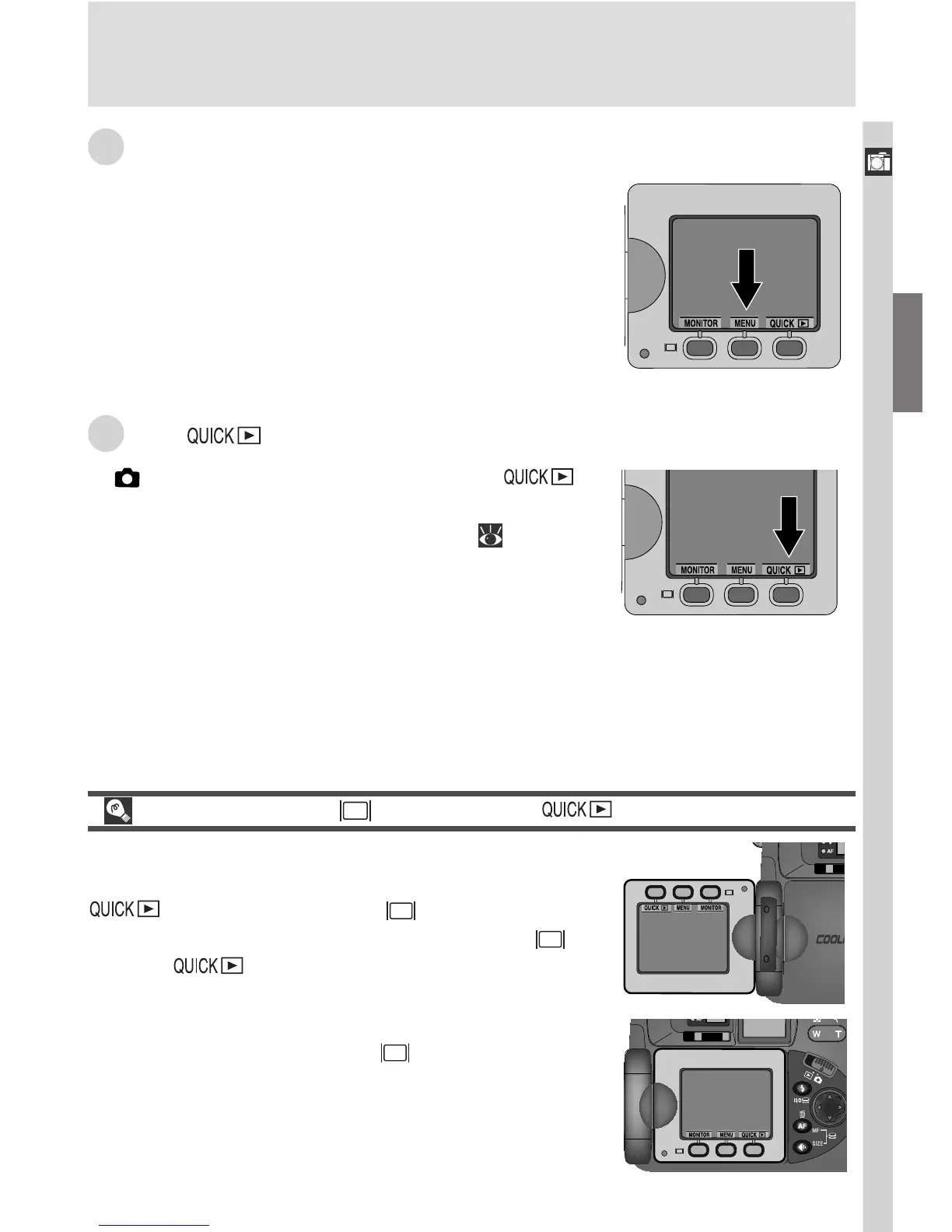
R The MENU Button
Press the MENU button to display the menu for the
current operating mode. If the menu has more
than one page, pressing the MENU button a sec-
ond time will display the next page. When the last
page is displayed, you can exit the menu by press-
ing the MENU button again.
S The Button
In (shooting) mode, the quick review ( )
button is used to view the results of earlier photo-
graphs while setting up the next shot ( 56).
The MONITOR ( ), MENU, and Buttons
The order of these three buttons from left to right
changes with the orientation of the monitor:
, MENU, MONITOR ( ) when the but-
tons are above the monitor, MONITOR ( ),
MENU, when the buttons are below the
monitor. Button names are displayed in the moni-
tor when the monitor is on; when the monitor is
off, pressing the MONITOR ( ) button will turn
the monitor on.

















 To Next Page