150
Technical Notes
Restrictions on Editing Images
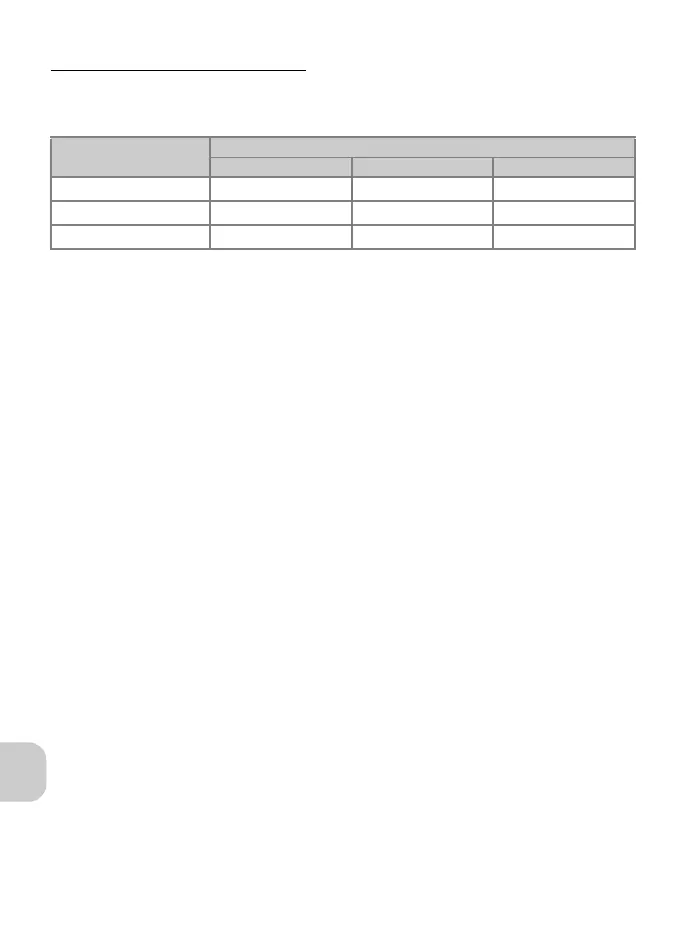
You can edit images by trimming them (cropping), adjusting the brightness
(D-Lighting), or creating a smaller copy (Small picture). The following restrictions apply
when editing an image that has already been edited.
* When attempting to apply a second edit, the message “IMAGE CANNOT BE SAVED” appears.
• Pictures with Image size set to j 3264×2176 or shot with Continuous set to
Ultra HS or Intvl timer shooting cannot be edited.
Notes on Editing Images:
• Editing images from another model of camera is not supported.
• Images edited with this camera may not properly play back on another model of
camera or transfer to a computer.
• Edited images are separate images from the original. Deleting one does not delete
the other.
• If there is not enough space in the destination memory, the edited image cannot be
saved.
• The recording date for the image data is the same as that of the original image.
First Edit
Second Edit
Cropping D-Lighting Small Picture
Cropping
× * × ×
D-Lighting
{ × {
Small Picture
×××







 To Next Page