50
Viewing Pictures on the Camera
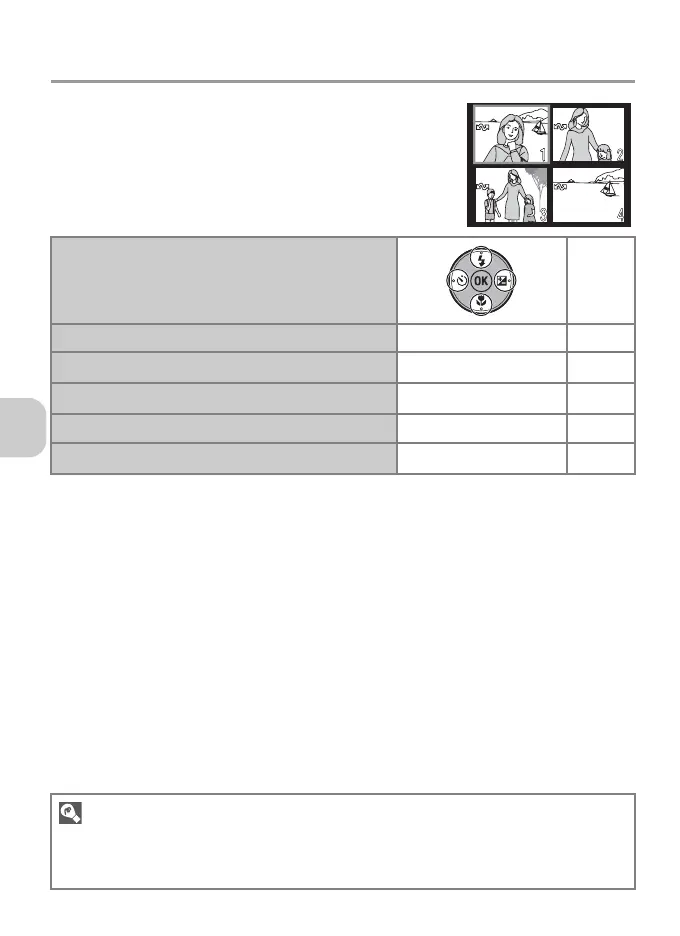
Viewing Multiple Pictures: Thumbnail Playback
Pressing j (t) in Full-screen playback mode (P.49)
displays pictures in “contact sheets” of 4, 9 or 16
thumbnail images.
The following operations can be performed in
Thumbnail playback mode.
Highlight picture
–
Change number of pictures displayed
j (t) /k (v)
–
Delete highlighted picture
T
P.27
Exit to Full-screen playback mode
d
P.49
View Playback menu
m P.76
Exit to Shooting mode
i
–
Thumbnail Playback
•Press j (t) or k (v) in Thumbnail playback mode to switch between the 4, 9 and 16
thumbnail display.
• To exit to Full-screen playback mode, press k (v) in the 4 thumbnail display.















 To Next Page