78
Advanced Camera Settings – The Shooting Menu
The Shooting Menu
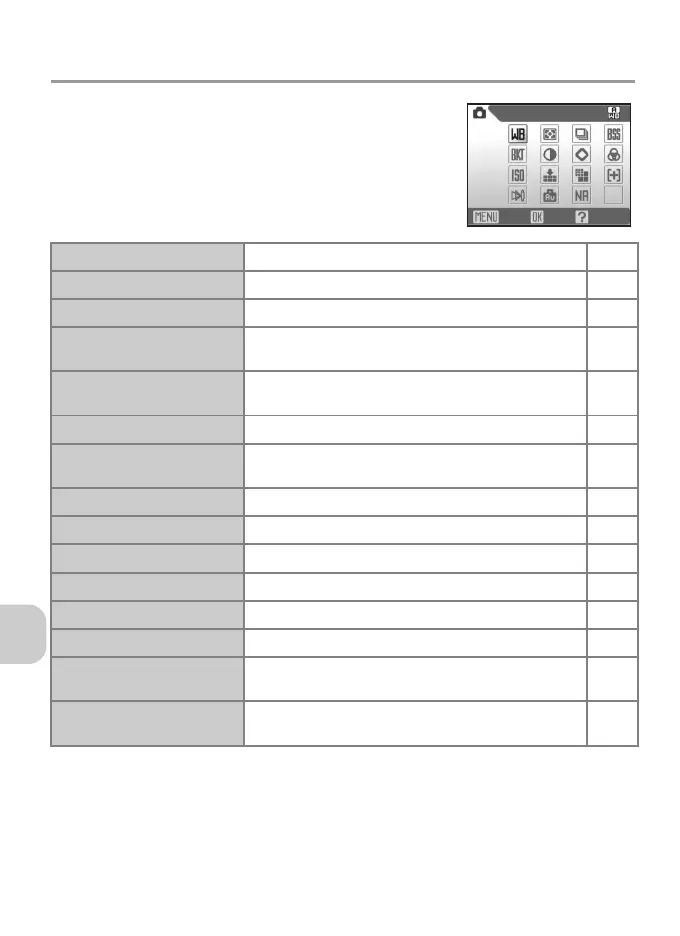
The Shooting menu includes the items in the follow-
ing table. See “Using the Menus” (P.76) for more in-
formation on displaying and using the Shooting
menu.
d
White balance
Match white balance to your light source. P.46
m
Metering
Select how the camera sets exposure. P.79
q
Continuous
Take pictures one at a time or in a sequence. P.80
A
BSS
Use the Best Shot Selector (BSS) to select the sharp-
est picture.
P.82
C
Auto bracketing
Take a sequence of pictures with gradually changing
exposure or white balance.
P.83
F
Image adjustment
Adjust picture contrast. P.84
M
Image sharpening
Control how much outlines in your pictures are
sharpened in the camera.
P.84
P
Saturation control
Adjust vividness of the color of a picture. P.85
W
Sensitivity
Select ISO Sensitivity. P.45
X
Image quality
Select image quality. P.43
b
Image size
Select an image size for displaying or printing. P.43
k
AF area mode
Select where the camera focuses. P.86
Y
Auto-focus mode
Select how the camera focuses. P.87
I
Fixed aperture
Maintains aperture as close as possible to a set f/-number
when the camera is zoomed in and out.
P.88
o
Noise reduction
Reduce noise that may appear when long exposures
are used.
P.88
White balance
OKExit Help















 To Next Page