71
TV, Computer or Printer Connection
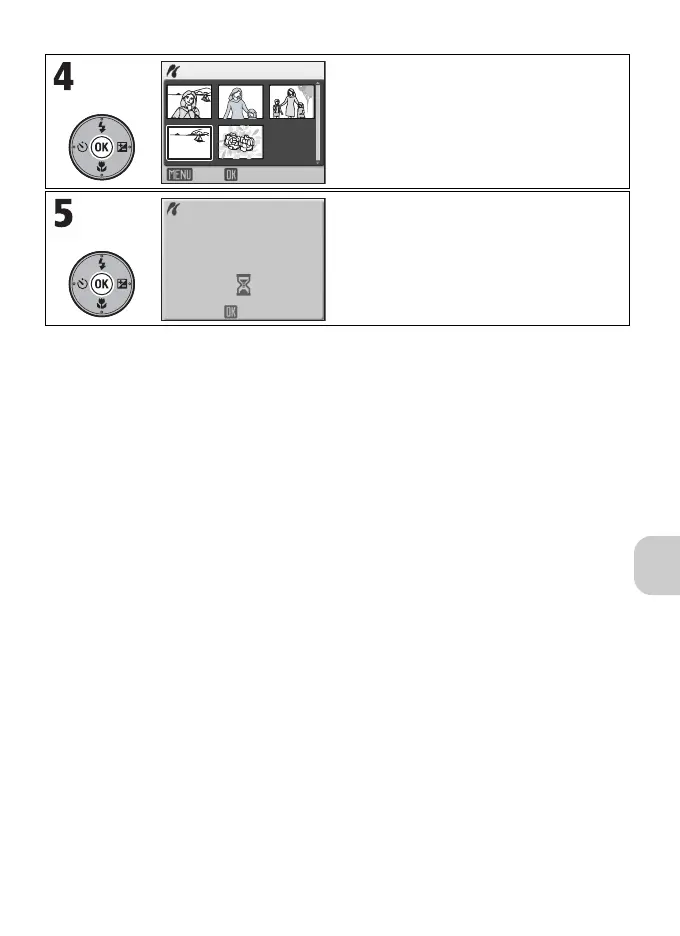
Selected pictures are displayed.
• To return to the PRINT SELECTION
screen, press m.
Start printing.
• The camera returns to the PRINT MENU
when printing is complete.
• To cancel printing, press d.
11
22
33
44
55
Start print
006
PRINTS
Back
Cancel
Printing
002/006















 To Next Page