171
r
7 Exit direct measurement mode.
Press the U button to exit direct measurement mode.
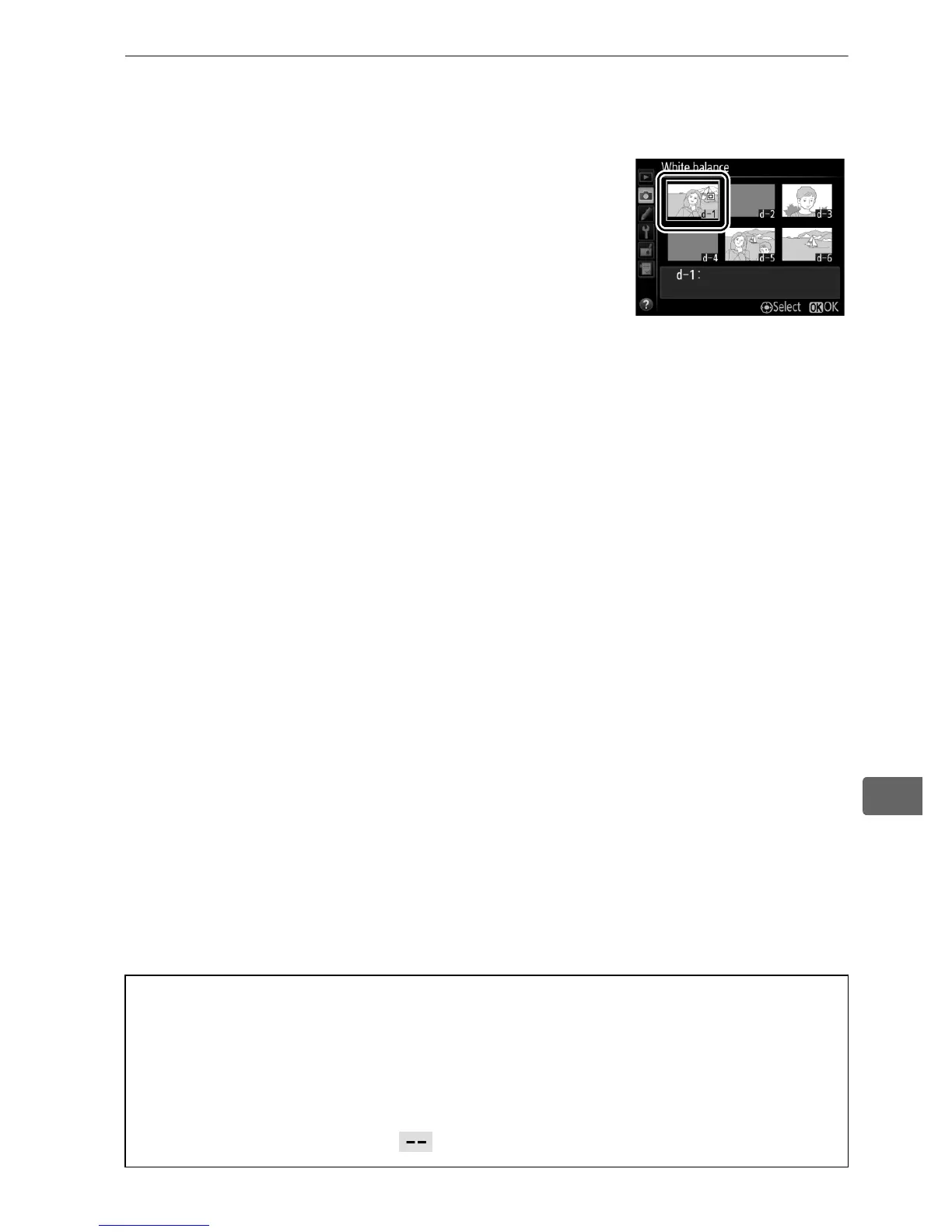
When Preset manual is selected for
White balance in the shooting menu,
the position of the target used to
measure preset white balance will be
displayed on presets recorded during
live view photography.
A Measuring Preset White Balance (Live View Photography)
Preset manual white balance can not be measured when Record
movies is selected for Custom Setting g4 (Assign shutter button,
0 357) and the live view selector is rotated to 1.
Preset manual white
balance can not be set while an HDR exposure is in progress (0 190) or
when a setting other than is selected for monitor hue (0 56).



 To Next Page