209
l
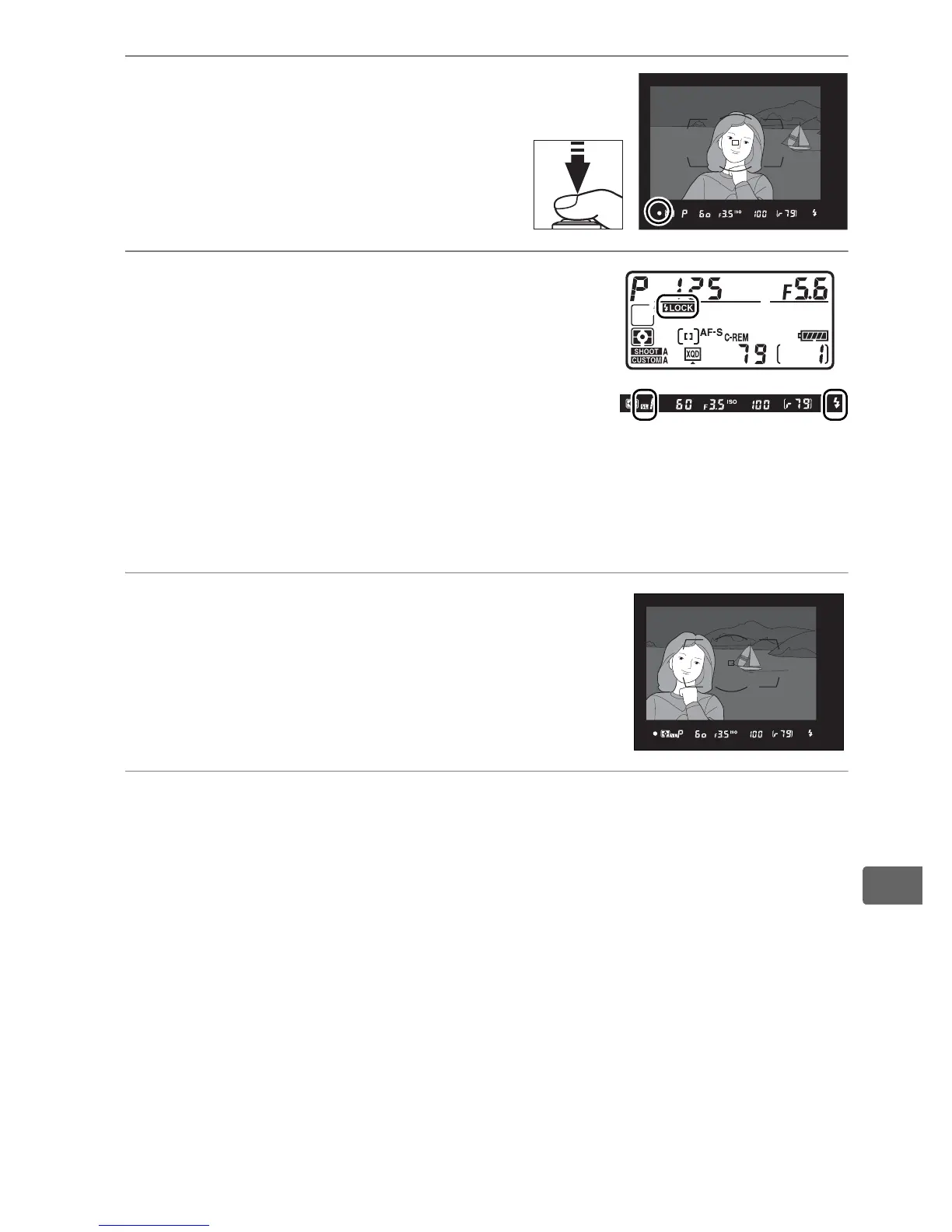
4 Focus.
Position the subject in the
center of the frame and press
the shutter-release button
halfway to focus.
5 Lock flash level.
After confirming that the flash-ready
indicator (M) is displayed in the
viewfinder, press the button selected in
Step 1.
The flash will emit a monitor
preflash to determine the appropriate
flash level.
Flash output will be locked at this level and FV lock
icons (P and e) will appear in the top control panel and
viewfinder.
6 Recompose the photograph.
7 Take the photograph.
Press the shutter-release button the rest of the way down to
shoot.
If desired, additional pictures can be taken without
releasing FV lock.



 To Next Page