212
t
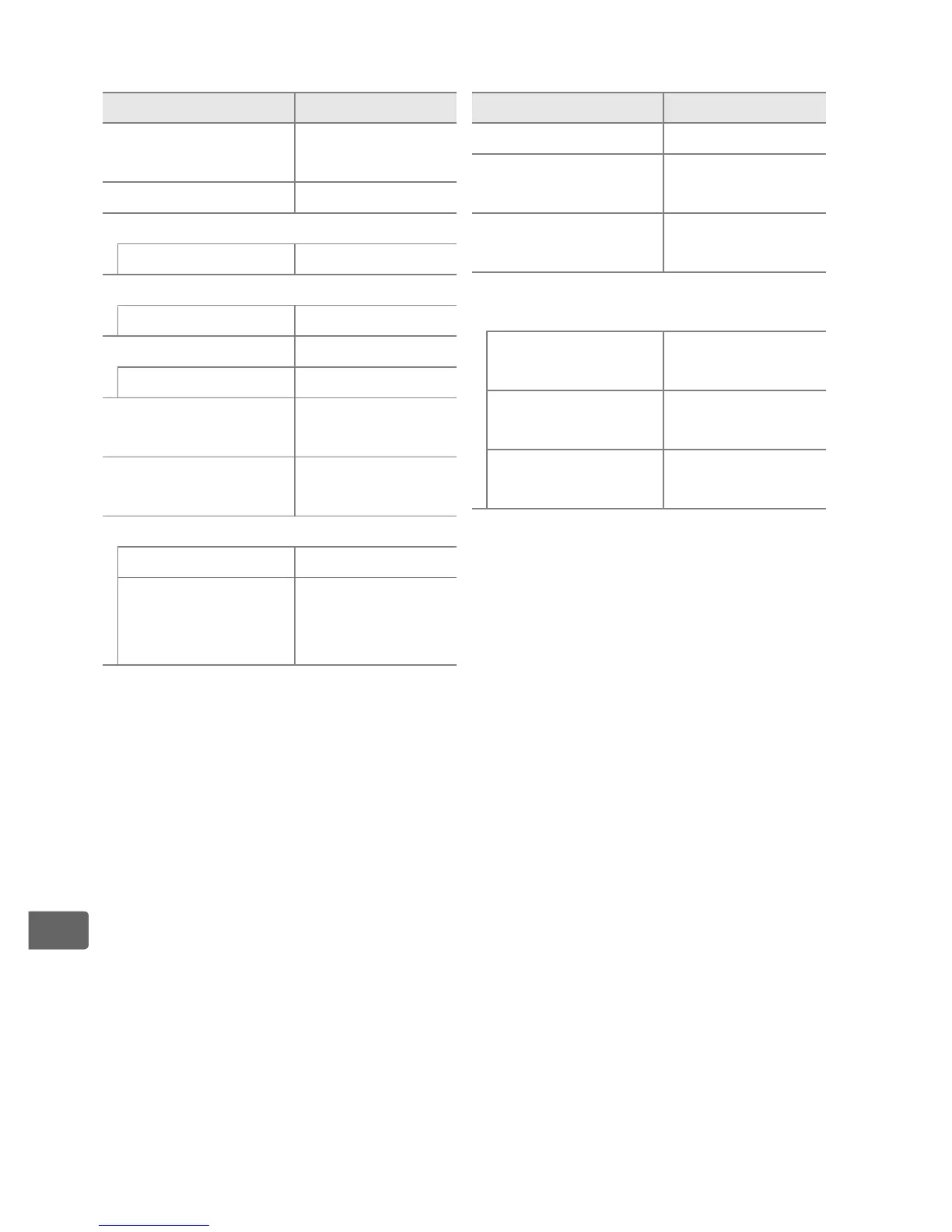
❚❚ Settings Accessible from the Shooting Menu
1
1
With the exception of multiple exposure and interval timer settings, only
settings in the bank currently selected using the
Shooting menu bank
option
will be reset (
0 300
).
Settings in the remaining banks are unaffected.
2 Current Picture Control only.
3 Exposure differential and smoothing are not reset.
4 If multiple exposure is currently in progress, shooting will end and multiple
exposure will be created from exposures recorded to that point.
Gain and
number of shots are not reset.
5 If interval timer shooting is currently in progress, shooting will end.
Starting
time, shooting interval, number of intervals and shots, and exposure
smoothing are not reset.
Option Default
Extended menu
banks
Off
Image quality JPEG normal
JPEG/TIFF recording
Image size Large
NEF (RAW) recording
Image size Large
White balance Auto > Normal
Fine-tuning A-B: 0, G-M: 0
Picture Control
settings
2
Unmodified
HDR (high
dynamic range)
Off
3
ISO sensitivity settings
ISO sensitivity 100
Auto ISO
sensitivity
control
Off
Multiple exposure Off
4
Interval timer
shooting
Off
5
Live view
photography
Quiet
Movie settings >
Movie ISO sensitivity settings
ISO sensitivity
(mode M)
200
Auto ISO control
(mode M)
Off
Maximum
sensitivity
25600
Option Default



 To Next Page