386
U
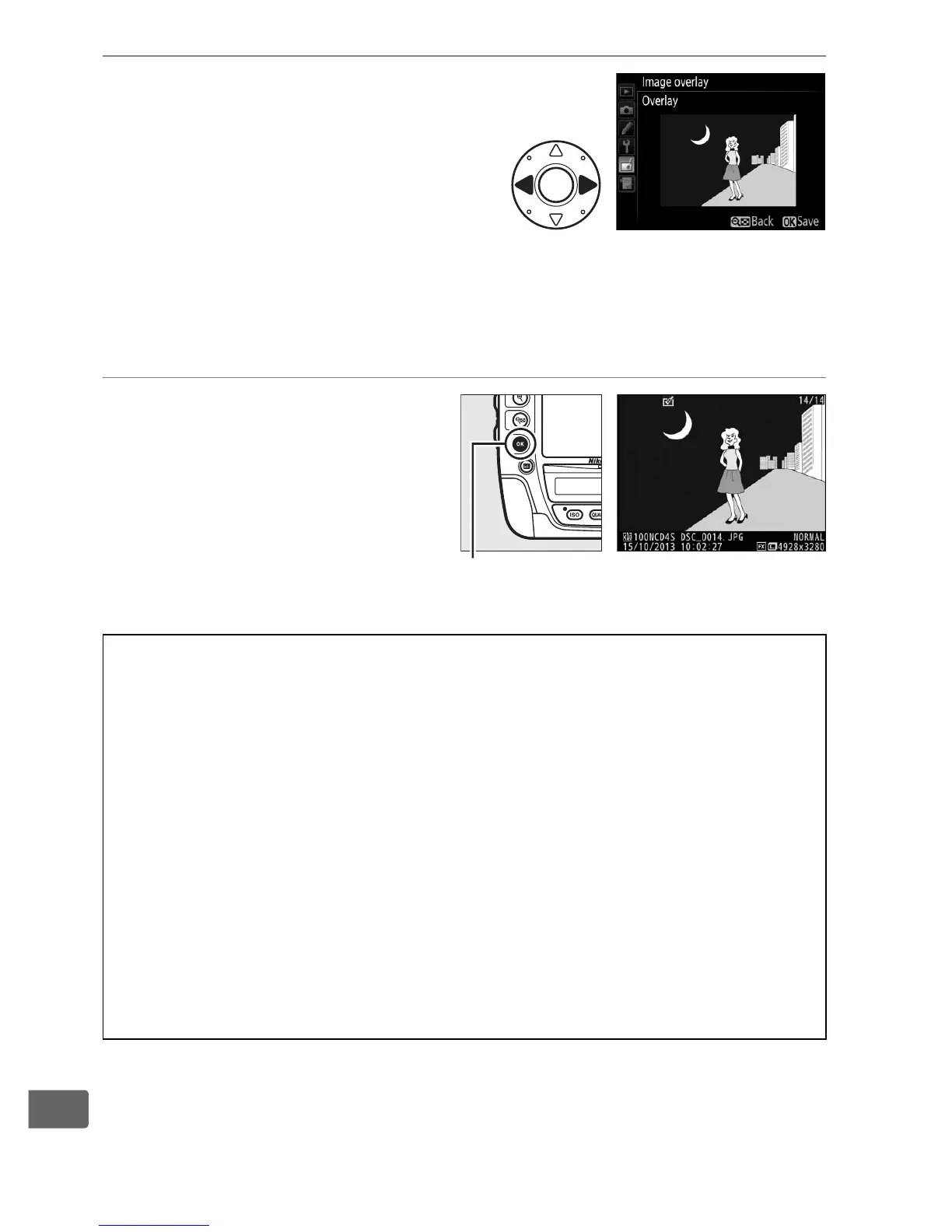
5 Preview the overlay.
Press 4 or 2 to place the cursor
in the Preview column and
press 1 or 3 to highlight
Overlay.
Press J to preview
the overlay as shown at right (to
save the overlay without displaying a preview, select Save).
To
return to Step 4 and select new photos or adjust gain, press
W.
6 Save the overlay.
Press J while the preview
is displayed to save the
overlay.
After an overlay is
created, the resulting
image will be displayed
full-frame in the monitor.
D Image Overlay
Only NEF (RAW) photographs with the same image area and bit-depth
can be combined.
The overlay has the same photo info (including date of recording,
metering, shutter speed, aperture, exposure mode, exposure
compensation, focal length, and image orientation) and values for
white balance and Picture Control as the photograph selected for
Image 1.
The current image comment is appended to the overlay when
it is saved; copyright information, however, are not copied.
Overlays
saved in NEF (RAW) format use the compression selected for NEF (RAW)
compression in the NEF (RAW) recording menu and have the same bit
depth as the original images; JPEG overlays are saved using size-priority
compression.
J button



 To Next Page