110
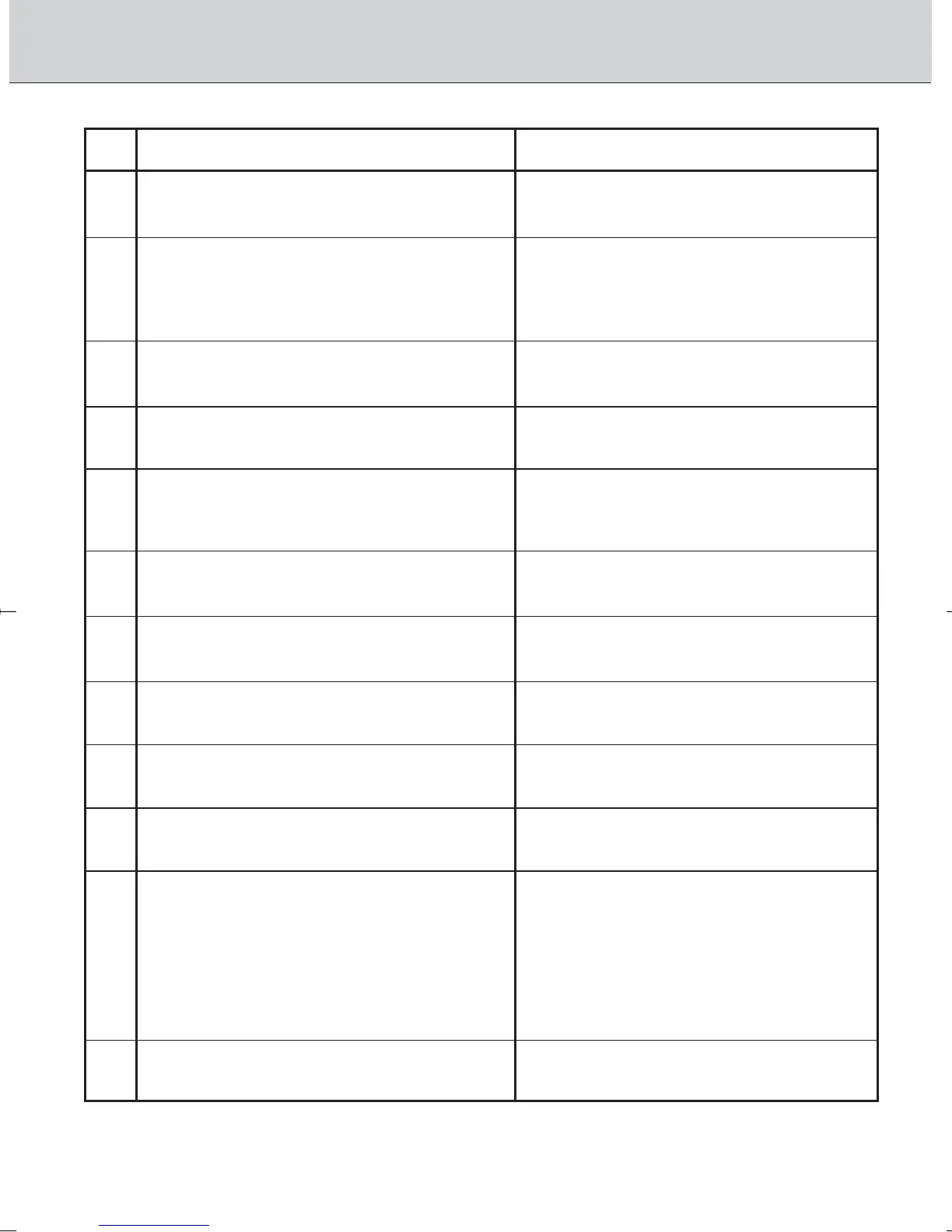
Custom Setting Menu
Function
Automatic film rewind at the end of film
roll
Change of steps of the exposure values
(shutter speed, aperture, exposure
compensation or compensated EV value in
Bracketing)
Bracketing order
Autofocus activated when shutter release
button lightly pressed
Warning indications with non-DX-coded
film
Focus area selection changed to
continuously in the same direction
Auto Exposure Lock when shutter release
button is lightly pressed
Film advance with closing the camera
back (when power switch is on)
Dynamic AF Mode with Closest Subject
Priority in Single Servo AF
Dynamic AF Mode with Closest Subject
Priority in Continuous Servo AF
Auto Exposure/Flash Exposure Bracketing
options
Switching Command Dial operations
Options
0: Disabled (initial setting)
1: Enabled
3: 1/3 steps (initial setting)
2: 1/2 steps
1: 1 steps
0: Initial setting (See pages 58-59.)
1: From negative value to positive value
0: Enabled (initial setting)
1: Disabled
0: After film is advanced to the first frame
(initial setting)
1: When the power switch is on
0: Disabled (initial setting)
1: Enabled
0: Disabled (initial setting)
1: Enabled
0: Disabled (initial setting)
1: Enabled
0: Enabled (initial setting)
1: Disabled
0: Disabled (initial setting)
1: Enabled
AS: Simultaneous activation of Auto
Exposure/Flash Exposure Bracketing
(initial setting)
AE: Only Auto Exposure Bracketing
activated
Sb: Only Flash Exposure Bracketing
activated
0: Disabled (initial setting)
1: Enabled
1
2
3
4
5
6
7
8
9
10
11
12
F100_En_16 7/8/05 8:07 PM Page 110



 To Next Page