26
Hold Camera and Focus
6
6.1
Lightly pressing the shutter
release button automatically
focuses the camera on the
subject and when the subject is
in focus, causes / to appear in
the viewfinder.
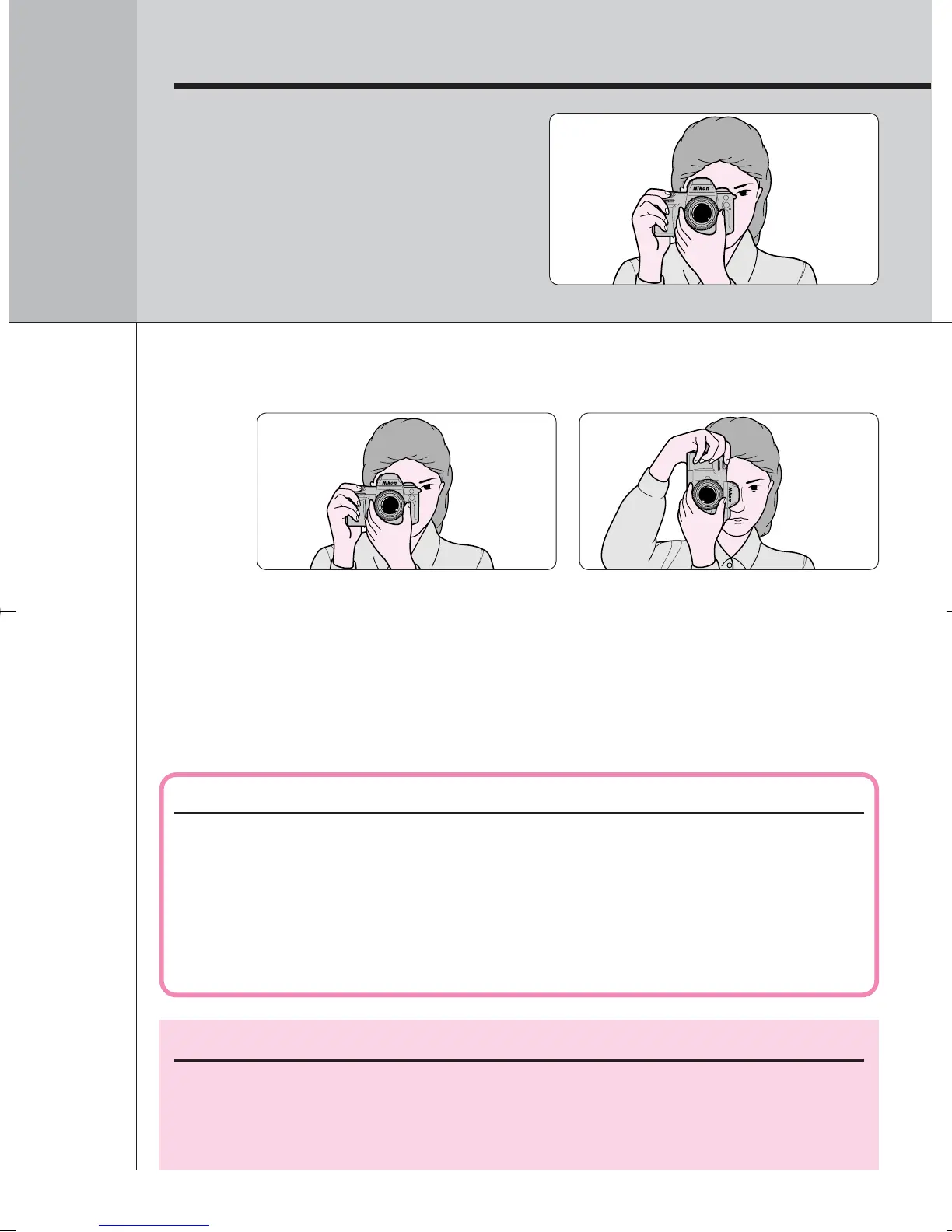
Hold the camera properly.
NOTE: Composing frame
This camera’s viewfinder frame shows approximately 96% of the image
actually exposed on the film frame. Note that the edges of a negative
film are partially cropped by most labs.
Camera shake and shutter speed
Preventing camera shake is crucial when taking photographs. In
general, you should set the shutter speed faster than ‘1/focal length of
your lens’ sec. (Example: when using a 50mm lens, set the shutter
speed faster than 1/50 sec.) Use of a tripod is recommended for
shooting at slower shutter speeds.
• Keep your elbow propped against your body for support.
• Stand with one foot forward a half step and keep your upper body still.
• Grasp the camera handgrip with your right hand and use your left hand to
cradle the camera (or lens).
• The optional Multi-Power High Speed Battery Pack MB-15 (page 88)
makes available a shutter release button for vertical frame shooting.
F100_En_16 7/8/05 8:06 PM Page 26



 To Next Page