36
Autofocus
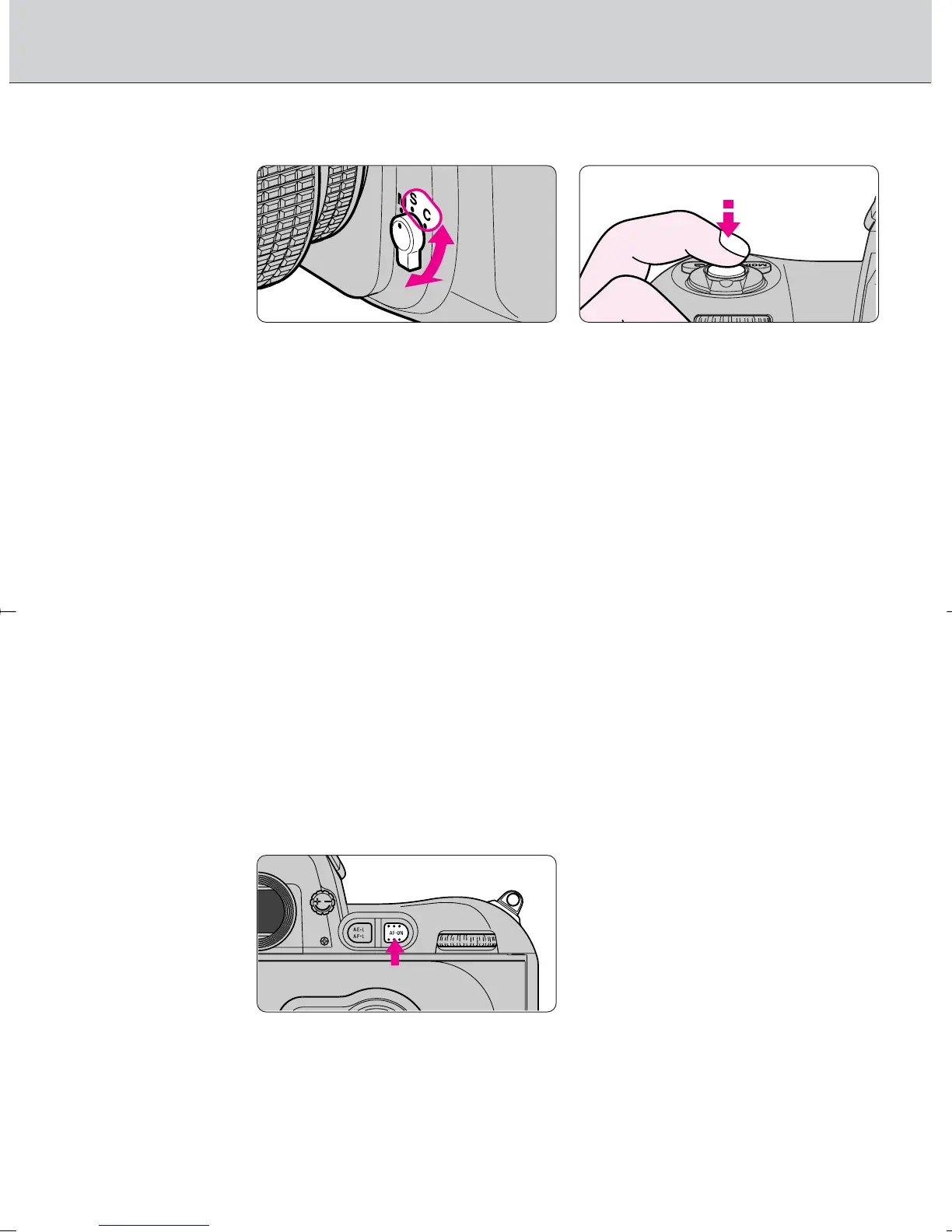
• Set focus mode selector to S or C for autofocus operation.
• Set focus mode selector to S (Single Servo AF with Focus-Priority) or C
(Continuous Servo AF with Release-Priority). Camera continues to focus
automatically on the subject when the shutter release button is lightly pressed.
S: Single Servo AF with Focus-Priority
The shutter can only be released when in focus indicator / appears in the
viewfinder (Focus-Priority). Once focused on a subject, keeping the shutter
release button lightly pressed locks focus (Focus Lock). With a subject that
has been moving, the camera continuously focuses on a subject as long as
the shutter release button is kept lightly pressed (Focus Tracking, page 68)
and focus locks when the subject stops moving.
C: Continuous Servo AF with Release-Priority
Since the priority is on shutter release, you can release the shutter
regardless of the focus status (Release-Priority). Focus is not locked when
/ appears in the viewfinder and the camera continues to focus on a
subject until shutter release. With a moving subject, the camera
continuously focuses on a subject as long as the shutter release button is
kept lightly pressed (Focus Tracking, page 68).
• AF start button
• Like lightly pressing the shutter release button, pressing the AF start ∏ button
automatically activates autofocus in autofocus operation.
· 4: Autofocus detection can be set to start by pressing the ∏ button only
(not by lightly pressing the shutter release button) (page 71).
F100_En_16 7/8/05 8:06 PM Page 36



 To Next Page