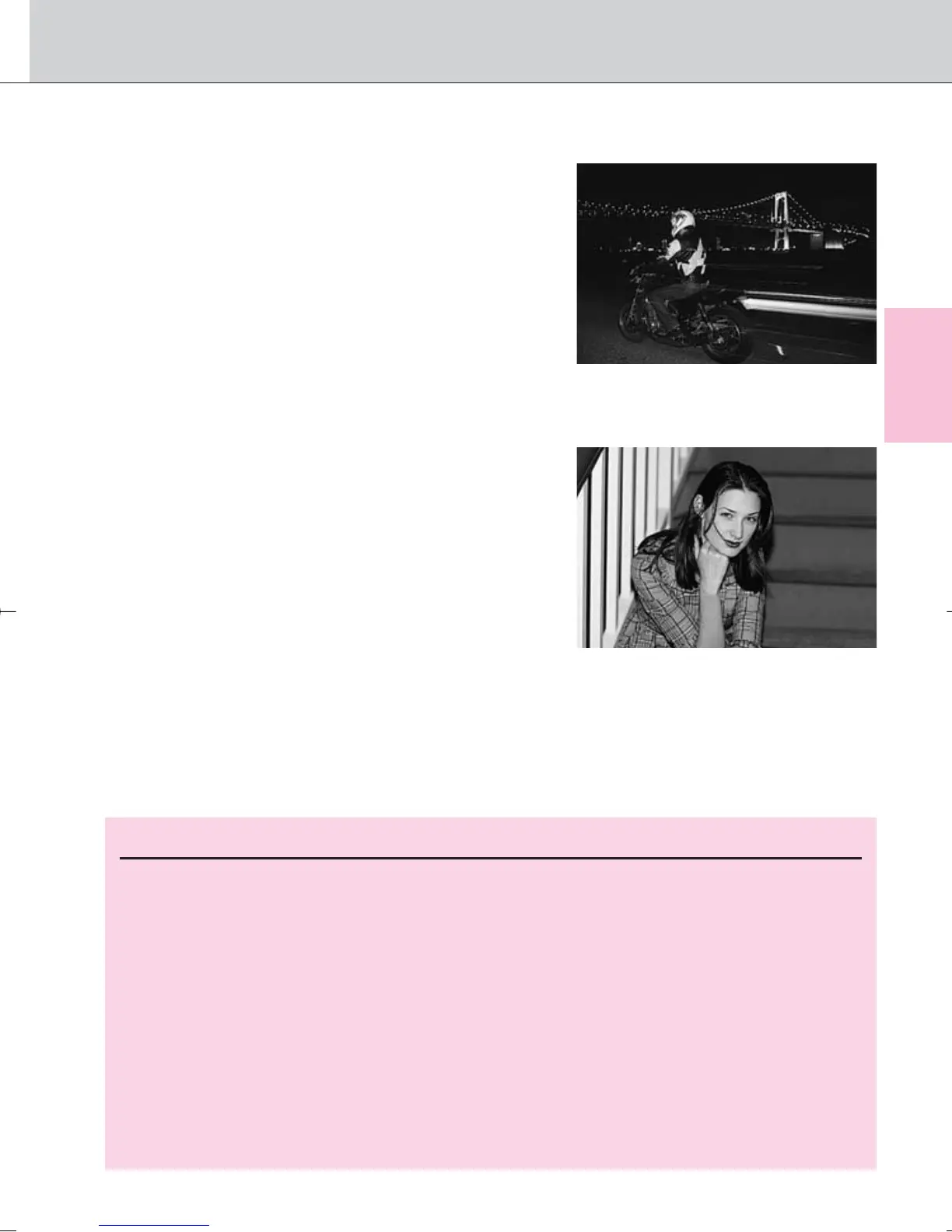
‹: Rear-Curtain Sync
The Speedlight fires at the end of the
exposure, turning available light into a stream
of light that follows the flash-illuminated
moving subject. (With SB-26, 25 and 24, set
the Speedlight’s sync mode selector to
REAR.) When Rear-Curtain Sync is set in
Programmed Auto or Aperture-Priority Auto
exposure mode, Slow Sync is automatically
set.
›: Red-Eye Reduction
The Red-Eye Reduction lamp (Monitor Pre-
Flash with the SB-800 and SB-600) lights for
approx. 1 sec. before the flash fires in order
to reduce the red-eye effect in photos of
people or animals. (With SB-800, SB-600,
SB-80DX, SB-28/28DX, SB-27 or SB-26
only.)
⁄: Red-Eye Reduction with Slow Sync
Red-Eye Reduction and Slow Sync mode are simultaneously set. (With
SB-800, SB-600, SB-80DX, SB-28/28DX, SB-27 or SB-26 only.) Set the
exposure mode to Programmed Auto or Aperture-Priority Auto.
81
Flash
NOTE: Flash Sync Modes
• When Red-Eye Reduction or Red-Eye Reduction with Slow Sync is
selected, Red-Eye Reduction lamp (Monitor Pre-Flash with the SB-800 and
SB-600) lights for approx. 1 sec. before the flash fires. Do not move the
camera or let the subject move until the shutter is released. (Red-Eye
Reduction is not recommended in shooting situations where shutter release
is your top priority.)
• With Slow Sync and Red-Eye Reduction with Slow Sync, keep the camera
steady to prevent picture blur since the shutter speed is slow. Use of a
tripod is recommended.
• Rear-Curtain Sync cannot be used with a studio flash system since the
correct synchronization cannot be obtained.
F100_En_16 7/8/05 8:06 PM Page 81



 To Next Page