70
Menu/Features of Custom Setting
• Creating Custom Setting
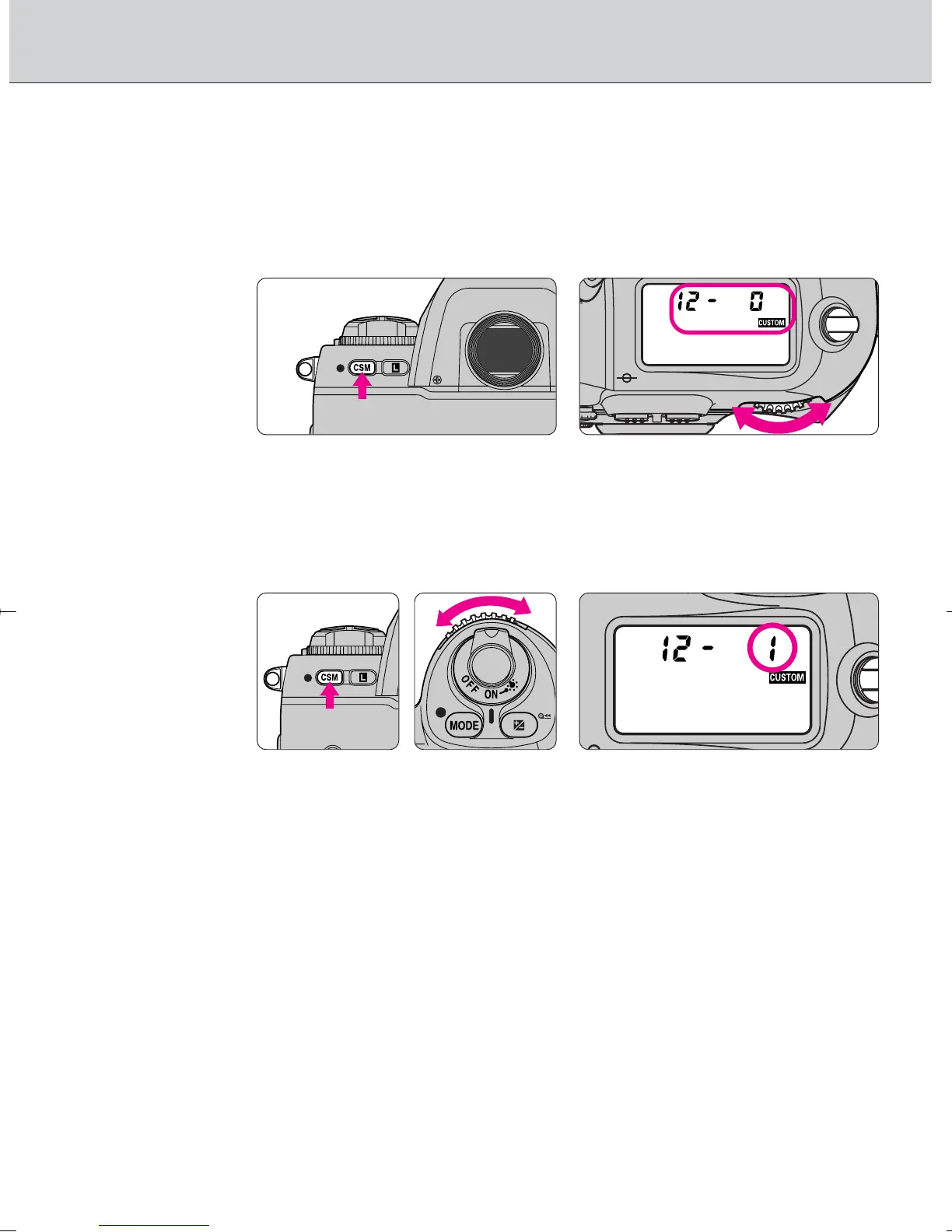
1
Select a menu number by rotating the Main-
Command Dial while pressing the Custom Setting
button ·.
• 22 menus (1 to 22) are available with the F100.
2
While holding the · button, select the desired
option number (or character) by rotating the Sub-
Command Dial.
• When you remove your finger from the · button after the desired option
number (or character) is displayed in the LCD panel, ç appears in the
LCD panel.
• See page 76 for returning all the Custom Settings to their initial factory
settings.
F100_En_16 7/8/05 8:06 PM Page 70



 To Next Page