40
Focus Lock
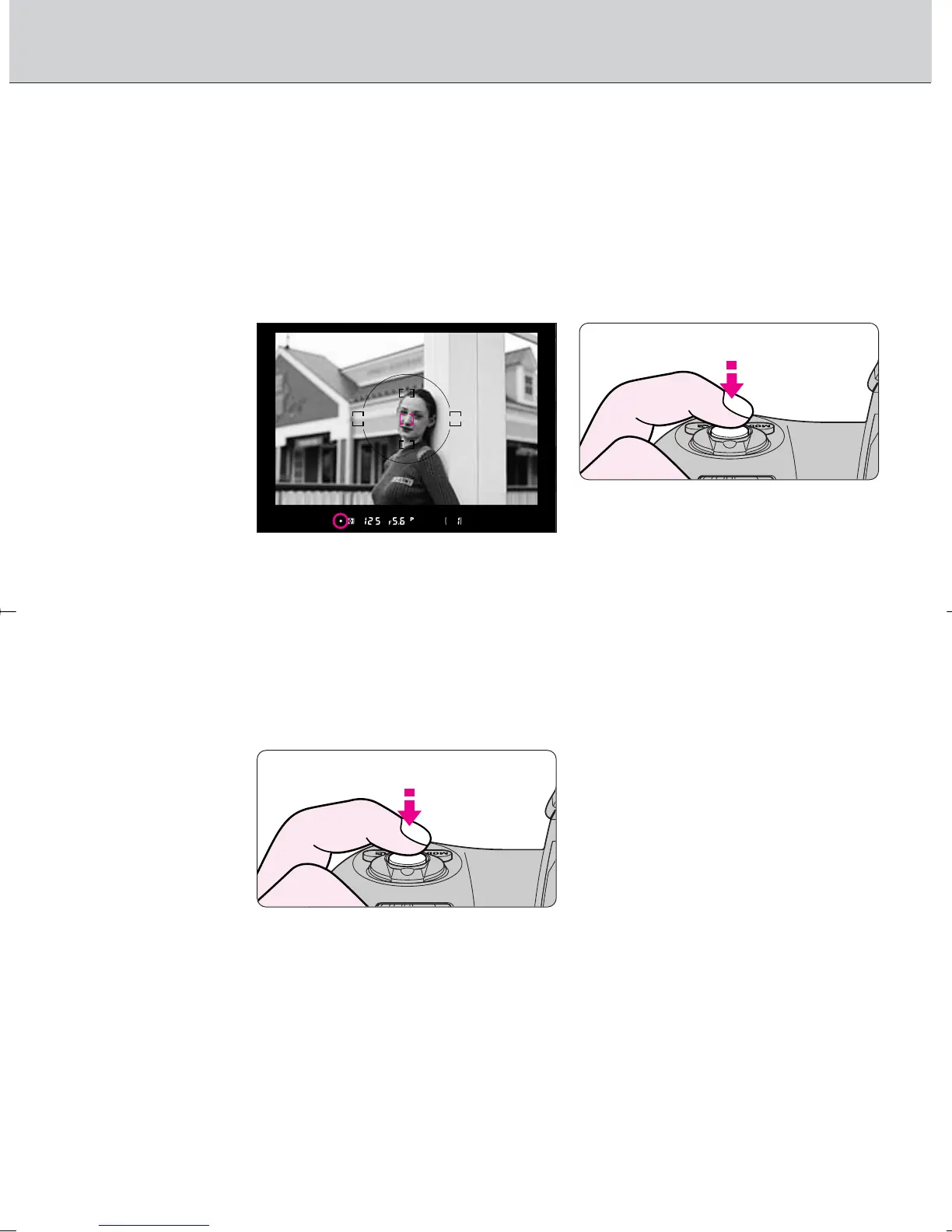
1
Position the focus area on the subject and lightly
press the shutter release button.
• Focus lock is useful in autofocus shooting when you want to capture a
subject that’s framed outside of the F100’s five focus areas, and in
situations where autofocus may not work as expected (page 42).
• / appears when the subject is in focus.
Confirm focus indicator / and lock focus.
Focus lock is operated differently in Single Servo AF or Continuous Servo AF.
In Single Servo AF:
Focus is locked as long as the shutter release button is kept lightly
pressed.
2
• Focus can also be locked by pressing the ‚ button.
F100_En_16 7/8/05 8:06 PM Page 40



 To Next Page