41
3
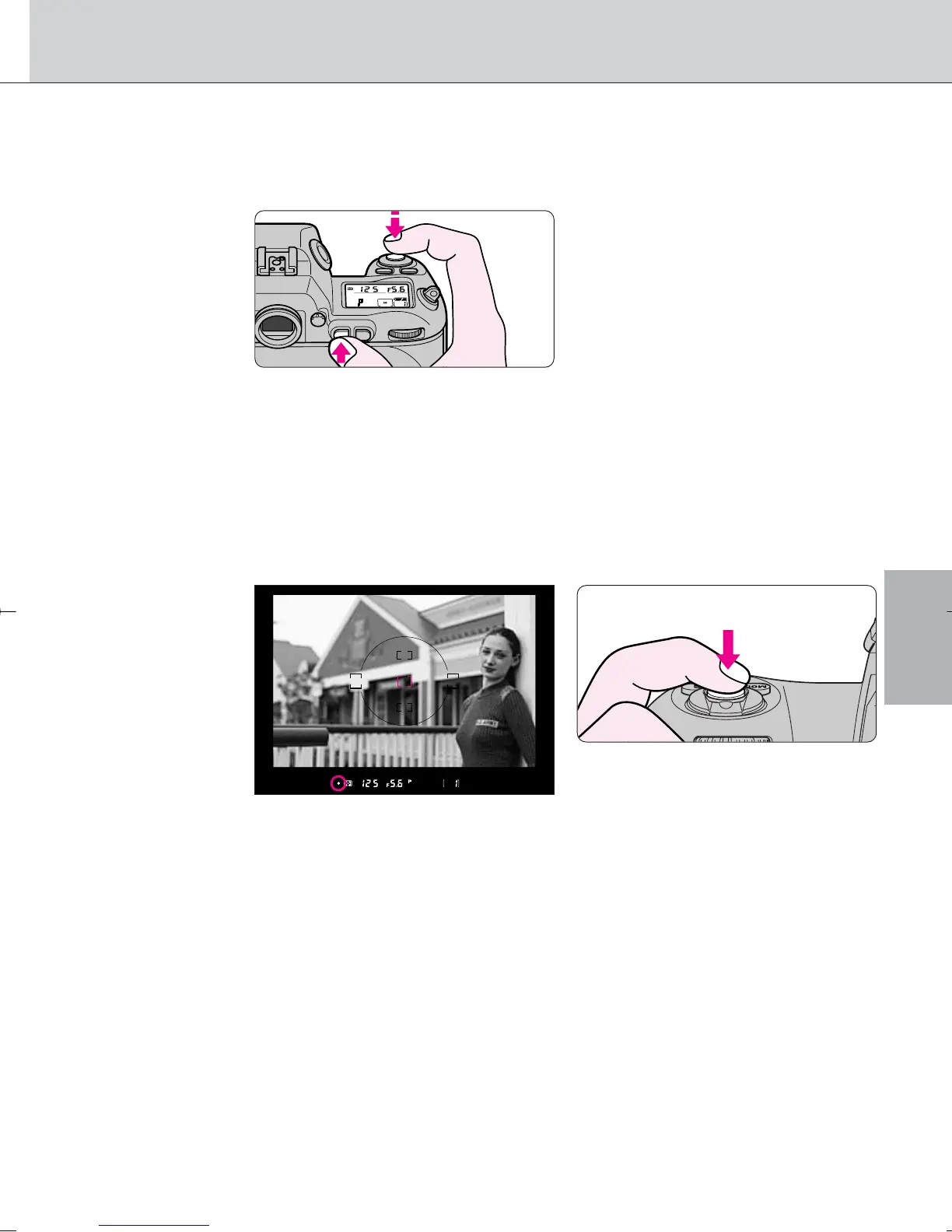
While keeping the focus locked, recompose and
shoot.
• After you have locked focus, do not change the camera-to-subject
distance. Otherwise, refocus and lock the focus again.
• If you keep the shutter release button lightly pressed after releasing the
shutter in Single Servo AF, the shutter can be released repeatedly with the
same focusing. Similarly, if you keep the ‚ button pressed after releasing
the shutter, the shutter can be released repeatedly with the same focusing.
Focus
In Continuous Servo AF
Confirm focus indicator / then (while keeping shutter release button lightly
pressed) press the ‚ button.
• Focus is locked as long as the ‚ button is kept pressed, even if you
remove your finger from the shutter release button. In Auto Exposure
mode, exposure is also locked in this case (page 54).
· 21: Only focus can be set to lock when ‚ button is pressed (page
75).
F100_En_16 7/8/05 8:06 PM Page 41



 To Next Page