76
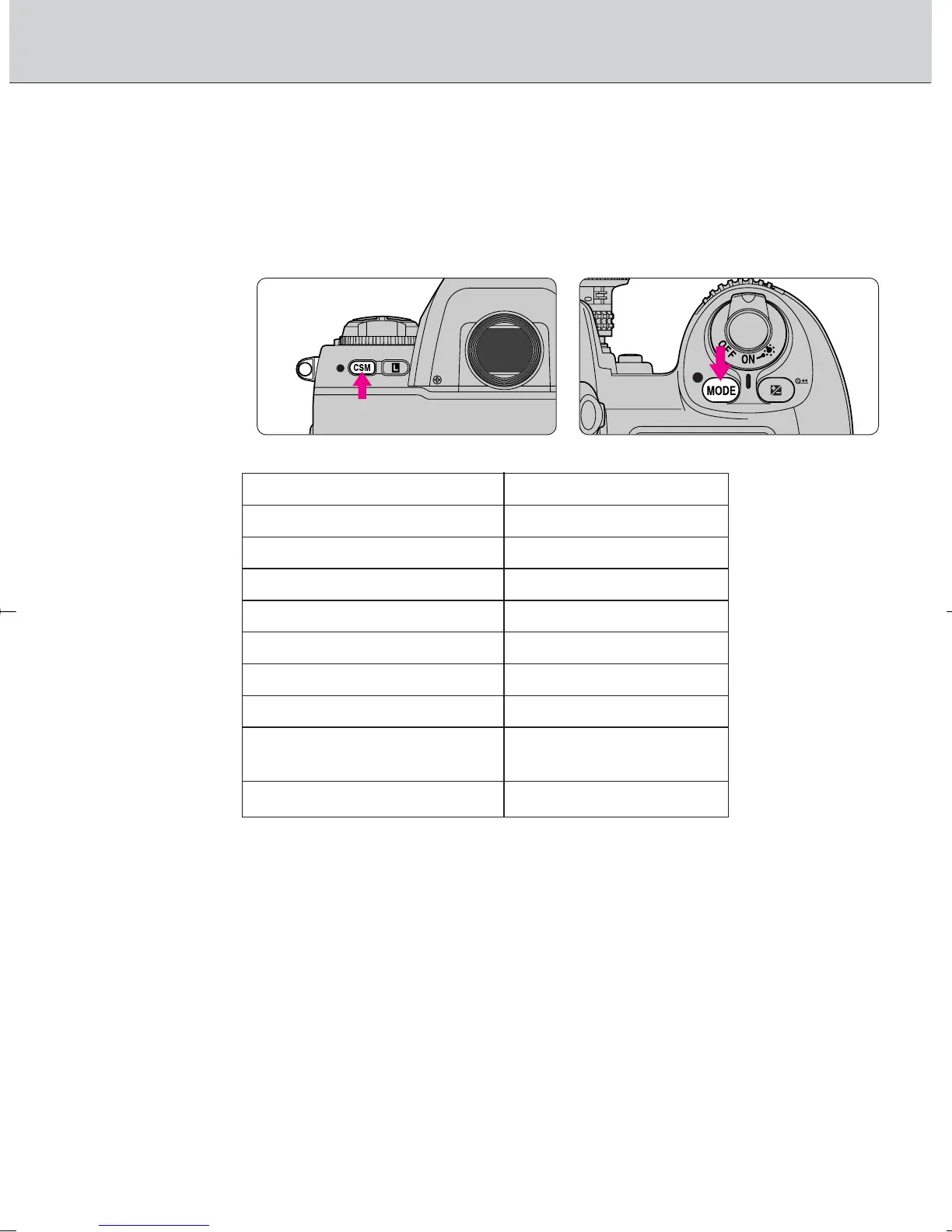
Two-Button Reset
• Two-Button Reset lets you instantly reset specified settings to their
original default settings.
Press the · and Δ buttons simultaneously, and
hold them for more than 2 sec.
• The following functions are reset to their original settings:
Function Condition
Focus area Center
Exposure mode Programmed Auto
Flexible Program Canceled
Shutter speed lock Canceled
Aperture lock Canceled
Exposure compensation Canceled
Auto Exposure Lock Canceled
Auto Exposure/Flash Canceled
Exposure Bracketing
Flash Sync mode Front-curtain sync
• Canceling Custom Setting
• During Two-Button Reset, the Custom Setting indication ç blinks for 2 sec.
in the LCD panel. To cancel Custom Setting, release one of the two buttons
once while the ç indication is blinking, then press both buttons again
(page 70).
F100_En_16 7/8/05 8:06 PM Page 76



 To Next Page