Flash
5
Set the Speedlight’s flash sync mode selector and
check the display in the LCD panel.
• With the SB-26 or SB-25, the flash sync mode setting on the Speedlight
overrides the setting on the camera body.
• With the SB-800, SB-600, SB-80DX, SB-50DX, SB-28/28DX or SB-27, set
the flash sync mode on the camera body since the Speedlight has no flash
sync mode selector.
• Confirm that the indicators (with the SB-800) or ˆ and ø (with
Speedligt other than SB-800) for Automatic Balanced Fill-Flash with TTL
Multi Sensor appear in the LCD panel. If these indications do not appear in
the LCD panel, press the MODE button (M button with SB-27/SB-26/SB-25)
until the indicators appear.
6
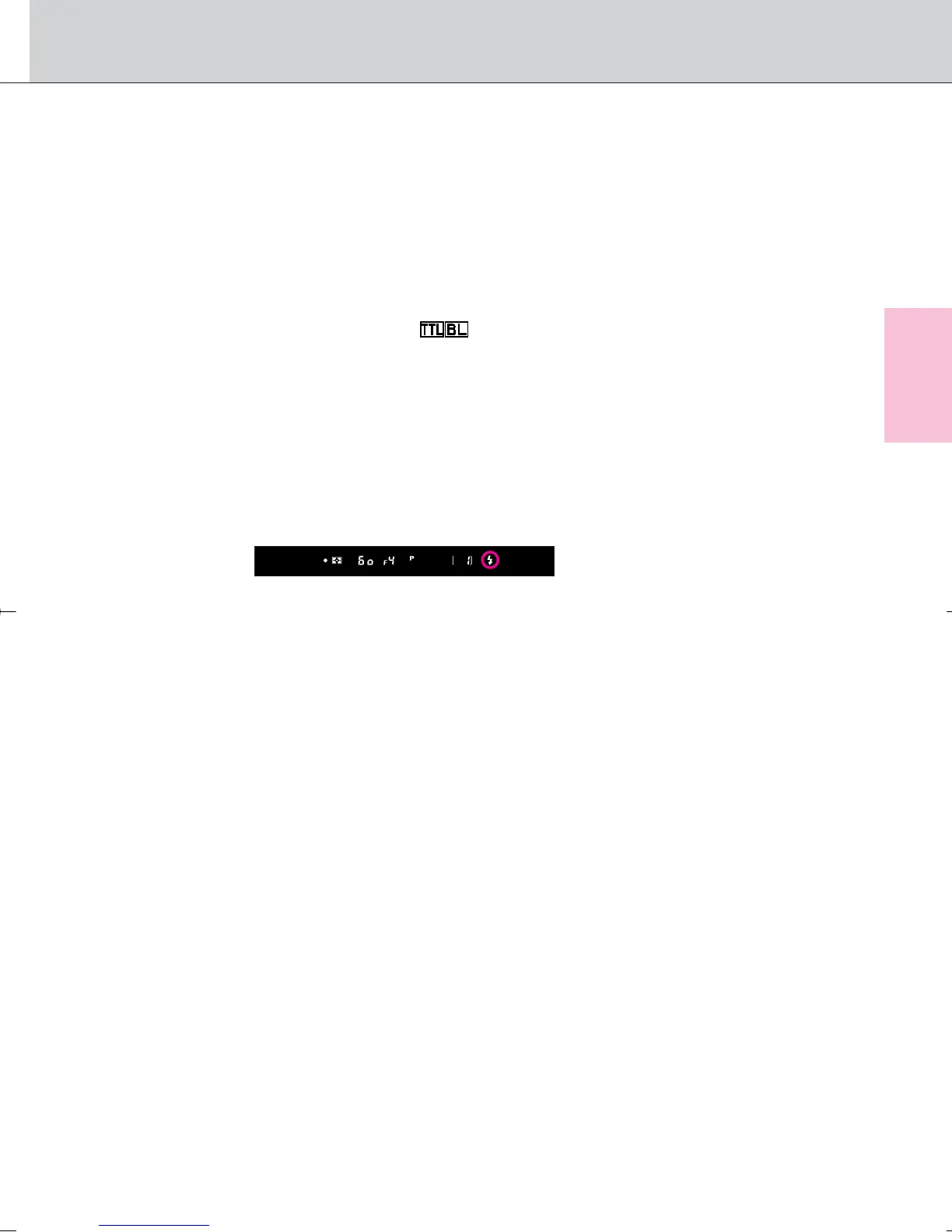
Compose picture, focus and confirm the indication in
the viewfinder.
• Lightly press the shutter release button and confirm the ready-light fi
appears in the viewfinder.
7
Confirm the flash shooting distance range and shoot.
• If the ready-light blinks approx. 3 sec. after full flash output, underexposure
may have occurred. Check the focus distance, aperture or flash shooting
distance range and shoot again.
• When using a Speedlight, make sure to read its instruction manual as well.
85
F100_En_16 7/8/05 8:06 PM Page 85



 To Next Page