55
Exposure
3
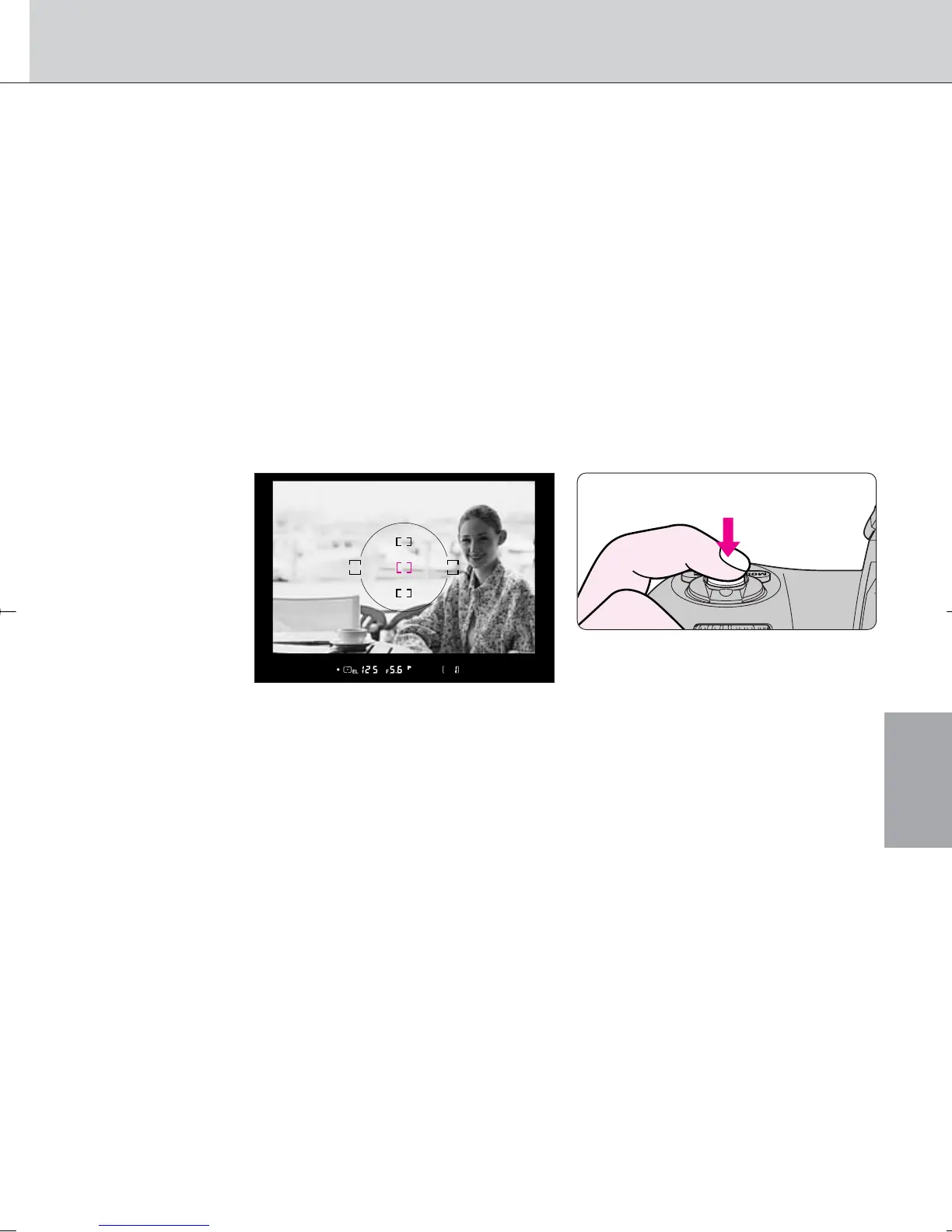
While keeping the ‚ button pressed, recompose,
focus and shoot.
• The following functions can be operated while the ‚ button is kept
pressed:
1. Flexible Program (page 47) in Programmed Auto Exposure mode
2. Shutter speed adjustment in Shutter-Priority Auto Exposure mode
3. Aperture adjustment in Aperture-Priority Auto Exposure mode
In any of these three situations, controlled shutter speed and/or aperture
will be displayed after change.
· 7: Auto Exposure Lock can be set to be activated by lightly pressing
the shutter release button (page 72).
· 21: Auto Exposure Lock can be set to remain after you remove your
finger from the ‚ button. In this case, AE lock is released when the ‚
button is pressed again (page 75).
3. When the Center-Weighted Metering is selected, exposure at 12mm-
diameter circle is locked.
• In Single Servo AF or Continuous Servo AF, focus is also locked
simultaneously (page 40). Make sure to confirm focus indicator / appears
in the viewfinder.
· 21: Only exposure can be set to be locked when the ‚ button is
pressed (page 75).
F100_En_16 7/8/05 8:06 PM Page 55



 To Next Page