43
Manual Focus
Focus
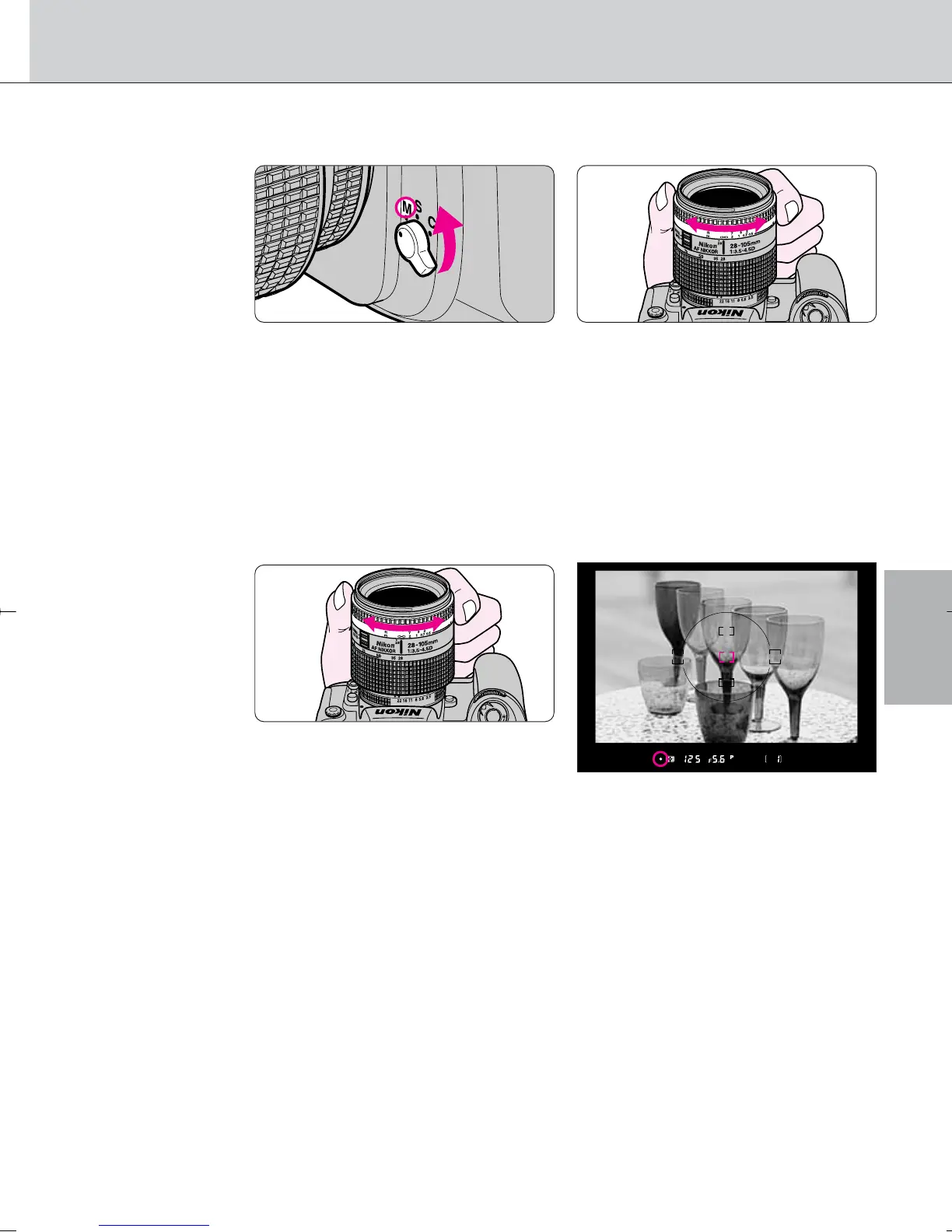
• Focus can be set manually when the focus mode selector is set to M.
• Set the focus mode selector to M. Look through the viewfinder and rotate the
lens focusing ring until a sharp image appears on the clear matte field in the
viewfinder. The shutter can be released whether or not the subject is in focus,
and / does not appear in the viewfinder.
Use Manual focus in situations where autofocus may not work as expected
(page 42) or a lens other than an AF Nikkor (page 33) is attached.
• Manual focus using Electronic Rangefinder
• Set the focus mode selector to M. The focus can be confirmed with /
indication in the viewfinder. The Electronic Rangefinder works with most
Nikkor lenses (including AF Nikkors when operated manually) having a
maximum aperture of f/5.6 or faster.
• Lightly press the shutter release button and while the meter is on, rotate the
lens focusing ring until / appears in the viewfinder. The shutter can be
released anytime. Electronic Rangefinder can be activated with any of five
focus brackets selected as the focus area (page 37).
• If < appears in the viewfinder, focus region is in front of the subject. If >
appears in the viewfinder, focus region is behind the subject. In either case,
rotate the lens focusing ring until / appears.
F100_En_16 7/8/05 8:06 PM Page 43



 To Next Page