27
Diopter adjustment (page 63) enables you to see more clearly through
the viewfinder.
To take a picture of a subject outside the focus area, shift the focus
area by using the focus area selector (page 37) or use focus lock (page
40).
The optional Data Back MF-29 lets you imprint date and/or time on
your photos/negatives (page 92).
BASIC OPERATION
6.2
Check points
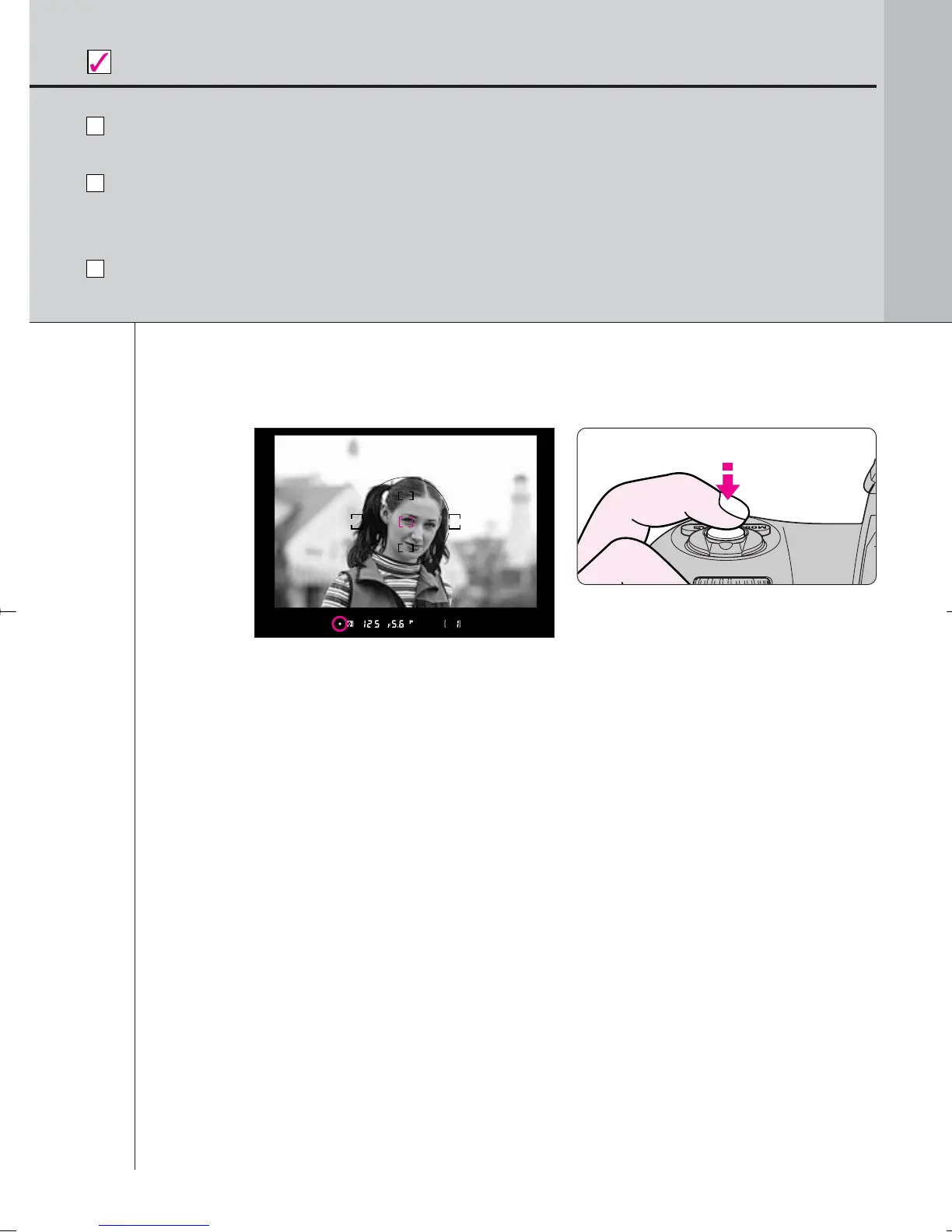
• Center the focus brackets on your subject and lightly press the shutter
release button. The camera focuses automatically and focus indicator
appears or blinks as follows.
/ appears: Subject is in focus.
< appears: Camera is focused on an area between camera and
subject.
> appears: Camera is focused on an area behind the subject.
? blinks: Unable to focus using autofocus.
• To take a picture of a subject outside the focus area, shift the focus area
by using the focus area selector (page 37) or use focus lock (page 40).
• In situations where autofocus may not work as expected, see page 42.
Compose frame and focus by lightly pressing the
shutter release button.
F100_En_16 7/8/05 8:06 PM Page 27



 To Next Page