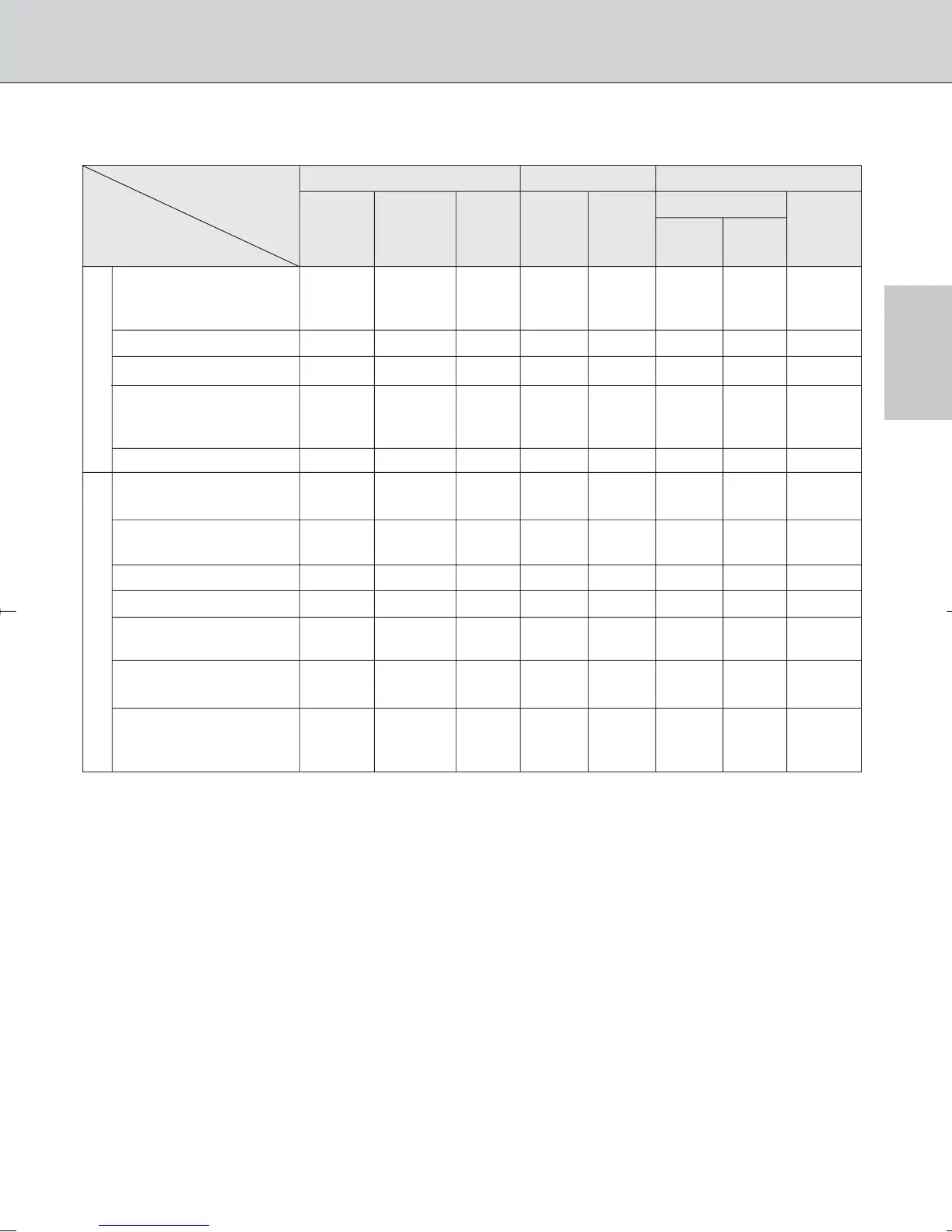
Mode Focus mode Exposure mode Metering system
Manual with
Matrix Center-
Autofocus electronic Manual P A
Weighted,
rangefinder
SM
3D 10- 10-
Spot*
1
Lens/accessories
segment segment
D-type AF Nikkor*
3
,
G-type AF Nikkor, R R RRRR— R
AF-S, AF-I Nikkor
PC Micro 85mm f/2.8D*
4
— R*
5
R — R*
6
R — R
AF-S/AF-I Teleconverter*
7
R*
8
R*
8
RRRR— R
Non-D/G-type AF Nikkor
(except AF Nikkor RRRRR— RR
for F3AF)
AI-P Nikkor — R*
9
RRR— RR
AI-S or AI type Nikkor,
Series-E, AI-modified Nikkor
— R*
9
R — R ——R
Medical-Nikkor
— RR— R*
11
———
120mm f/4
Reflex-Nikkor ——R — R ——R
PC-Nikkor — R*
5
R — R*
12
——R
AI-S or AI type
— R*
8
R — R ——R*
13
Teleconverters
Bellows Focusing
Attachment PB-6*
14
— R*
8
R — R*
15
——R
Auto Extension Rings
(PK-11A, PK-12, — R*
8
R — R ——R
PK-13 and PN-11)
CPU Nikkor*
2
Non-CPU Nikkor*
10
*1 Spot Metering area can be shifted with focus area selector (page 45) with CPU Nikkor lens.
*2 IX-Nikkor lenses cannot be attached. DX-Nikkor lenses are designed exclusively for digital SLRs and cannot be
used with the 35mm (135) type SLRs.
*3 This camera is compatible with the Vibration Reduction function of the VR Nikkor lens.
*4 The camera’s exposure metering and flash control system do not work properly when shifting and/or tilting the
lens, or when using an aperture other than the maximum aperture.
*5 Without shifting and/or tilting the lens.
*6 With exposure mode set to Manual.
*7 Compatible with AF-S and AF-I Nikkor except AF-S 17-35mm f/2.8D IF-ED, AF-S 24-85mm f/3.5-4.5G IF-ED,
AF-S VR 24-120mm f/3.5-5.6G IF-ED and AF-S 28-70mm f/2.8D IF-ED.
*8 With maximum effective aperture of f/5.6 or faster.
*9 With maximum aperture of f/5.6 or faster.
*10 Some lenses/accessories cannot be attached. (See page 32.)
*11 With exposure mode set to Manual and shutter speed set to 1/125 sec. or slower.
*12 By stop-down metering. In Aperture-Priority Auto exposure mode, exposure is determined by presetting lens aperture.
Exposure must also be determined before shifting; use AE-L/AF-L button before shifting. In Manual exposure mode,
exposure is determined by presetting lens aperture. Exposure must also be determined before shifting.
*13 Exposure compensation is necessary with Ai 28-85mm f/3.5, Ai 35-105mm f/3.5-4.5, Ai 35-135mm f/3.5-4.5
or AF-S 80-200mm f/2.8D lens. See the instruction manual of the teleconverter for details.
*14 Attach the PB-6 vertically. (PB-6 can be set to horizontal position after attaching.)
*15 By stop-down metering. In Aperture-Priority Auto exposure mode, exposure is determined by stopping down
aperture on the bellows. Exposure must also be determined before shooting.
• Reprocopy Outfit PF-4 can be attached in combination with Camera Holder Adapter PA-4.
• Types of CPU lenses and other usable lenses/accessories
Lens
33
F100_En_16 7/8/05 8:06 PM Page 33



 To Next Page