7
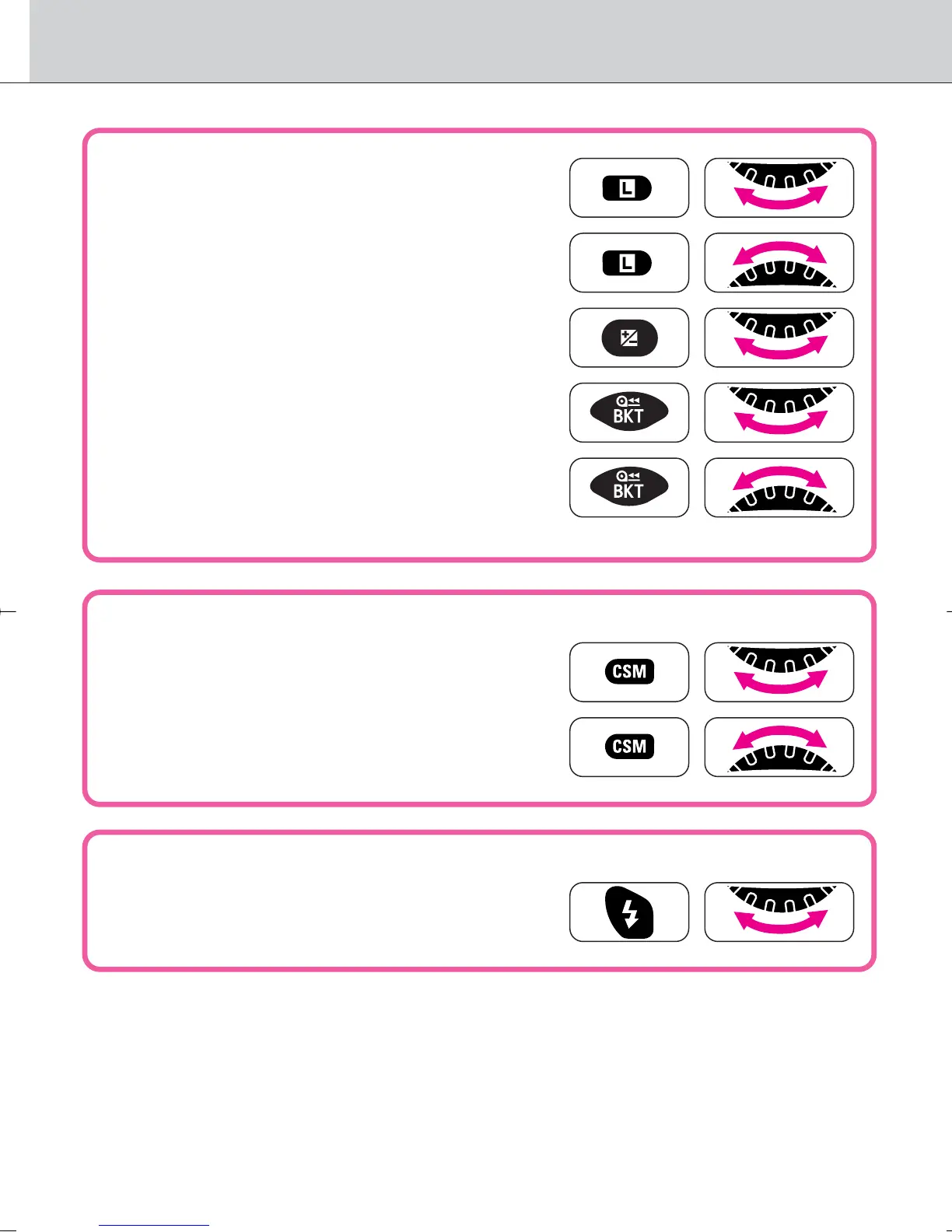
• Locking/unlocking shutter speed*
1
P. 4 9
• Locking/unlocking aperture*
1
P. 5 1
• Performing exposure compensation*
2
P. 5 6
• Setting/canceling Auto Exposure/
Flash Exposure Bracketing P. 57
• Setting number of shots and compensated
EV value in Auto Exposure/Flash Exposure
Bracketing P. 57
• Custom Setting
• Selecting menu number of Custom
Setting P. 70
• Selecting and making Custom Setting
P. 7 0
• Flash
• Selecting flash sync mode
P. 8 0
*1 · 12: Shutter speed can be set to change with the Sub-Command Dial (in
Shutter-Priority Auto or Manual exposure mode) and aperture with the Main-
Command Dial (in Aperture-Priority Auto or Manual exposure mode) (page 73).
*2 · 13: Exposure compensation can be set to be performed using the Main- or
Sub-Command Dial without pressing the exposure compensation button (page 73).
F100_En_16 7/8/05 8:06 PM Page 7



 To Next Page