D–15
D
Wireless Multiple Flash-unit Photography
SU-4 Type Wireless Multiple Flash-unit Photography
v To prevent the remote fl ash units from fi ring accidentally
Do not leave the remote fl ash units’ power on. Ambient electrical noise caused
by static electricity or other such electromagnetic waves can trigger them to fi re
accidentally. Always turn the power off when not in use.
Taking a picture with SU-4 type wireless multiple
flash-unit photography
1. Remote flash unit setting (flash mode and zoom head
position)
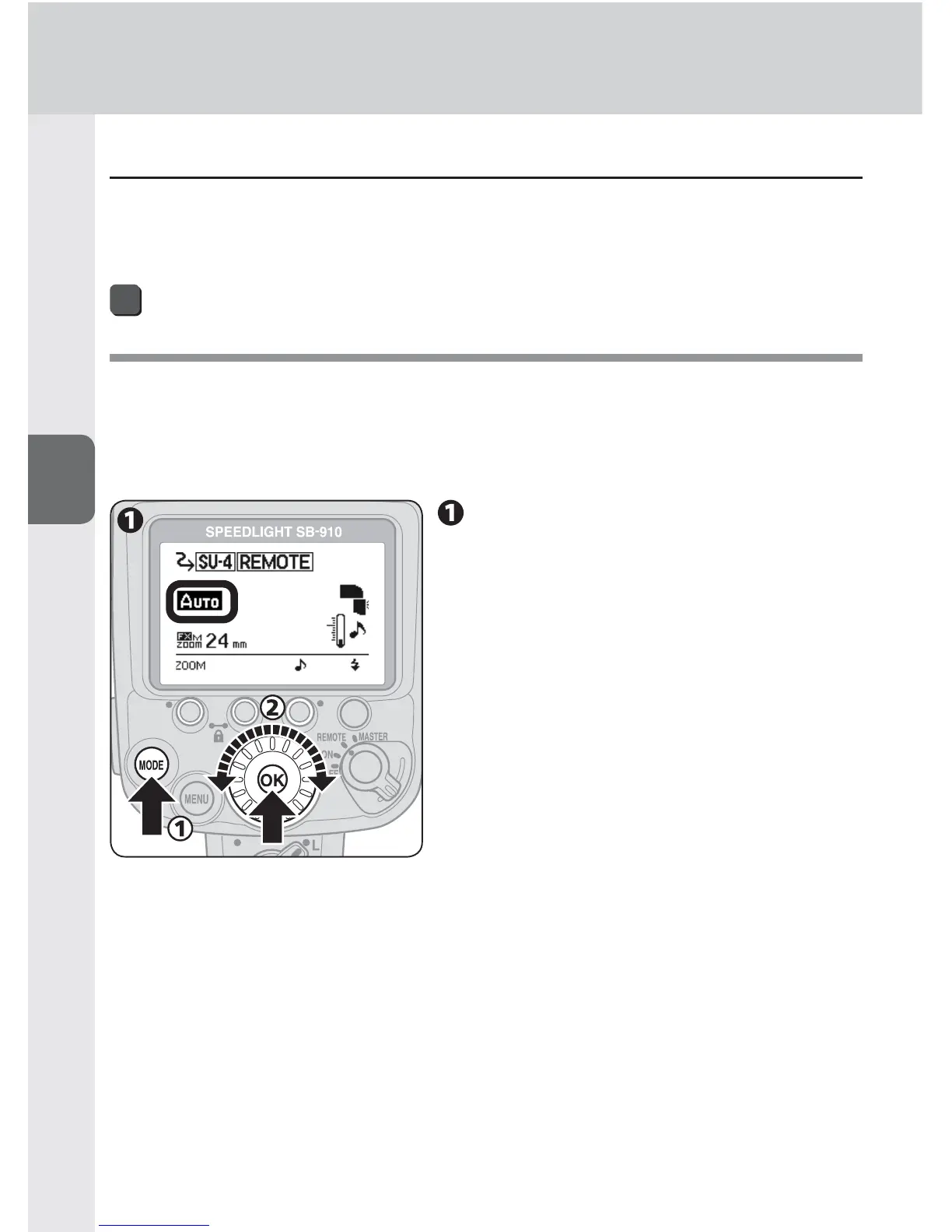
[Setting AUTO mode (example)]
Press the [MODE] button,
choose “AUTO” with the
selector dial, and then press the
[OK] button.



 To Next Page