E–11
E
Functions
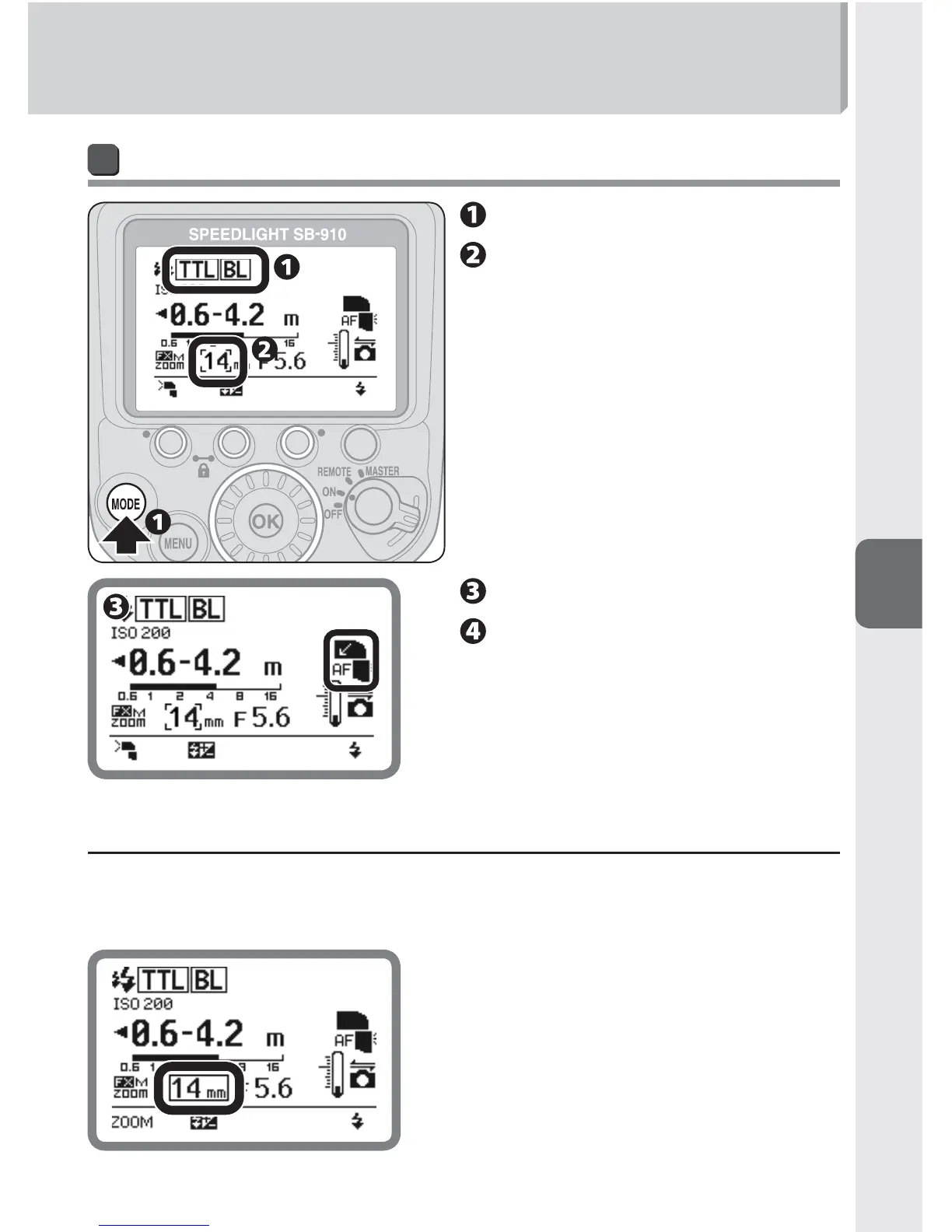
Taking close-ups with bounce-down flash
Set the SB-910’s fl ash mode.
Position the built-in wide
panel.
Tilt the fl ash head down.
Confi rm the fl ash-ready
indicator is on, and then
shoot.
t If the built-in wide panel is broken
The built-in wide panel may break if subjected to strong knocks while on the flash •
head.
In this case, contact your retailer or Nikon representative.•
If the built-in wide panel is broken, the zoom •
head position cannot be set to the desired
position. The setting for manual positioning
of the zoom head can be found in the
custom settings. (0B-20)
When the zoom head position is manually •
set, the indicator is displayed within a box.



 To Next Page