OCM Pro CF
OCM Pro CF - Rev. 09 as of 07.06.2016 page 71
Note
This instruction manual describes all programming options of the
OCM Pro CF. Depending on the device type various inputs and outputs as
well as communication and data transmission features may not be available.
They may be programmable, but may not be available to be used as outputs
or to be connected (see also Specifications in Chapter 0).
This applies for the transmitter type S4, which has only 2 analog outputs,
2 relay outputs, 1 analog input and no digital input. This device cannot be op-
erated as a controller. It can be operated with 2 analog outputs and 2 relay
outputs only. Please use transmitter type M4 for the additional functions de-
scribed above.
After mounting and installing sensor and transmitter (see previous chapters as
well as "Installation Instructions for Pipe and Wedge Sensors") activate the
power supply.
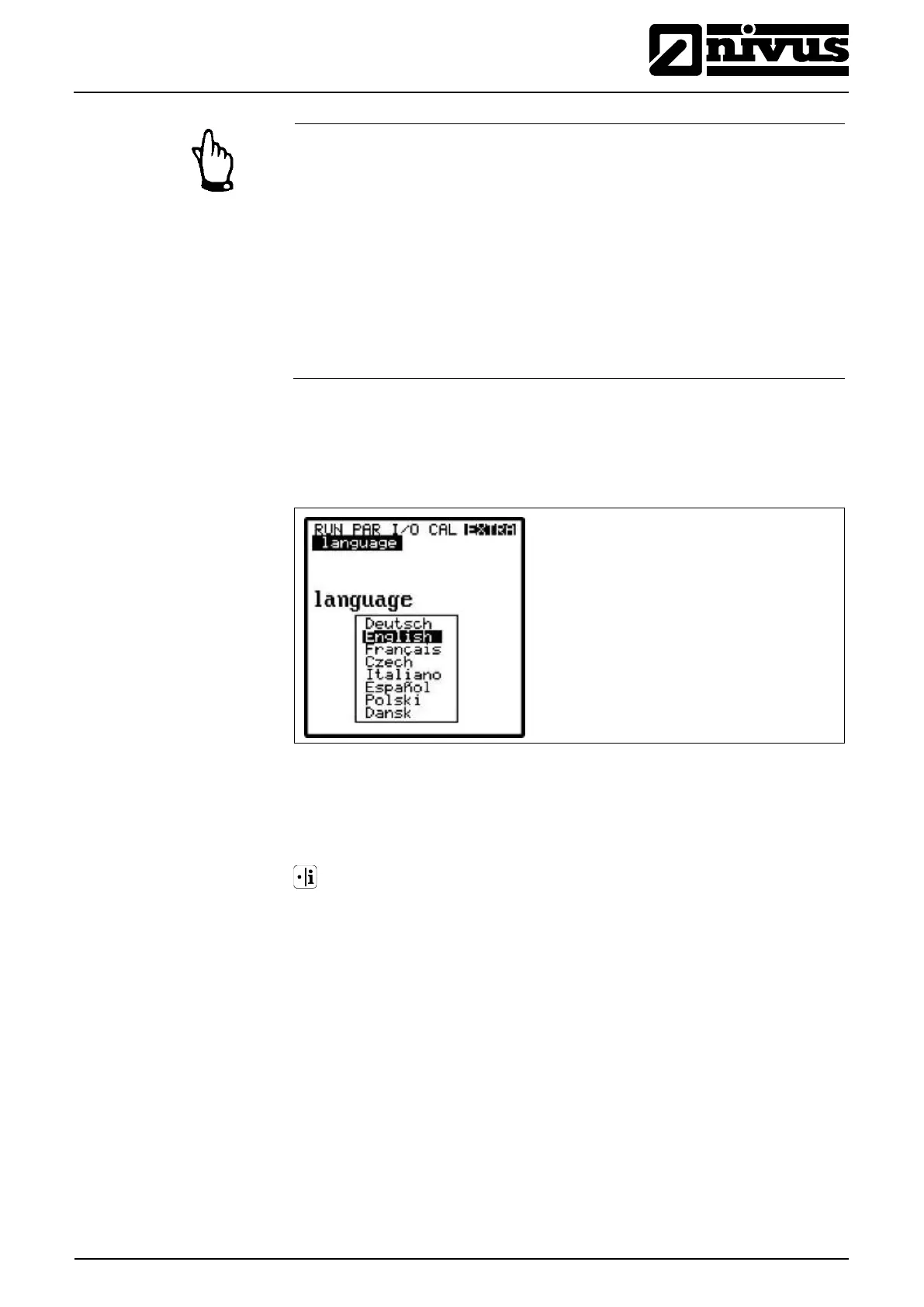
The initial start-up dialog is the language selection:
Fig. 9-2 Language selection
Select the desired language by using the arrow keys and press >Enter< to con-
firm.
Please press key once
The transmitter begins communication with the sensor and coordinates both
processor programs. At the same time, the firmware version numbers of CPU
and sensor will be indicated, which is necessarily required if problems during
programming should arise.
You will need to note this information. It is required as soon as questions on
programming should arise.



 To Next Page