OCM Pro CF
OCM Pro CF - Rev. 09 as of 07.06.2016 page 75
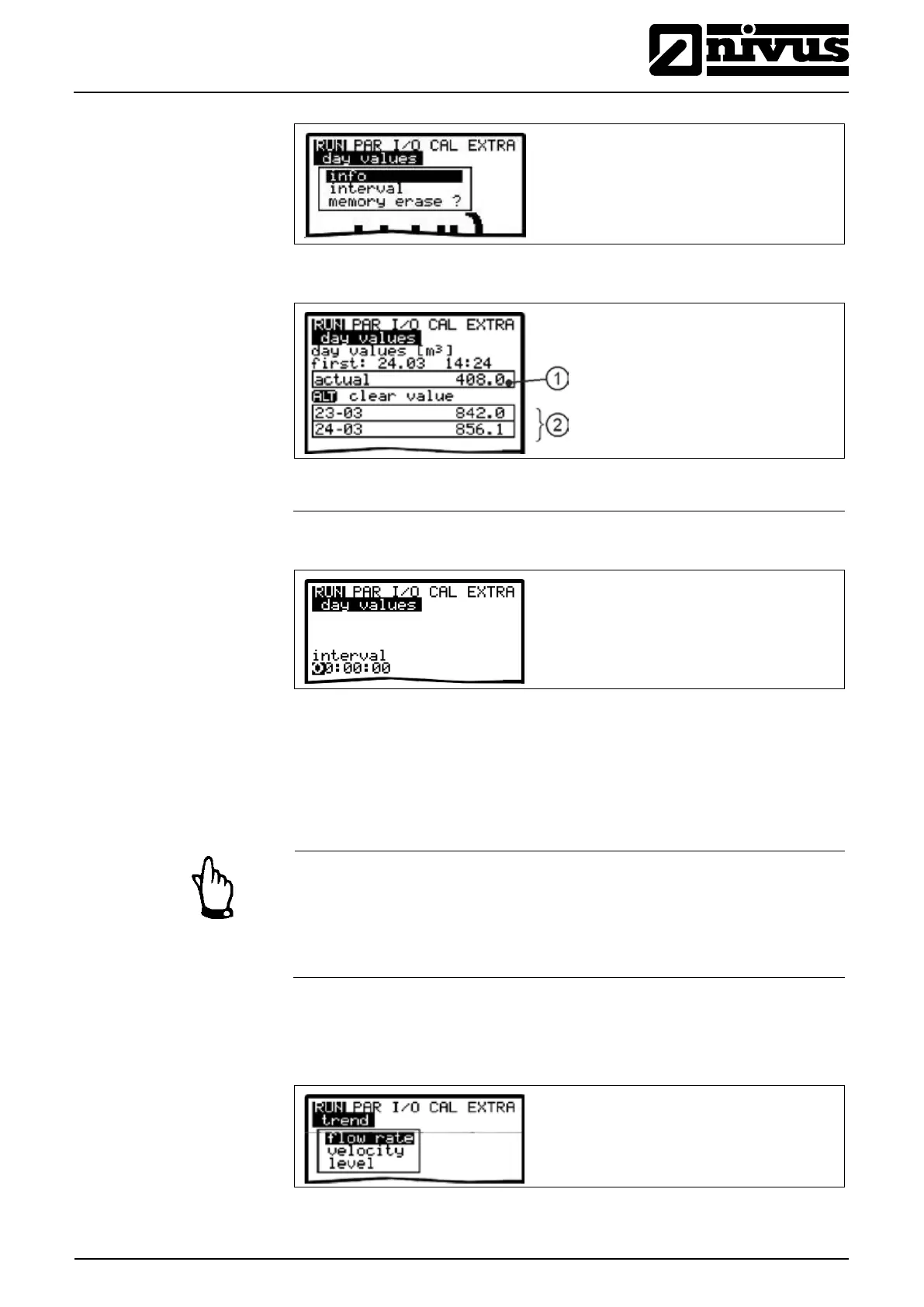
Fig. 9-8 Info menu
1 Sub total
Fig. 9-9 Day values
Fig. 9-10 Time of daily totalising
This menu is to monitor any interruptions in the unit function. Errors are going to
be saved and ordered by type of error, date and time. Pressing the >ALT< key
will delete all error messages one by one (from the latest one back to the oldest
one).
Note
When deleting an error message at a time when the error still is due to be
dealt with, this error will NOT be written into the error memory again. The error
will be saved in the memory not before it has disappeared and arisen again (or
if the power supply has been interrupted briefly).
Operates like an electronic writer. Average cycle values of level, average flow
velocity and height (level) will be recorded for the past days. Values can be
individually selected and viewed in a submenu..
Fig. 9-11 Trend value selection (varying screens)



 To Next Page