OCM Pro CF
page 82 OCM Pro CF - Rev. 09 as of 07.06.2016
Select channel shape with "Up“ and "Down“ keys.
Confirm selection with “Enter“.
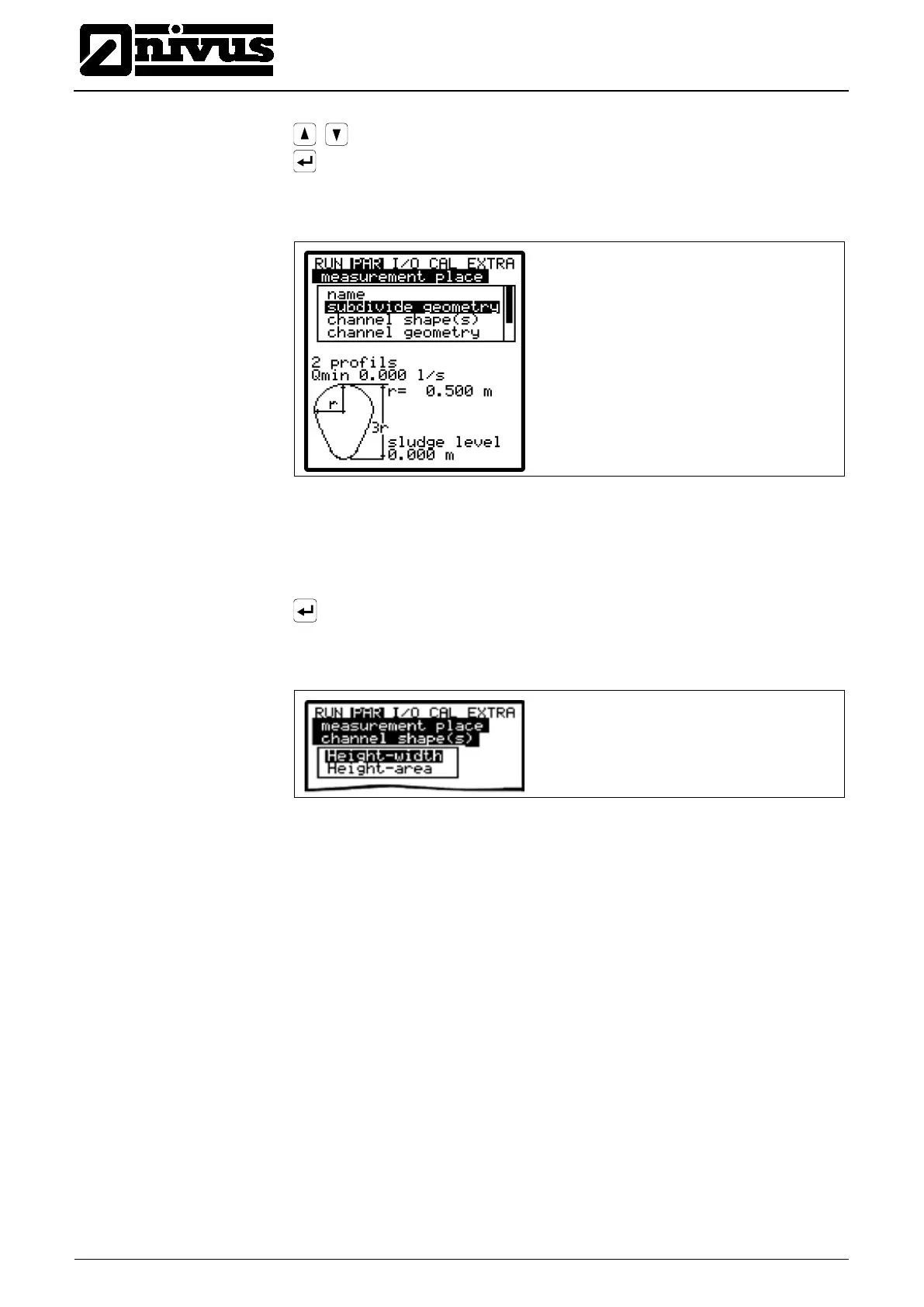
The selected profile will be indicated in the programming mode screen
Fig. 9-24 Selected profile
If the existing profile does not comply with the options to select from, choose
>Custom shape< in such a case.
Confirm with“Enter“.
A request will come up subsequently asking for known relations.
Fig. 9-25 Custom shape menu
Type in the respective channel dimensions depending on the profile chosen
before.



 To Next Page