Nokia EM5400 IP Security Platform (IP260 and IP265 Appliances) Installation Guide 53
6 Installing PC Cards
This chapter includes information about how to install ATA flash-memory PC
cards in your EM5400 appliance to provide non-volatile, random-access
memory (RAM).
You can use the flash-memory PC card to store local system logs, Nokia IPSO
images, and configuration files.
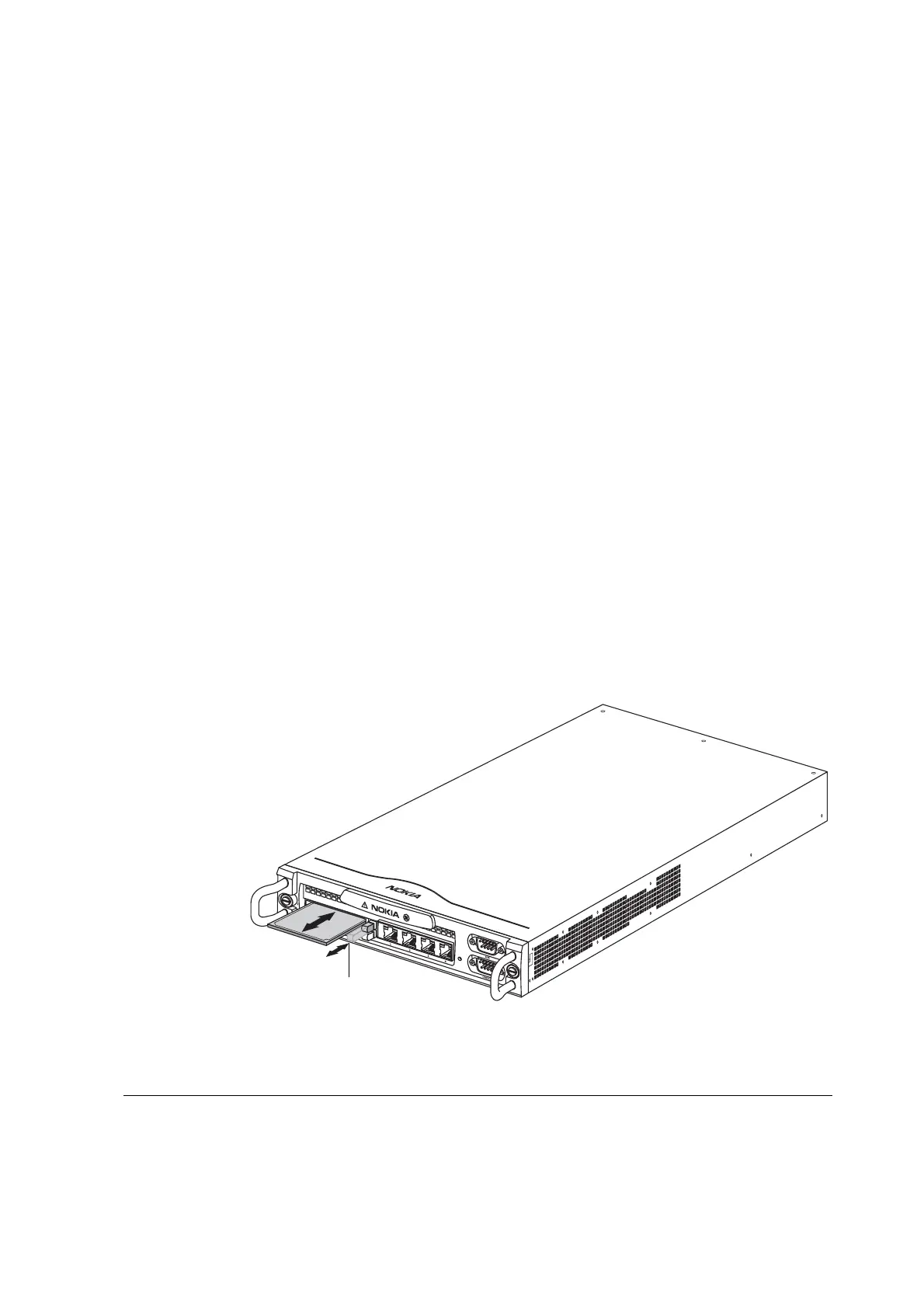
The EM5400 appliance has two PC-card slots that each support an 8-MB or
greater flash-memory PC card. The two slots are located on the front panel of
the appliance, as shown in Figure 12.
Figure 12 Inserting a PC Card
00425
IP260
Eject buttons
EM5400 IP Security Platform includes IP260, IP265, 50i, 50s Appliances



 To Next Page