6 Installing the SYSTEM PROGRAM
48
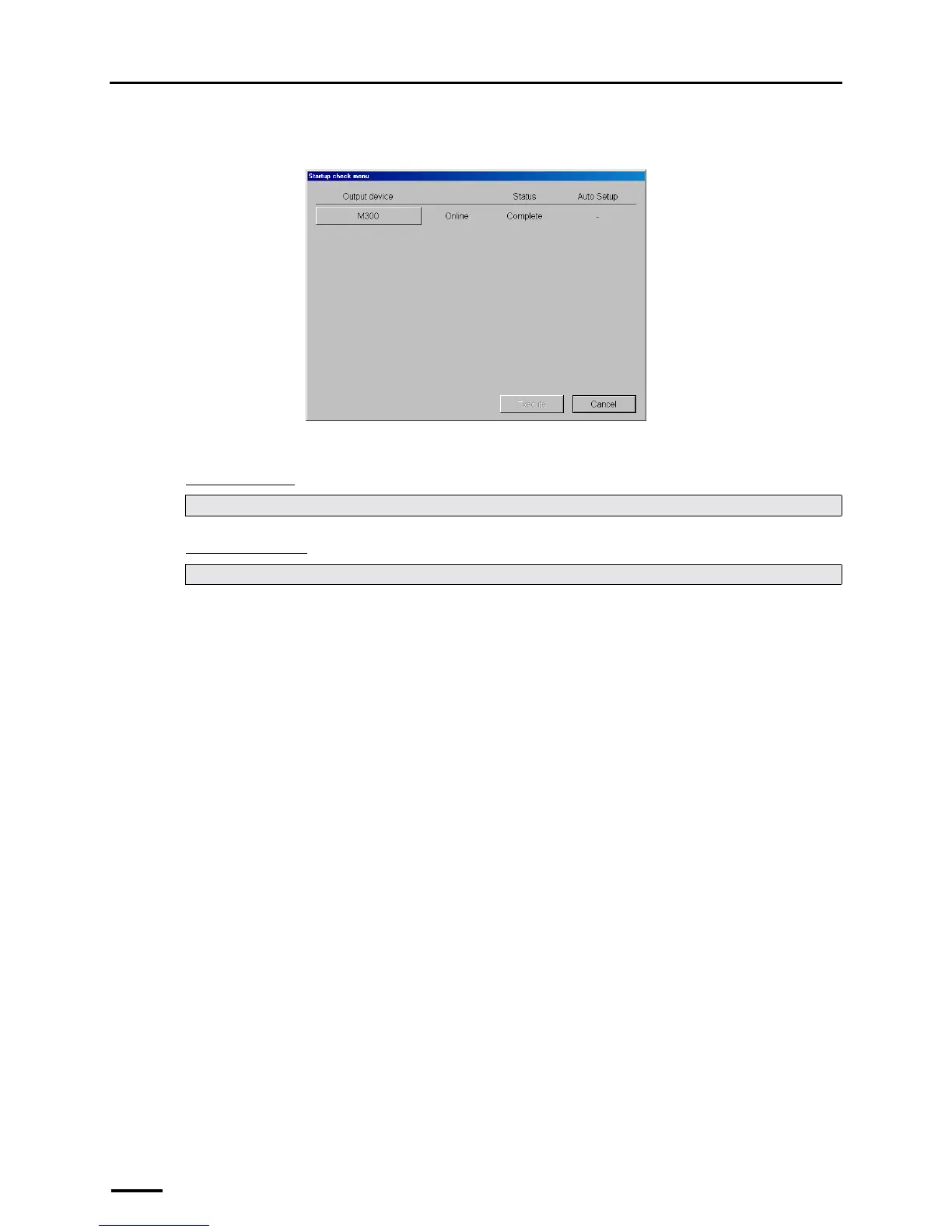
If connecting the scanner to the PC on which the controller is installed, the Startup check menu display is shown.
Go to the next step while the Startup check menu display is shown.
"
""
" Next, go to • • •
For Windows XP
For Windows Vista
Perform ☞7 Connecting the power supply and setting the USB driver.
Perform Step 3 in ☞7.2 Configuring USB driver settings.
S089245



 To Next Page