9 Creating print channels
65
For details of inserting a film, see the following.
Example: Inserting a 135-type film
Example: Inserting an IX240-type film
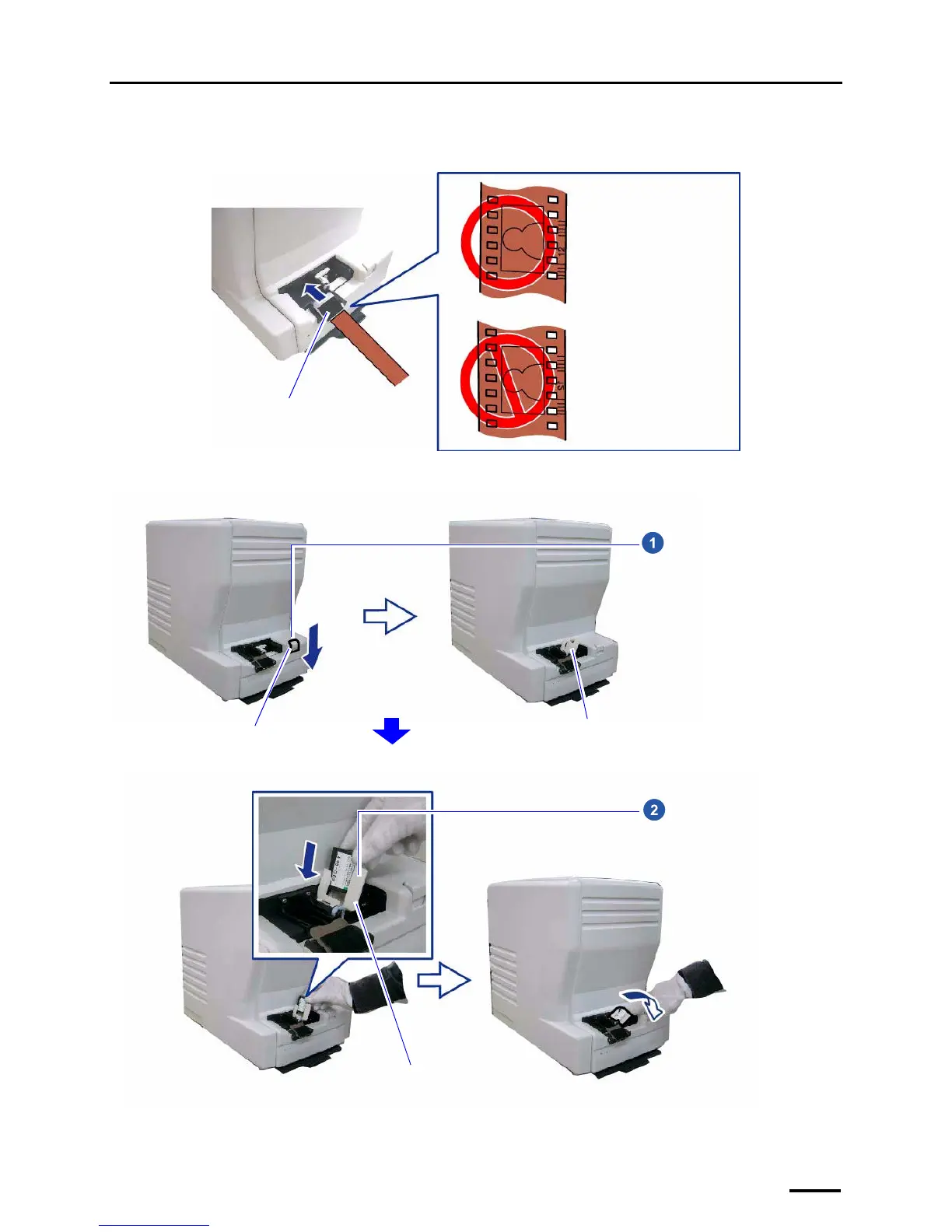
Insert the film into the film
catcher. Hold the film so
that the image and the
frame numbers are facing
upwards. Then, insert the
film from the larger frame
number.
Film catcher
G088618
Eject button
Cartridge holder
Press the eject button in the arrow
direction to raise the cartridge
holder.
G088498
Cartridge holder
Set the IX240 film cartridge in the
cartridge holder, then push the
holder back down.
G088499



 To Next Page