10 Quick reference
68
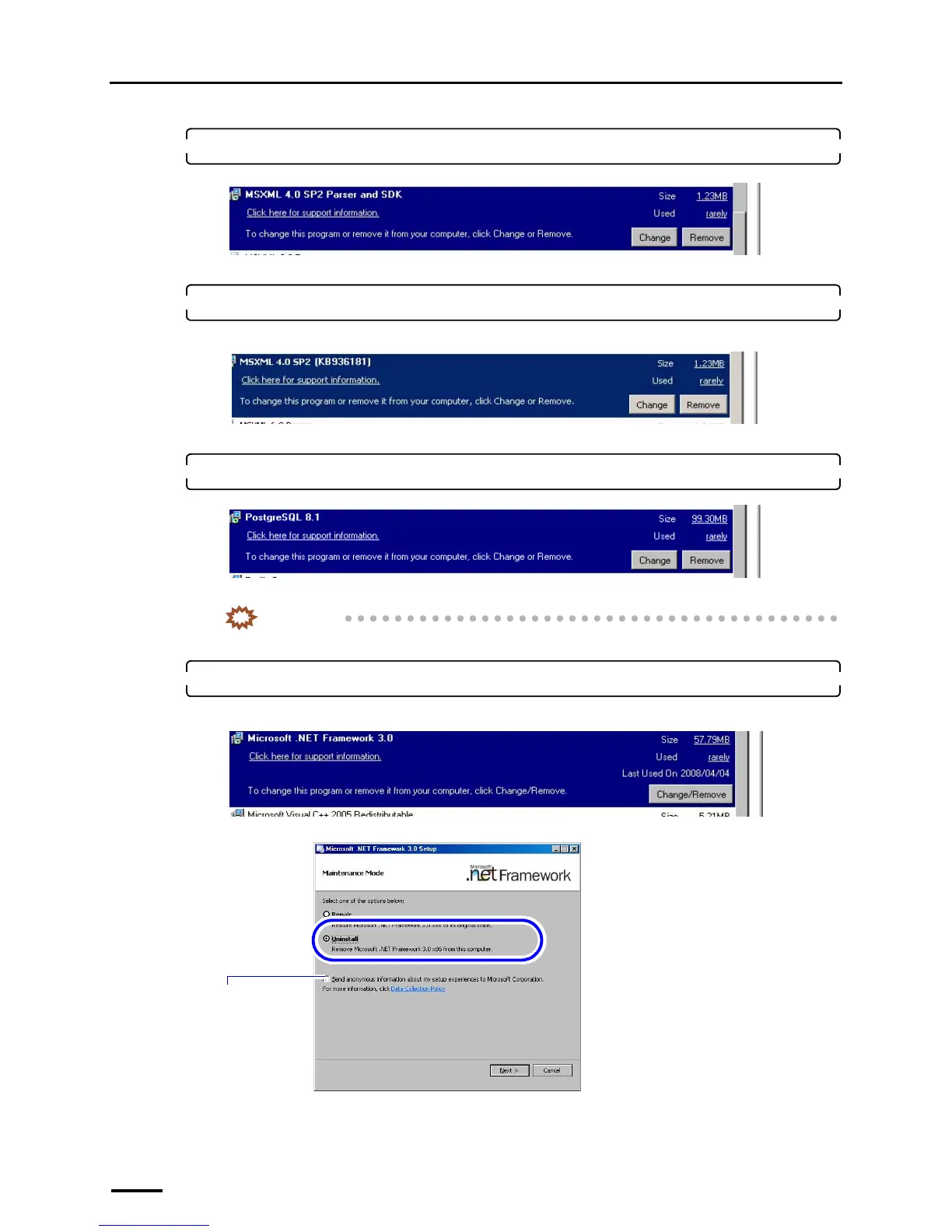
9. Select MSXML 4.0 SP2 Parser and SDK and click Remove or Uninstall.
Uninstallation of MSXML 4.0 SP2 Parser and SDK starts.
10. Select MSXML 4.0 SP2 (KB########) and click Remove.
For Windows Vista, skip this step because this software is not installed on Windows Vista.
Uninstallation of MSXML 4.0 SP2 (KB########) starts.
11. Select PostgreSQL 8.1 and click Remove or Uninstall.
Uninstallation of PostgreSQL 8.1 starts.
IMPORTANT
• After removing PostgreSQL8.1, manually delete the PostgreSQL folder in Program Files (C drive).
12. Select Microsoft .NET Framework 3.0 and click Change/Remove.
For Windows Vista, skip this step because this software is not installed on Windows Vista.
S089533
S091812
S089534
S091123
You do not need to
select this check
box.
S091124



 To Next Page