17
11. “Output Manager”
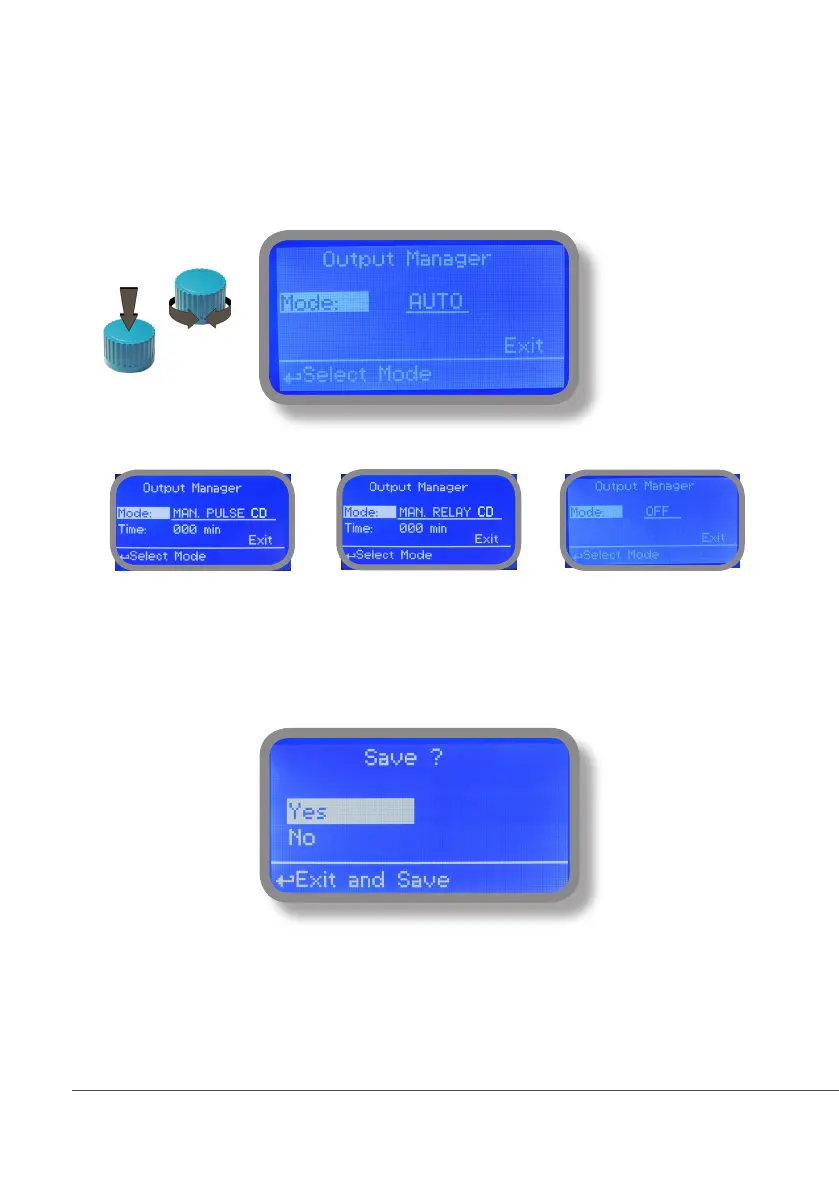
From “Menu Calibration” choose “Output Manager”. This menu allows to manually operate all outputs for a
settable time. Set to “AUTO” for normal operating mode. Set to “OFF” to permanently disable outputs.
Press wheel to move cursor on “TIME” field. Once here, choose a working time between 0 (disabled) or 199
minutes. Move on “EXIT”, then press wheel.
Choose “YES” to save changes. Exit from main menu. Main display will show a countdown for selected output.
To stop this countdown go back to “Output Manager” menu and choose “AUTO” as working mode or wait until
countdown ends. This function can be used for priming purposes.



 To Next Page