20
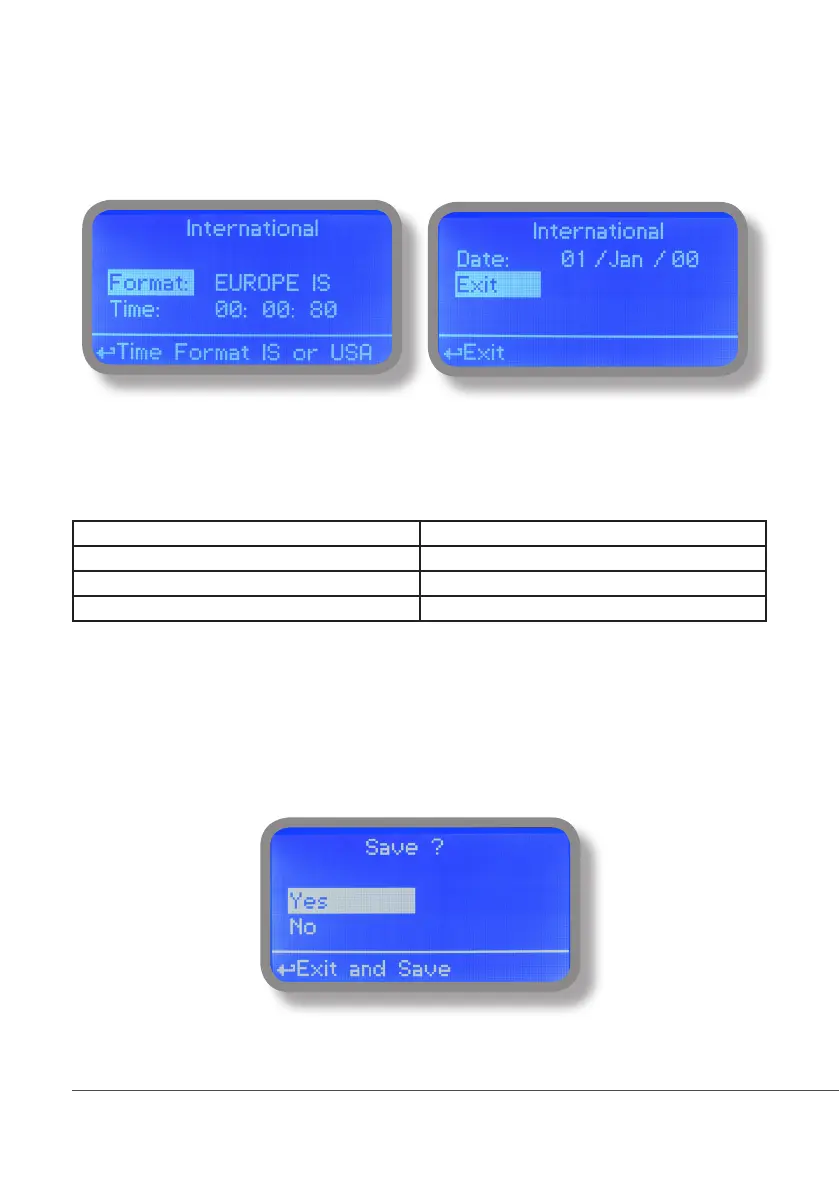
14. “International”
Use this menu to set international parameters as UNIT FORMAT (Europe IS or USA), Local Time and Date.
Format.
Use this option to use European or USA units format. See table for differencies.
EUROPE IS (Internationl Standard) USA
Date (DD/MMM/YY) Date (MMM/DD/YY)
Time 24h Time AM / PM
°C °F
Time.
Use this option to set local time.
Date.
Use this option to set date.
Move on exit to end changes.
To end procedure move cursor on “OK” and press wheel to proceed to “Save” request screen. Move wheel on
“YES” to save or “NO” to discard changes.



 To Next Page